
VR Live Editing: Video Editor window as plane in viewport for editing live in VR
Hi!
I have recently previewed some of my footage that is intended for the big screen in VR inside of a 3D cinema model in Blender, it just gives a much better impression of the size.
Now I thought it would be really handy if we could expose the video sequencer output onto a plane in the 3D viewport, so it would be possible to edit the footage live in VR while looking at the "huge" cinema screen, which is a privilige only the fanciest editors normally have.
Exposing the video editor interface itself as a panel is already possible via plugin, so you would be able to edit the video live and see the screen show your changes accordingly
Maybe there could be a video editor texture node that maps the video sequencer's live output as a frame dependent texture? Or have a seperate object in the extra objects menu that would just work as the video editor window, but in the 3D viewport?
This would also be really helpful when you are for example editing multichannel for multiple screens and want to see all the screens at once in VR
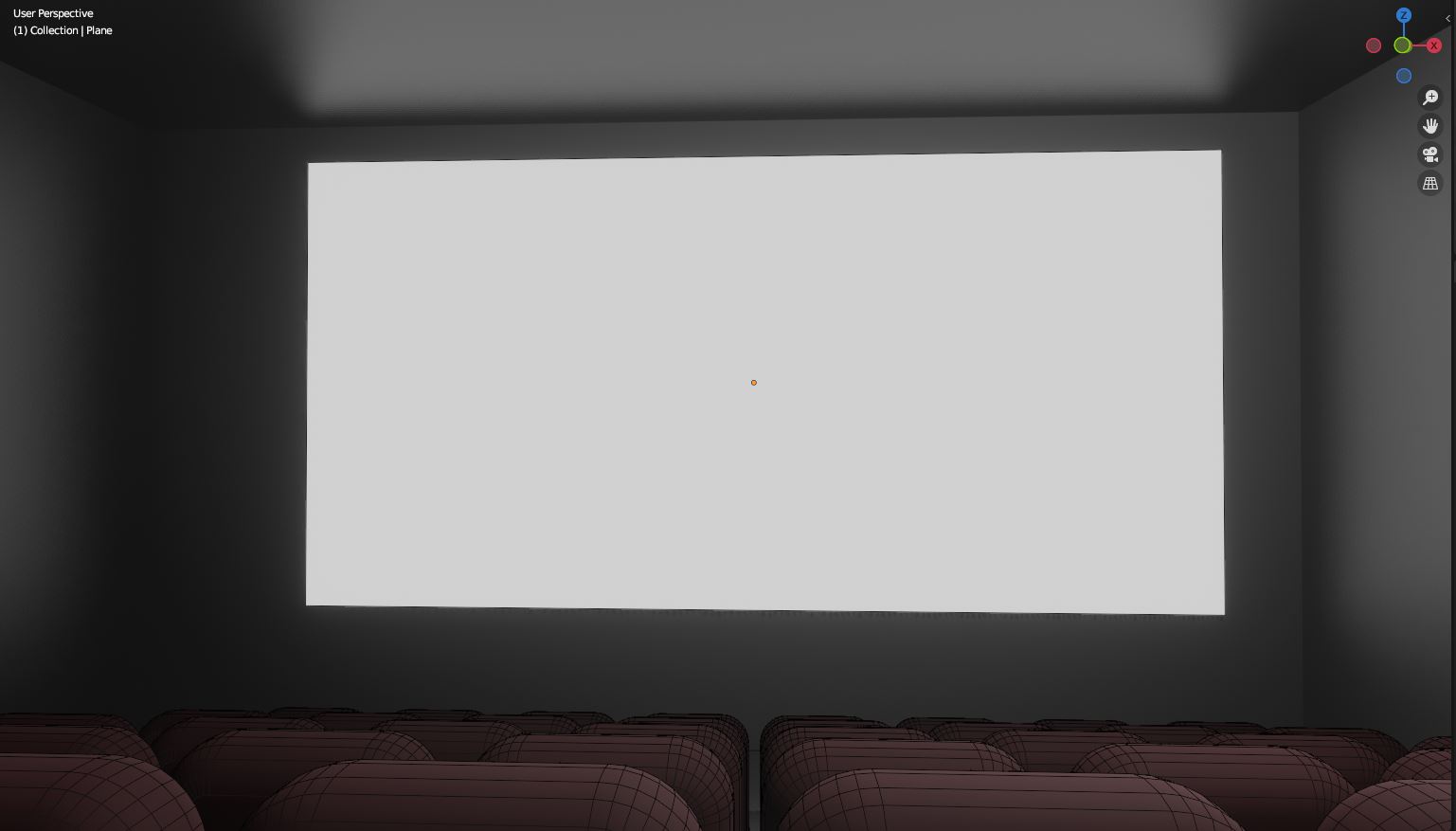
But this functionality would also make sense if you have a screen inside your scene and want to edit a quick shot to run on it, that way you would not have to render everything out beforehand
1 Comment
haha that's a great idea actually, I use to watch movies with the Bigscreen VR app, but editing in VR would be really cool and it would finally make sense to have a video editing software inside of Blender