
Convenient PIVOT control in sculpt mode.
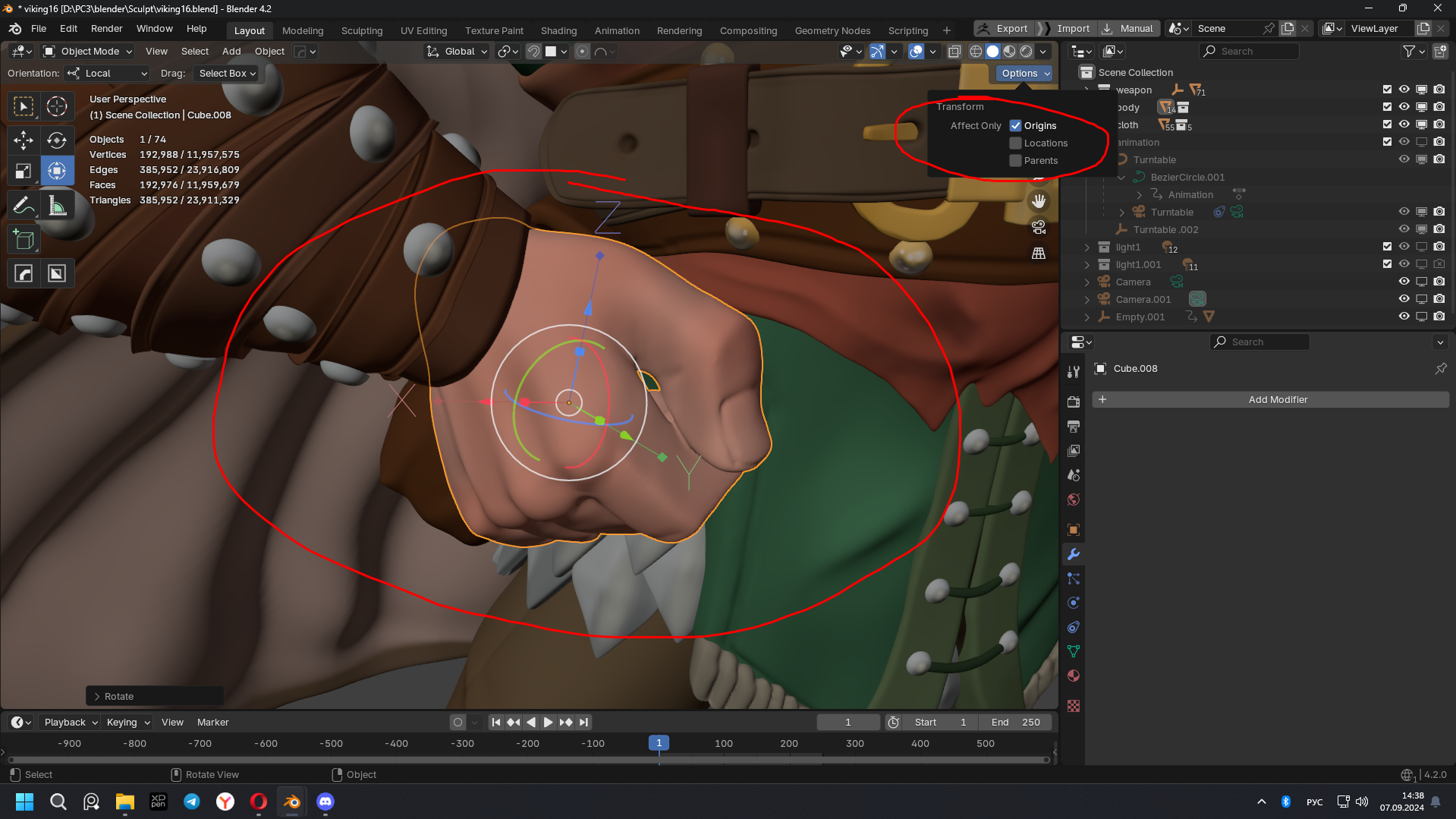
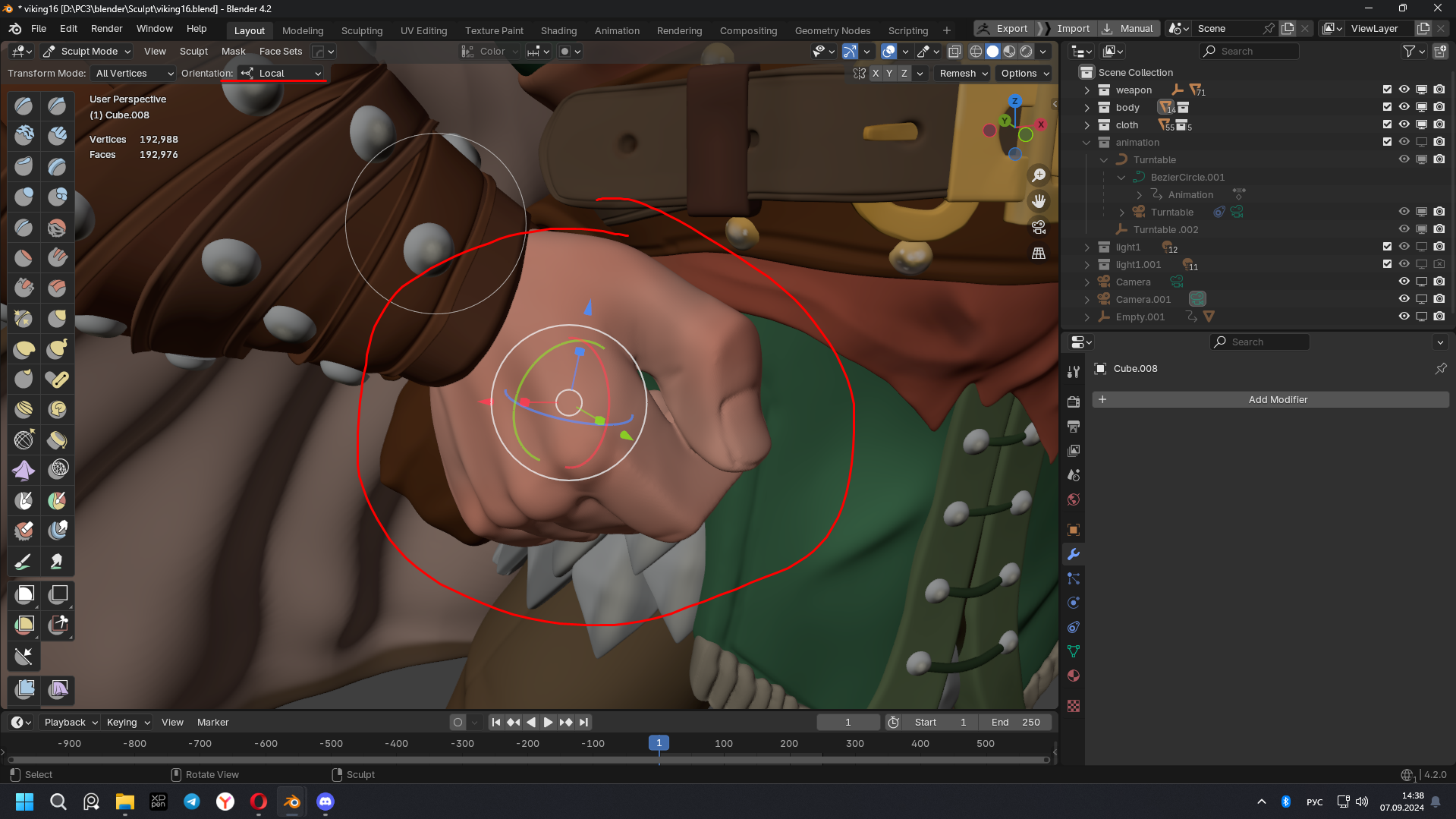
Make it possible to control the pivot, like in ZBrush or also like in object mode. PIVOT control in sculpt mode is very complicated. You need to switch to the object mode, check the ORIGINS box, do the translation, rotation. Return to the sculpt mode and only then reduce the action in the desired direction with the object. It takes too long. In zbrush this is done simply by holding ALT
Sry for bad English. I write it In Russian too.
Управление PIVOT в скульпт моде очень сложное. Нужно переключиться в обьект мод, поставить галочку ORIGINS, сделать перещение, вращение. Вернуться в скульпт мод и только потом произвести действие в нужном направление с обьектом. Это слишком долго. В zbrush это делается просто зажав ALT
2 Comments
This is being worked on: projects.blender.org/blender/blender/issues/118250
The 3D Cursor will replace the sculpt pivot.
I would prefer to make use of the working pivot aka the cursor and leave the object origin unchanged. There are now in the sculpt menu a few options to Snap Pivot and you can switch to cursor as transforms center but no control of orientation even if visually you can adjust the cursor and the gizmo axis.