
Collapse/Expand "Properties Editor"
Hello associates!
I did not come up with anything special, but it seems that this is another convenient way to optimize the workspace, it is simple and close to the classic image of CG editors, or rather tool buttons. And it seems to be quite popular for this editor.
For example, my main workspace looks like this:
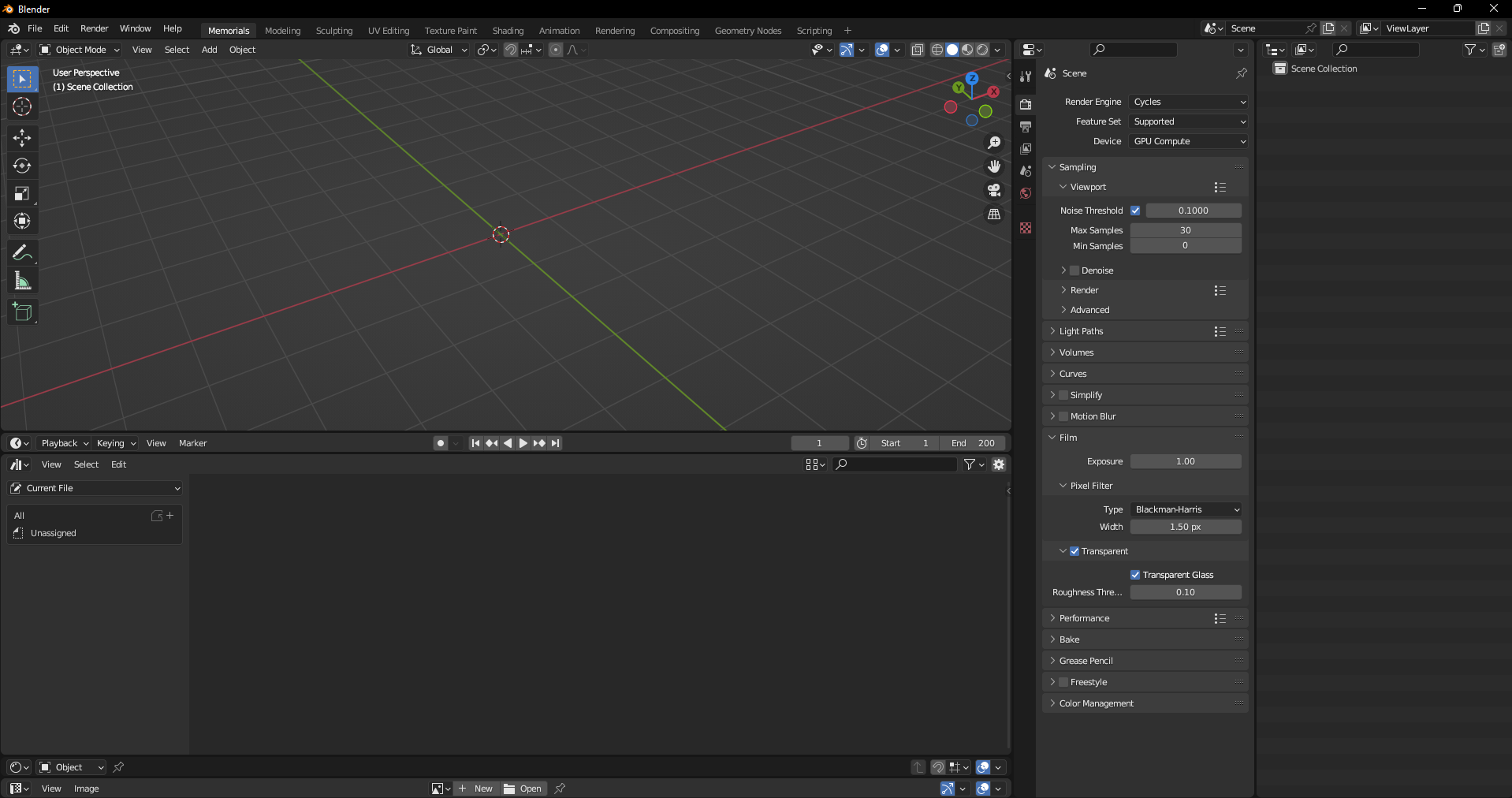
But it can be simplified as much as possible in this way:
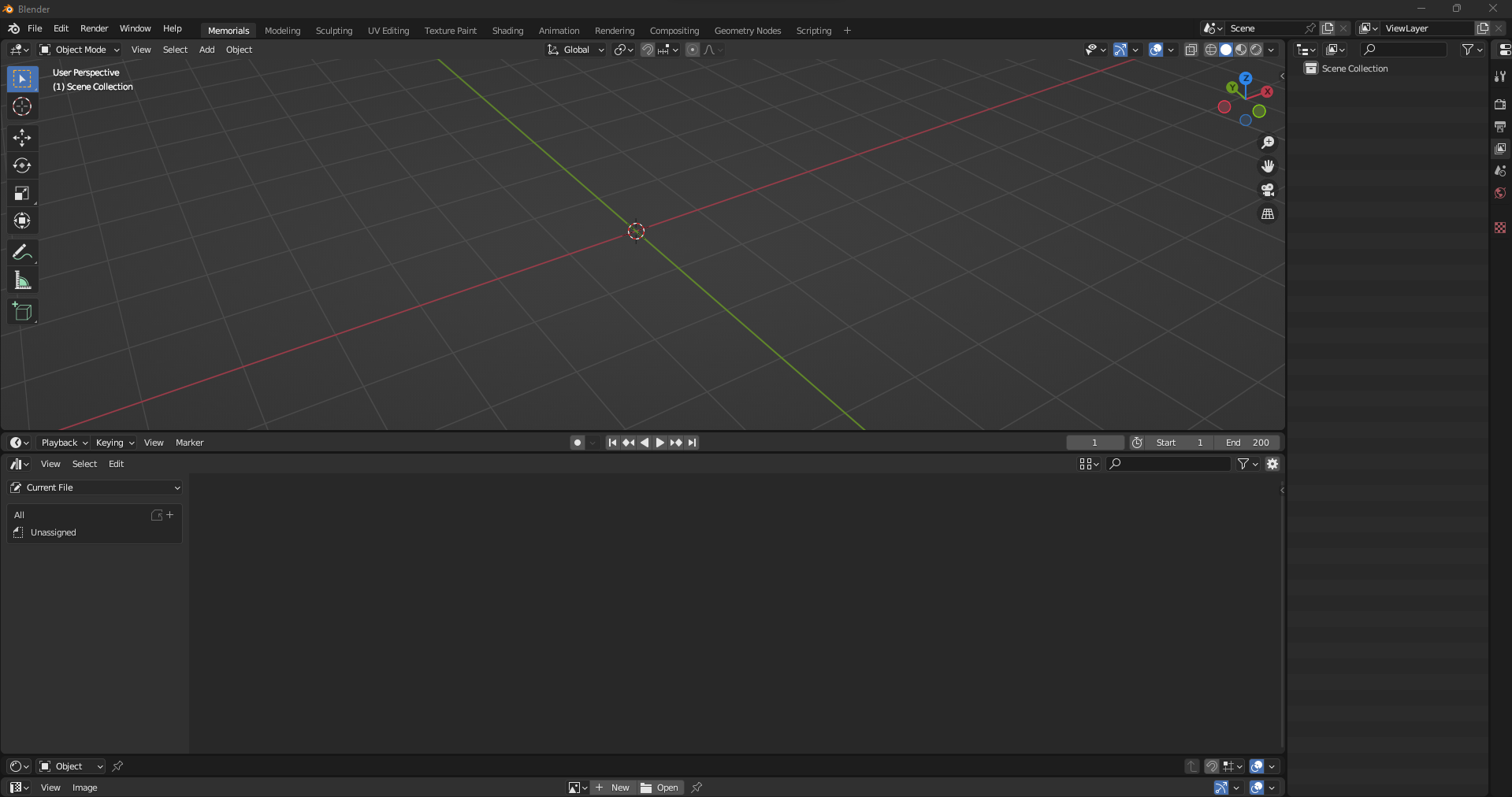
- This method involves snapping the editor window to adjacent sides.
- When the editor window is minimized to the minimal label view. this function, the function of binding to the sides, should work.
- In such a minimalistic view, when you click on the button of any of the visible menus, the window moves to the side at the distance at which the snap to the sides was turned on.
- Double clicking on one of the menu expands/collapses the window to the side. It seems to be more convenient than an auto-expanding menu item.
For example:
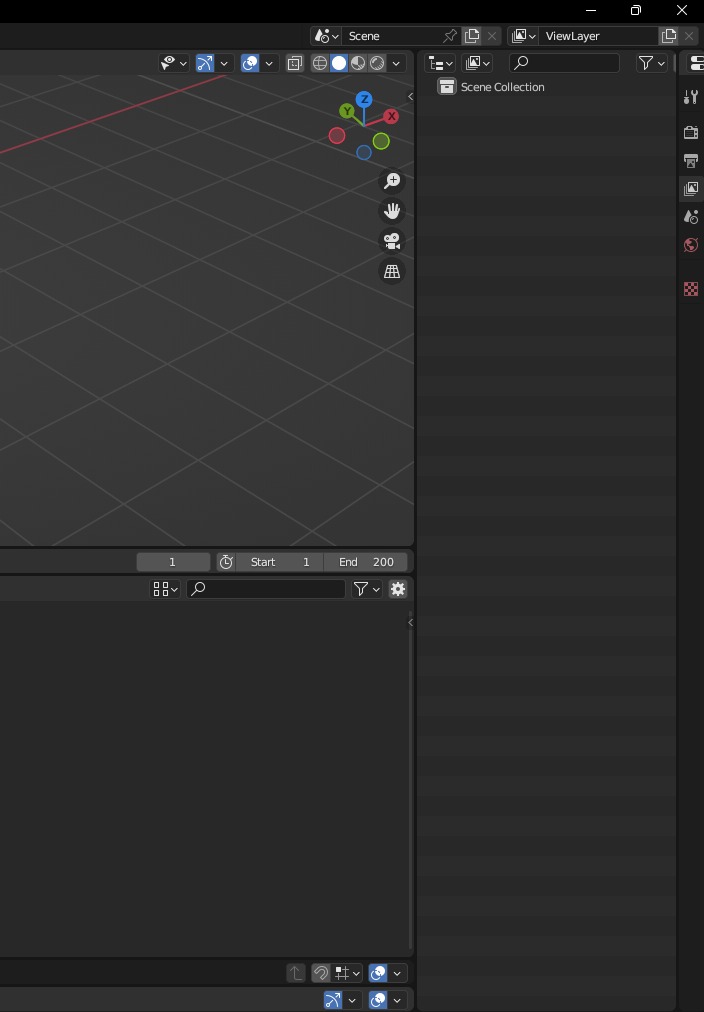
Now (After clicking on )
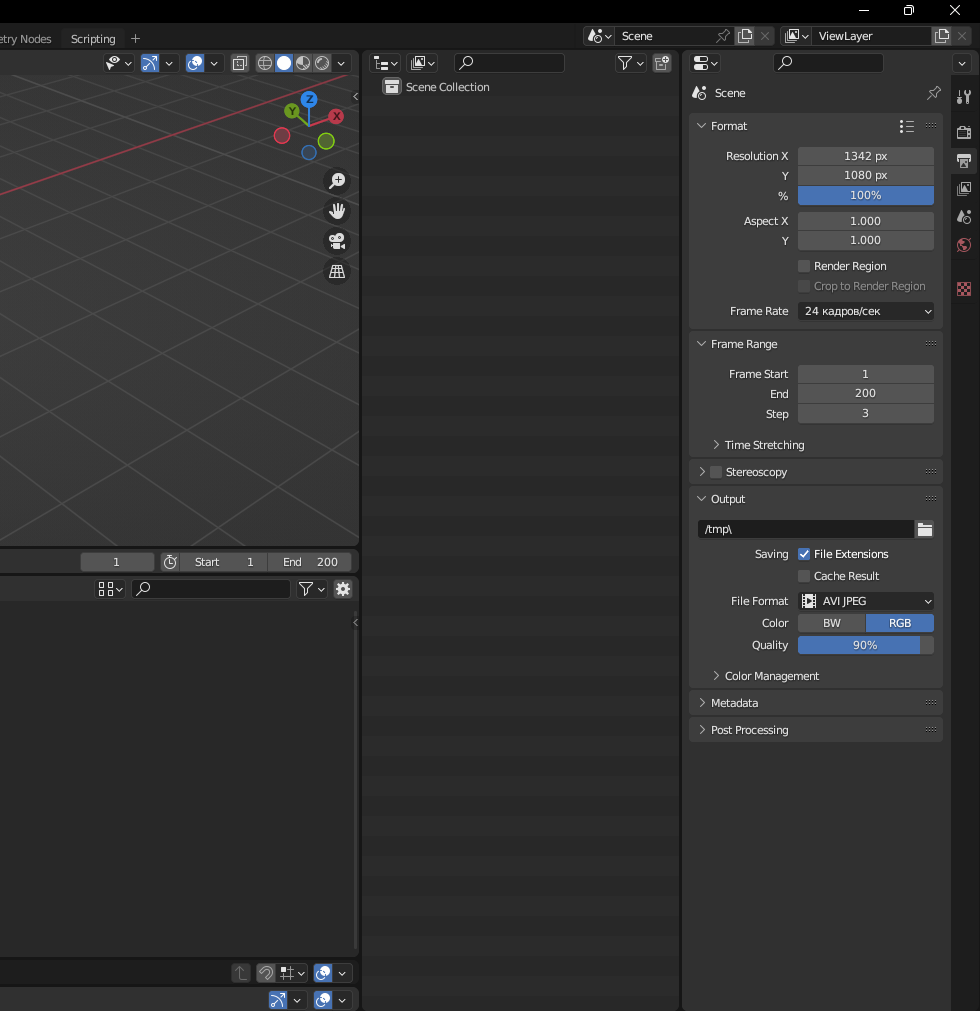
Thus, you can quickly and easily expand the space without unnecessary workspaces. It is especially useful on fast projects when flexibility is important without preliminary environment settings. At the same time, one of the most important editors can always be on the screen without affecting the extra space.
Oh yes, it's also more convenient than minimizing the window manually, and besides, there is a bug in this method that does not always allow you to grab the edge of the collapsed "properties editor". Therefore, expanding this menu seems very relevant!
0 Comments