
Improved "keep above surface" option for Shrinkwrap+Subsurface modifier for better retopo workflow
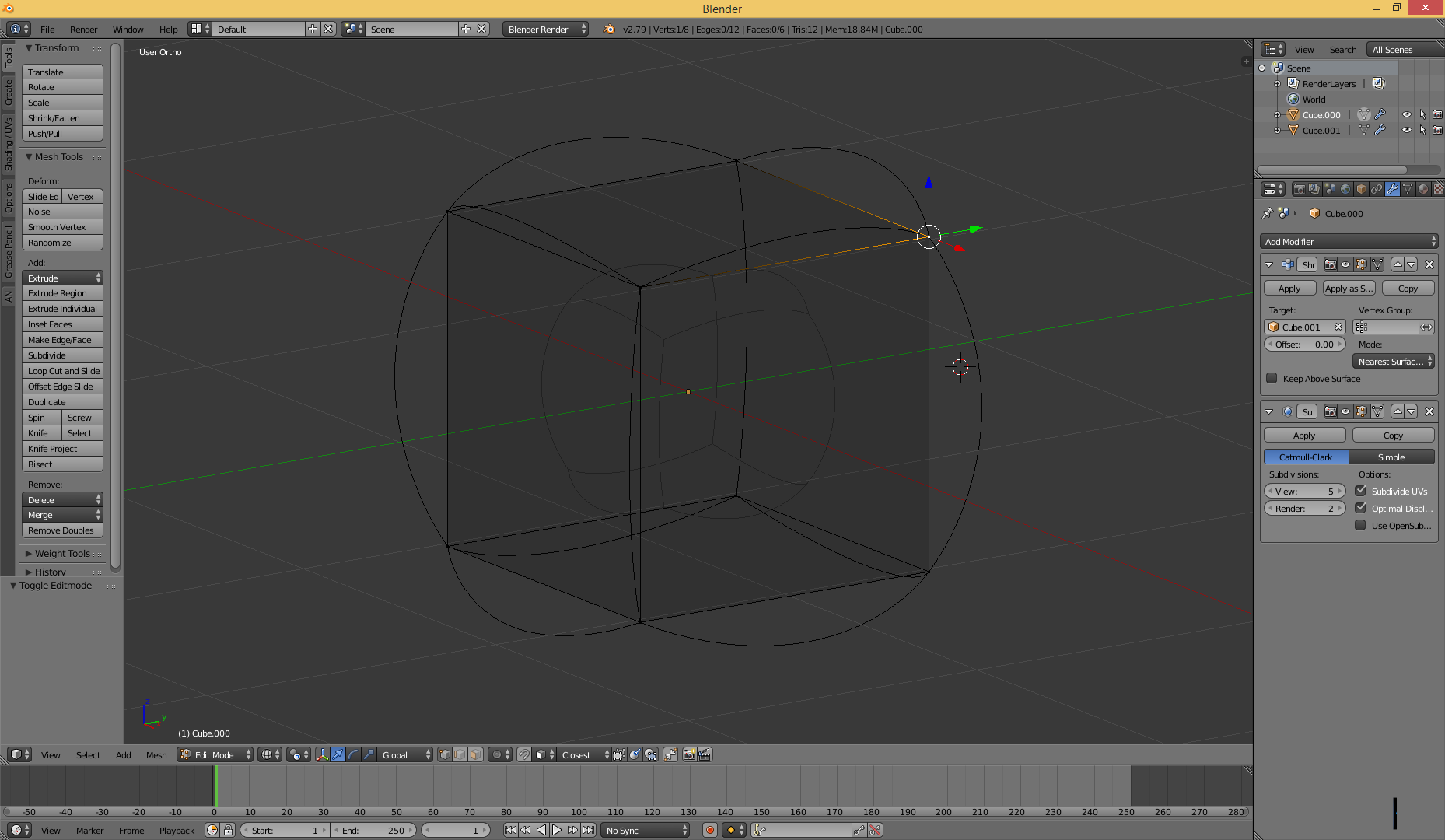
A problem that I usually find in the retopology work flow (shrinkwrap+snapOnSurface+Subsurface) is the fact that the Subsurface moves the vertex position, giving the wrong final position. This is due to the fact that the Subsurface modifier projects the verts on a limit surface, problem is that the Shrinkwrap modifier doesn't take into consideration this displacement
Preferred result:

Current result:

The first image shows the preferred result, applying the shrinkwrap modifier should give the desired shape The second image shows what actually happens and this is particularly true when dealing with heavily low poly retopo
I propose to introduce a second "Keep limit surface vertex above surface" option (maybe with a shorter name :) ) that can take into account the displacement introduced by the SubSurface modifier, moving the vertex to compensate this displacement, improving the retopo workflow, speeding it up while, at the same time, reducing the needed vertices to achieve a similar or better fidelity of the highpoly mesh
A similar option may be added to the snap on surface tool for the edit mode
1 Comment
Oh yeah, please. I wouldn't say that Shrinkwrap is "unprecise" because that would be technical wrong i assume, but with the current options more often than not i'm getting unprecise outcomes, so i would really really appreciate additional features to this modifier to make it better.