
"SELECT Previous Objects" shortcut
While editing, scupting or whatever, you need to repeat, undo and fine tune the same actions again and again. So you UNDO with Ctrl+Z, and then you need to SELECT again the same points or objects, which is a very tedious process. Why don't we enable a Select Previous Objects/Faces/Points shortcut? This way you can repeat and fine tune and repeat any action (sometimes with a different tool, or modifying the previous selection) without having to reselect all points...
Autocad Shortcuts
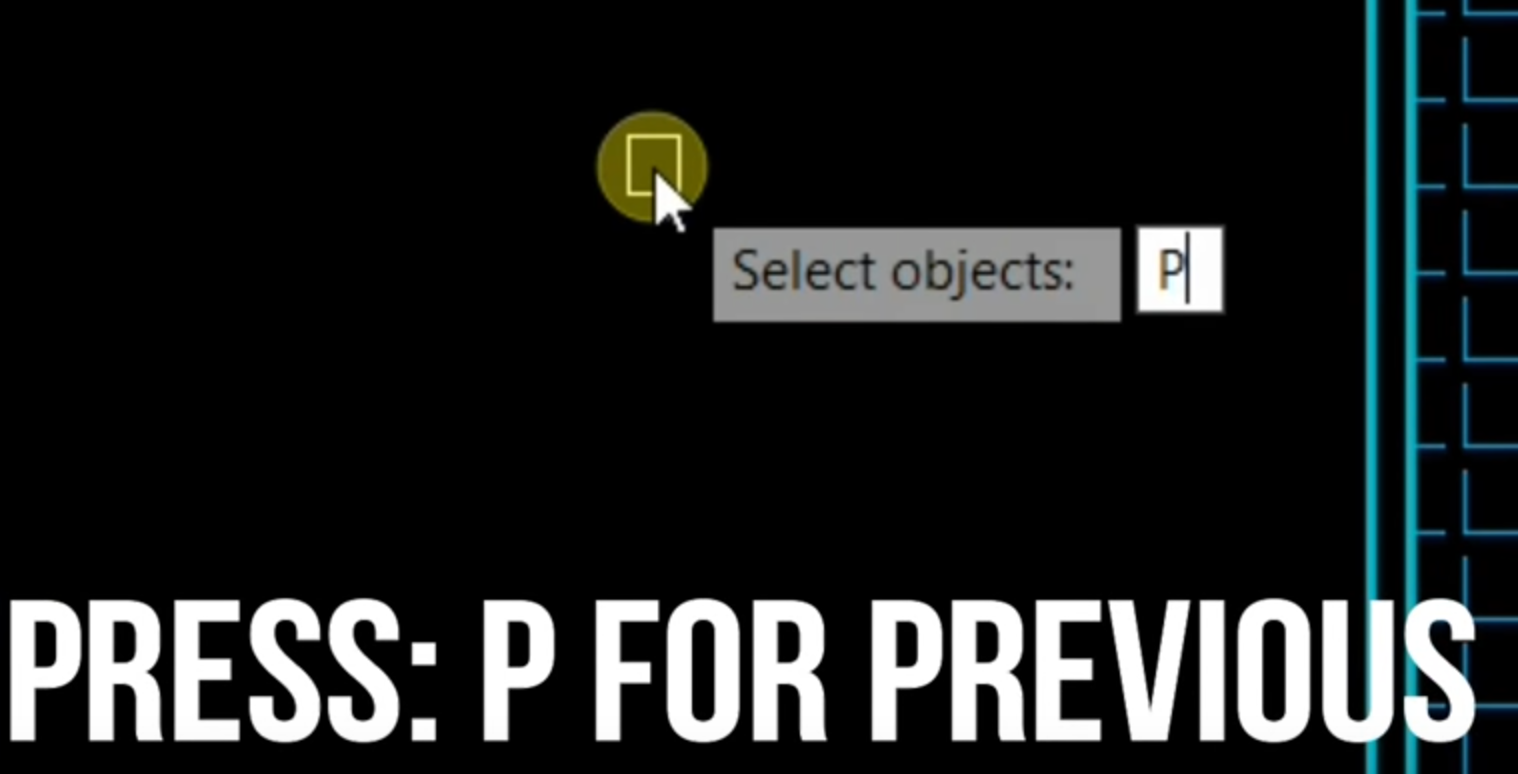
- Select Previous Objects
If you want to modify the same objects simultaneously using different commands or you cancel the command after you selected objects, you don’t have to reselect objects all over again. When prompted to select objects, type [P] and previous objects will be selected.
- Select Last Created Object
You can also easily select an object that you have created last by drawing or copying, etc. When prompted to select objects, type [L] and your last created object will be selected. If you erase last object in the meantime, the one that was created before it will be selected.
Some autocad links:
cadtobim.com/object-selection.html
autocadtips1.com/2011/12/29/the-select-and-previous-commands-in-autocad/
0 Comments