
Drag Assets onto any header
Ok simple proposal... every editor type in blender has a header. Let us drag assets from the Asset Browser or the new Asset shelf onto any header to create a clickable button for future use of that asset. These custom asset buttons would be able to be saved into your blender startup file.
Simply drag the asset thumbnail you want onto the header.
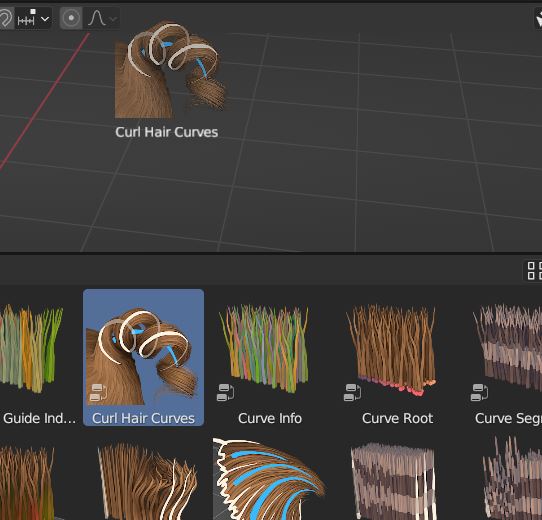
It is now a button in the header UI.
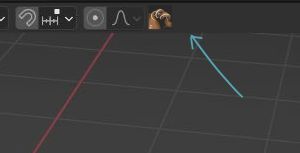
Assets are currently getting more deeply integrated into shift A menus and the modifier tab which is great... this would also be useful. Full Disclaimer I was looking at cinema 4D features and they seem to have something called palettes in its UI that works this way with assets. youtube.com/watch
Most people would just have a couple of assets in each editors header, perhaps your most used nodegroups in the shader editors header, 3 point lighting setup asset in the 3D viewport header. It all depends if you prefer menus or clickable buttons.
1 Comment
The Asset Shelf would remedy this, also the new Geometry Nodes tools drop down coming to the header soon near you, today. Not a drag and drop, but the categories could be arranged by the category.