
Set origin in Edit mode
current method :
- edit mode
- select vertex/edge/face
- cursor to selection
- object mode
- set origin to 3D cursor
proposed method :
- edit mode
- select vertex/edge/face
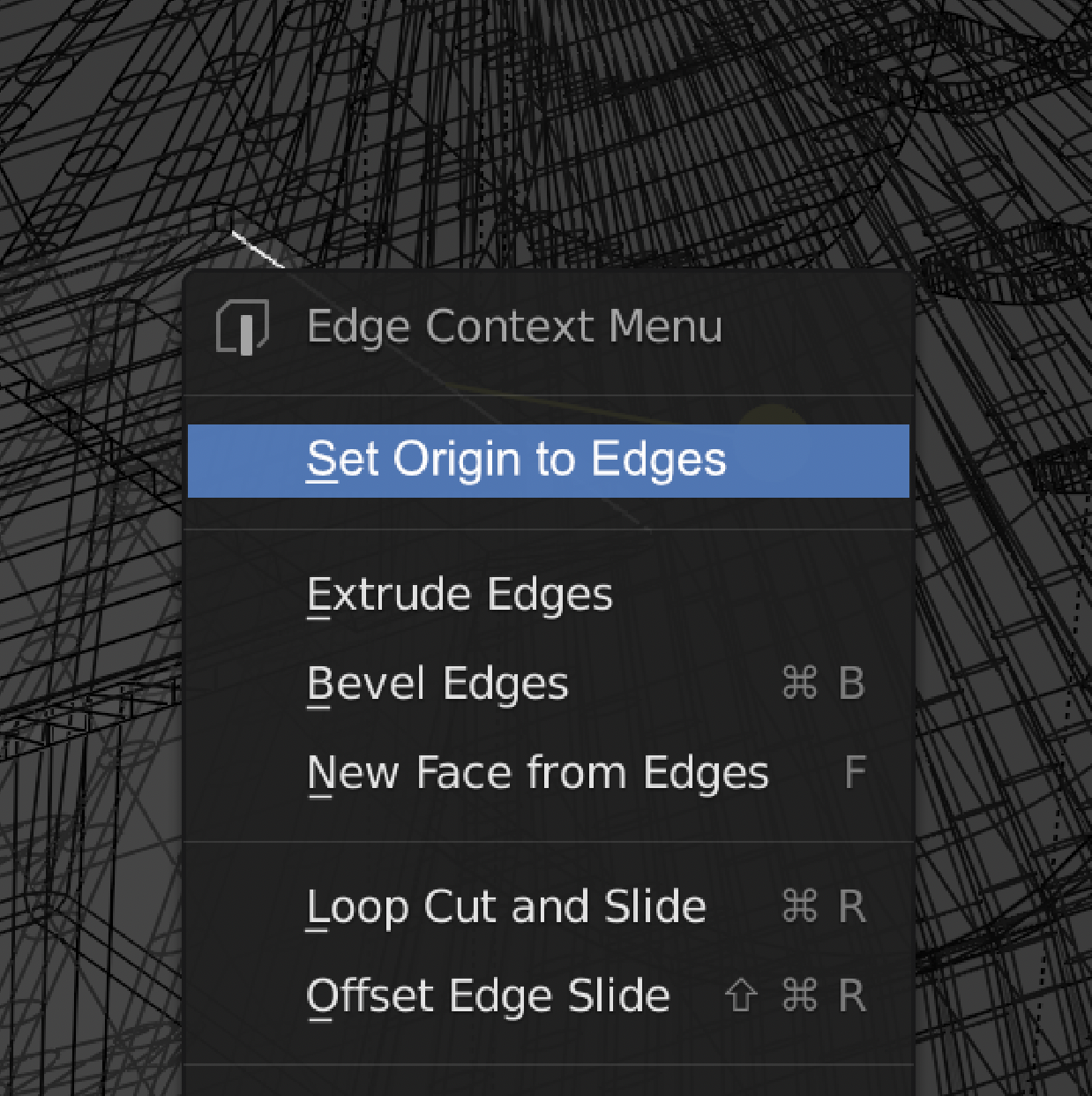
- set origin to selection (from respective context menu)
current method is too cumbersome for a function that is used a lot. I think it should be simplified.
i always appreciate the blender community, and be amazed. have a great day!
5 Comments
I agree with this post. This would speed up the workflow a lot. Although it's better in my opinion to set the origin with the "shift + s" shortcut.
...
-1 already in object mode -1 my snapping is alredy set to vertex by default
So for me it's usually just 2 steps.
* @thinsoldier * true, but that method is not applicable for setting origin to edge or face or multiple of them.
this becomes a problem especially when I want my 3D cursor to stay where it is now. (e.g. if I want to set object's origin to selected edge and stick that to different object's edge)
although i can certainly live with the current method, or get an appropriate add-on, i posted this here because I just don't see any downsides of adding this way that's clearly easier. (if there is, please let me know)
thank you for the comment.
If you download an addon called "interactive tools" for Blender it has an option called "Quick Origin" Where if you are in any mode you can select a vert/edge/face and either click the button or assign it as a shortcut as I have done and you can quickly set the origin to that spot. The addon also has a lot of nifty features for your day to day workflow along side this so make sure to check it out.
Preview on how it's used: dl.dropboxusercontent.com/s/ycgrojd5jslctxq/58dBRGVZye.mp4
AFAIK you cannot be made directly, Blender origin is location on global space to set 0,0,0 location in mesh local space, Blender use origin as accelerator of mesh objects transformations. Also you can write one python script to automate current method and use it with one custom shortcut