
Create a Cartoon Character through Stylized 2D Toon Shader in Blender
I started to learn some animation style character design. And I picked up this course, Stylized 2D Toon Shader in Blender, the tutor is Pierre Schiller.
He is a professional blender tutor on Youtube and I followed him all the time.
So I choose this course :
wingfox.com/c/8560_7989_23482
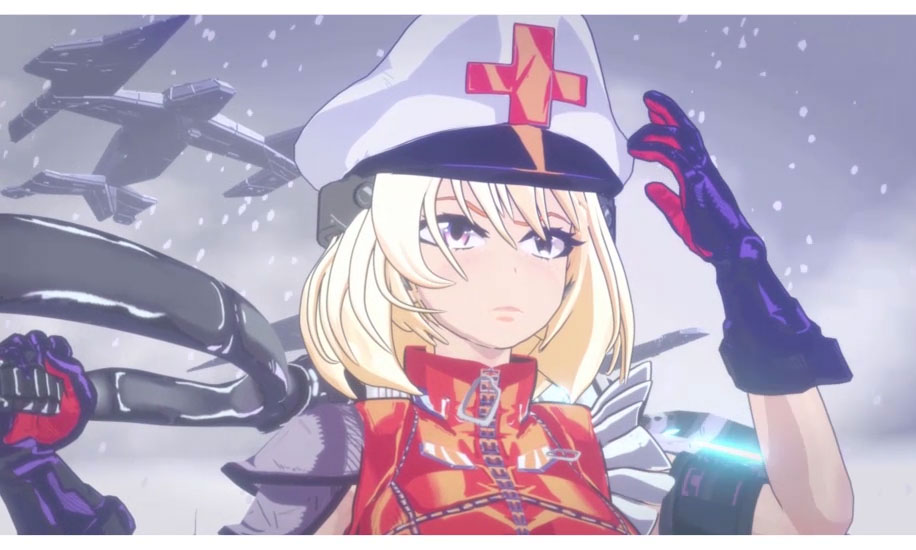
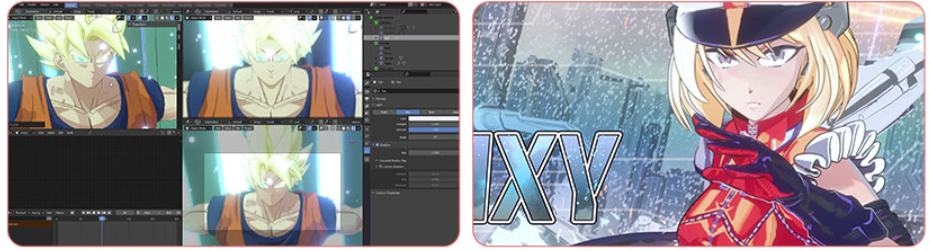
In first character, it covers how the toon shader style and modeling techniques from Softimage can be applied in Blender. Also it reviews how Normals contribute to the model’s appearance and how the new Blender tools stylize your character even more.also talk about how you can selectively apply light and shadows to your model using vertex paint.
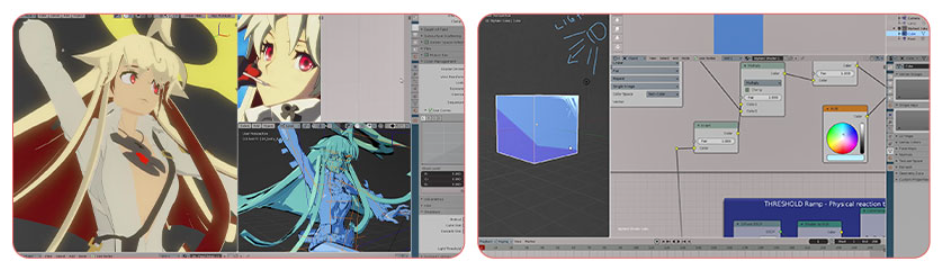
SECOND PART:
This section will mainly present what’s an ILM map and how to use it for a stylized character.
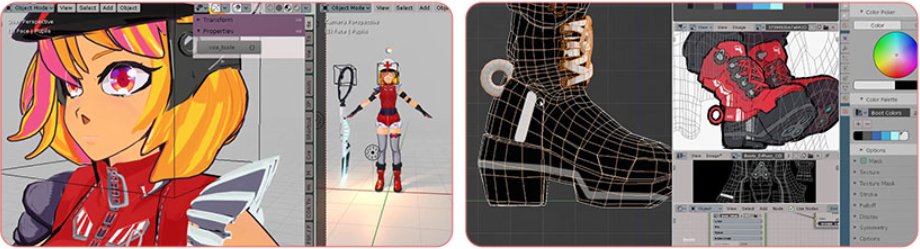
THIRD PART:
It covers how the hit and ray effects are created on the screen, as well as stylizing deformation and bloom for the characters.
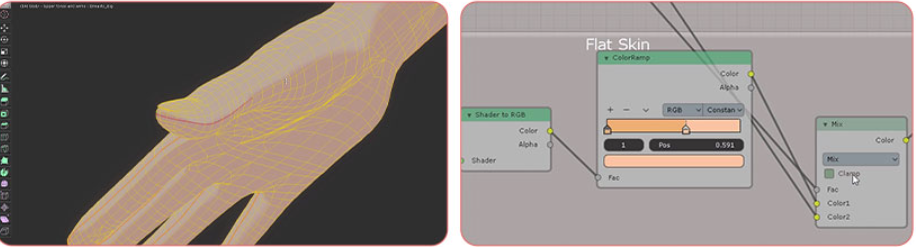
LAST SECTION:
This last section will show the 3d artists some applied examples and will provide a fully rigged/animated and custom colored character, using the principles presented in the previous lesson.
Anyway, in this course, you need to have at least a basic knowledge of modeling and editing shaders in Blender.
The course is more helpful in mastering skills with basic modeling and shading. As for me, I think it is a little bit difficult for me, so I tried my best to follow the tutor step by step. If you are interested too, please follow Pierre Schiller. Thank you for watching.
Youtube: youtube.com/c/activemotionpictures/videos
Course: wingfox.com/c/8560_7989_23482