Brush Manager add-on for Blender (Free)
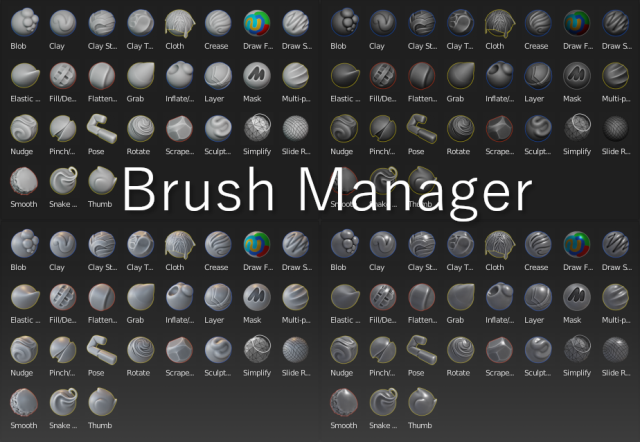
Brushes Manager is an add-on for Blender that helps you to create custom brushes, store them in a file and organize the library of various categories of brushes. It also has themes for brushes preview and this add-on makes easy to apply a new themed icon for your newly created brush and for existing brushes as well.
Fully supported Blender version: 2.83 for Linux/Windows
You can also use it for 2.90 version. It has been tested in the current build of Alpha stage.
Installation
- Download
- Open Blender and select Edit->Preferences
- Click Add-ons category and then 'Install...' button
- Select the downloaded file
- Check the 'Brush Manager' option in the add-ons dialog
https://drive.google.com/file/d/1eJ54uitBehOi_Xy4-lGUeZvVKPQ0EdO5/preview Here is the link for free Orb Stylized Brushes gumroad.com/l/zMJlJ
Overview
Main UI Panel:

Main UI Panel with the search filter turned on:

Menu of the Brush Manager with various operations:

Add-on Preferences: