
solved: Stop wire frame lines changing thickness when going to edit mode
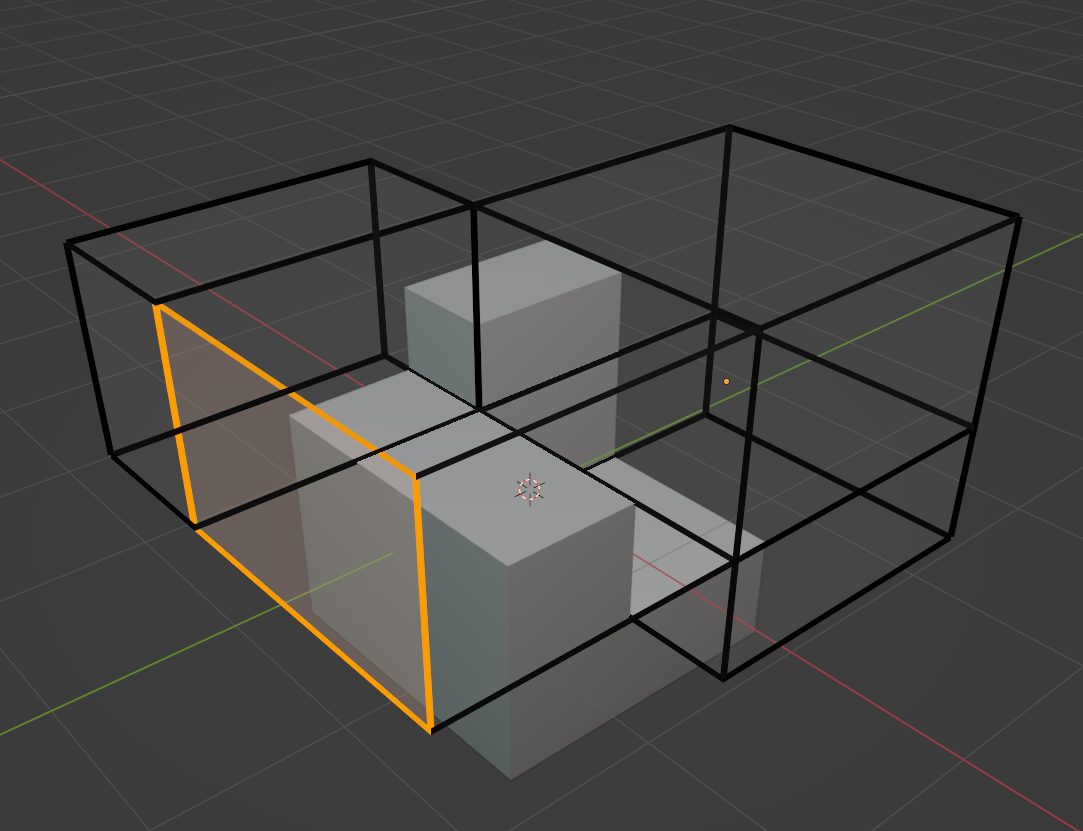
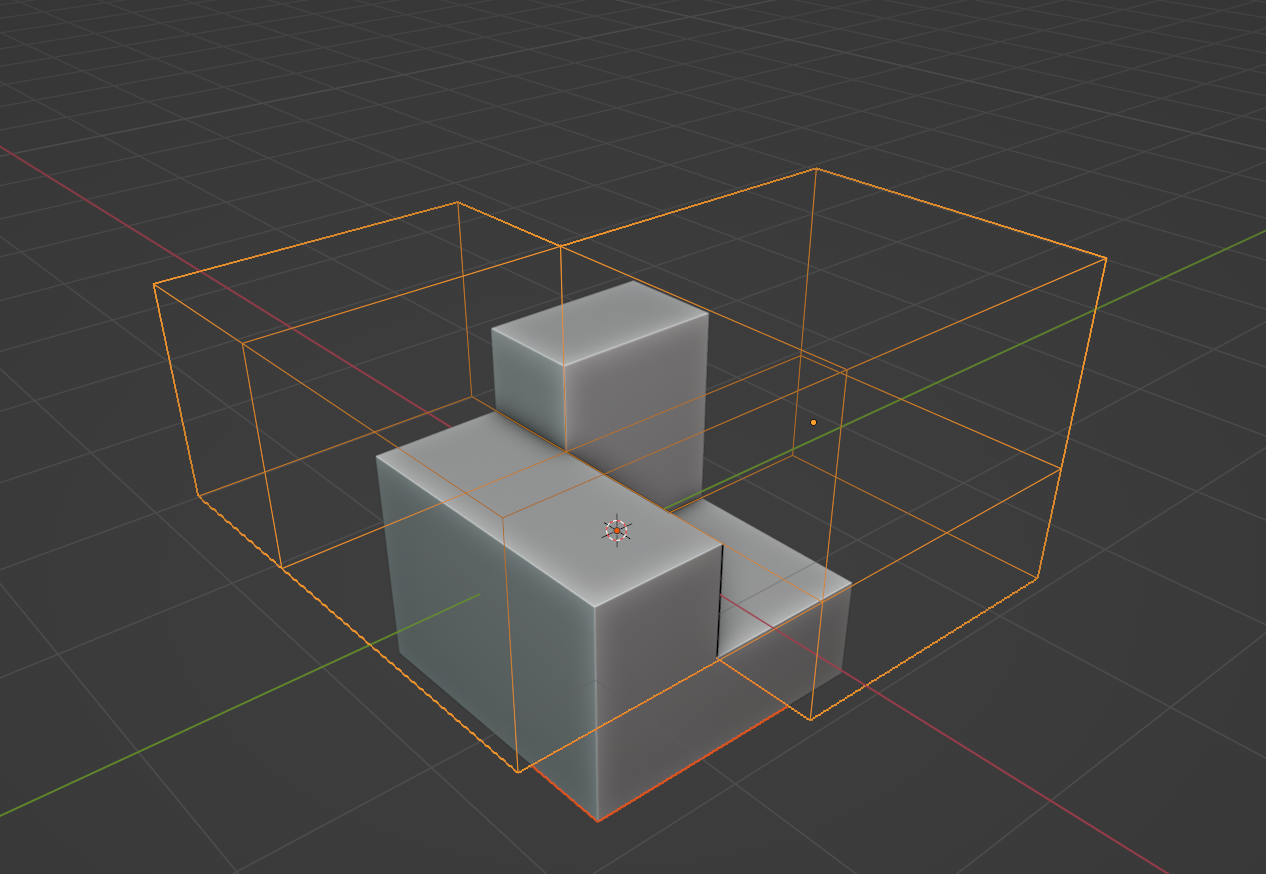
A newbie question: When changing from object to edit mode, the wireframe changes thickness. Where is the setting to stop this ie I want to keep the same thickness of wire frame lines no matter what mode I am in.
Thanks in advance
1 Comment
Solved: the thickness of the edit mode is in Edit:Preferences:Themes:3D Viewport. At the bottom is where the thickness are set