When I use dual screen in blender, there are some problems.
m
mahdi
12 Jul 2021
5 Comments
c
christianclavet
Hi! Is there someone that posted a request on "Right Click Select" to ask for an autofocus feature?
This would check where the mouse pointer is and change the window focus accordingly.
Currently I don't think this is implemented.
2
h
highbeamstudios
This is because blender seams to treat each window as a separate app, meaning you have to click on the screen you want to work in before you do anything. What I have done is open up the default blender layout and then stretch the ui over two screens, then split the panels as you need to give you a two screen layout.
2
m
mahdiAuthor
I think this is not the right solution. Because I can no longer maximize the window.
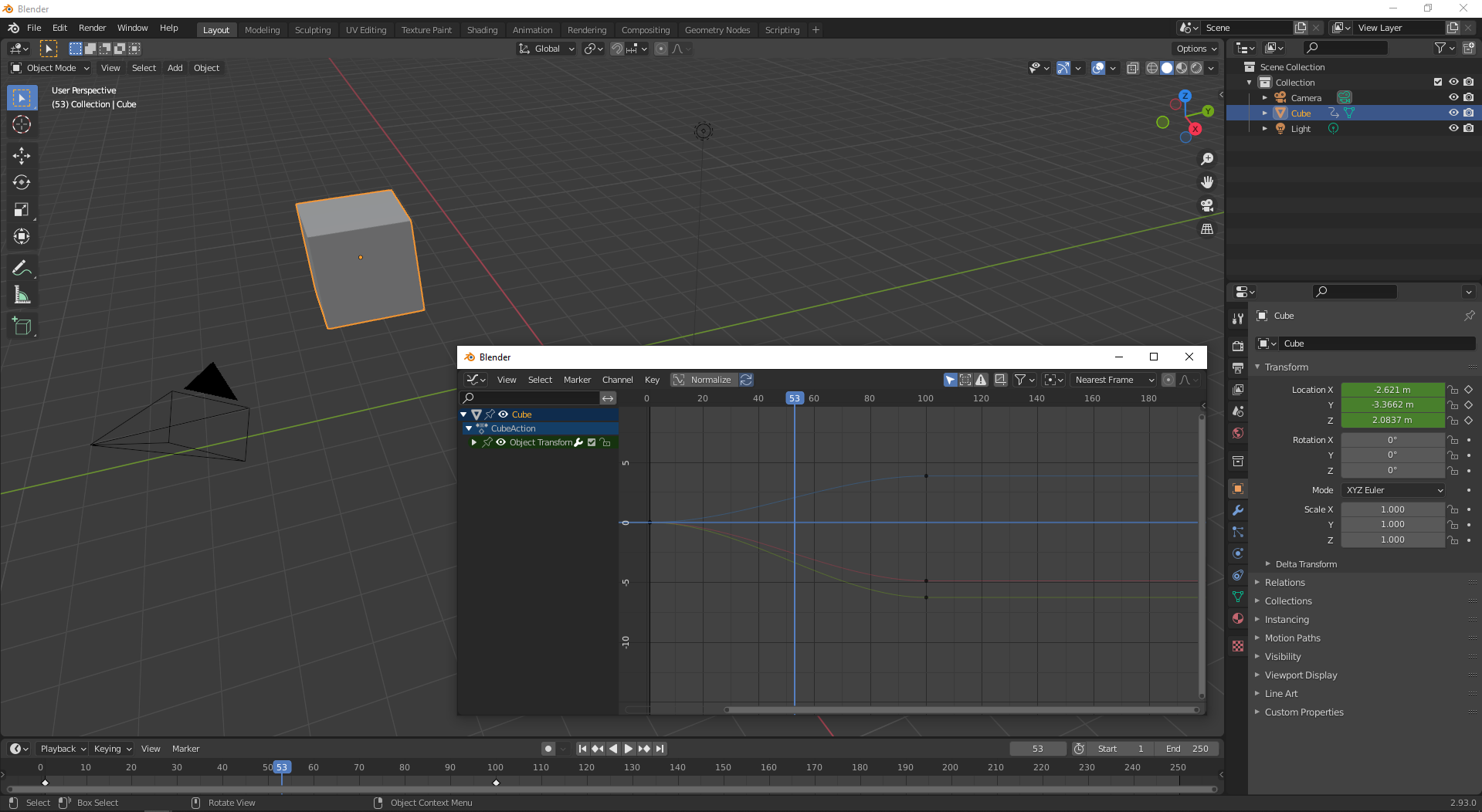
Or if I want to use floating windows, there is the same problem again. (Image added below the post)
h
highbeamstudios
Unfortunately Blender is really bad with this. If you want floating windows then you will have to deal with clicking on each window you want to be active. My solution works for me as I have different layouts set up with everything I need, But If I open a floating window I have the same issue as you.
And to make it worse, even if I set a stretched duel screen layout as default. Every time I open Blender it only opens on one screen and I have to stretch it again. Real pain
1
o
ochabrand
This is a huge problem that is mostly ignore by developers because apparently it works fine on LInux. The rest of us, who happen to be using the most widely used OS, are left to just deal with it.
shrug

5 Comments
Hi! Is there someone that posted a request on "Right Click Select" to ask for an autofocus feature?
This would check where the mouse pointer is and change the window focus accordingly.
Currently I don't think this is implemented.
This is because blender seams to treat each window as a separate app, meaning you have to click on the screen you want to work in before you do anything. What I have done is open up the default blender layout and then stretch the ui over two screens, then split the panels as you need to give you a two screen layout.
I think this is not the right solution. Because I can no longer maximize the window. Or if I want to use floating windows, there is the same problem again. (Image added below the post)
Unfortunately Blender is really bad with this. If you want floating windows then you will have to deal with clicking on each window you want to be active. My solution works for me as I have different layouts set up with everything I need, But If I open a floating window I have the same issue as you. And to make it worse, even if I set a stretched duel screen layout as default. Every time I open Blender it only opens on one screen and I have to stretch it again. Real pain
This is a huge problem that is mostly ignore by developers because apparently it works fine on LInux. The rest of us, who happen to be using the most widely used OS, are left to just deal with it. shrug