
How to Bake a Volumetric Material into a Color Texture?
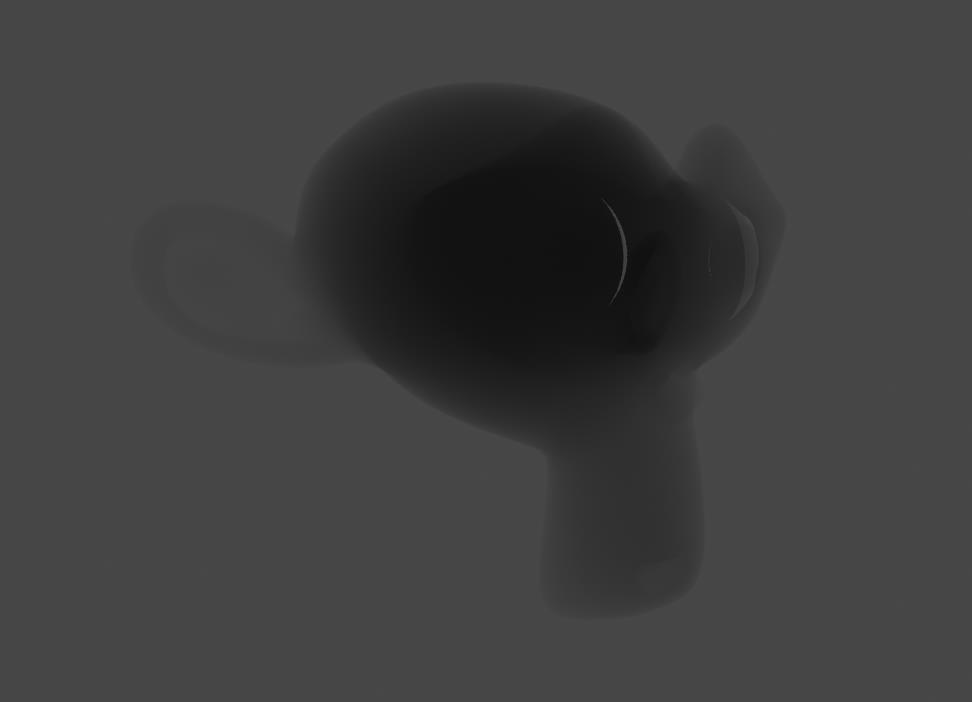
Like the Monkey Head in this image, I used a Volume Absorption in the material, and I want to bake it into a color image texture, but it seems not an option in the Cycles baking. How can I do that? Is there any addon that can do that?
9 Comments
not sure what your goal is exactly but i think a custom sss map would also help achieve similar look, and its possible to bake that iirc
* @Khanh Pham * How do you do it then? I have no idea how to bake an sss map without manually painting it. I tried it after reading you reply, I tried to bake the diffuse color map but it ended up pure whte, I tried to include the direct and indirect lights after that, it sort of worked, but still, the lights and shadows are inclded in the map so that's not good. I tried to only use a pure white world lighting and that eliminate most of the shadows but places like narrow grooves would still collect some shadows, and the entire map is very noisy.
* @Khanh Pham * Okey I further tested this method, using the diffuse baking to bake out an SSS map has a very weird problem, places where the thickness is supposed to be even, the SSS map baked out has a lot of strange random patterns on it. This problem occurs when using SSS modes other than random walk, but using random walk is actually worse, I get a pure black map.
* @EaryChow * hey, sorry i wasn't paying attention at this thread, here's a detailed video on how this guy creates an sss map (note: it's the 'lum_mask' map in the video, you just need to invert that map to get an sss map) youtube.com/watch
* @Khanh Pham * I saw tha video. He used the "Inside" option of the AO node. It seems doing a good job for him, but if you test it further, you will see how it fails. Frist, it does not work with open meshes. See the monkey head, for example, it has problems around the eyes. Second, I don't know why but when I tested it on a cone primitve mesh, the thickest area it shows me is the middle part instead of the base face. After adjusting the distance, I ended up with a highlighted ring of the base face, and a highlighted top. I guess that is what the AO of the inside would be, the node was designed for AO, not thickness after all.
* @Khanh Pham * I recently learned to use the ray length output of the light path node, but I don;t know how to bake it into a texture. I followed this video: youtube.com/watch It works very well, but I am having trouble trying to find a way to bake it in to an image. Also the ray length output does not support Eevee, otherwise it would be so much easier.
I think you cant, because a color texture is a flat texture( 2D) but the volumetric material is in 3D. It doesnt matches
* @Kdaf * Well, what I mean is to have a black and white mask-like texture for me to make certain areas darker, or to connect to the Alpha etc,. I think it's totally doable.
* @Kdaf * I get what you mean now, the thickness of the volume absorption is actually view dependant, for example the thickest view of a cube is the diagonal. It would be impossible for a baked texture to do that. Is there a way to do it procedurally though? All I want is the ability to use volume absorption in Eevee.