
Dark render
Hi guys!
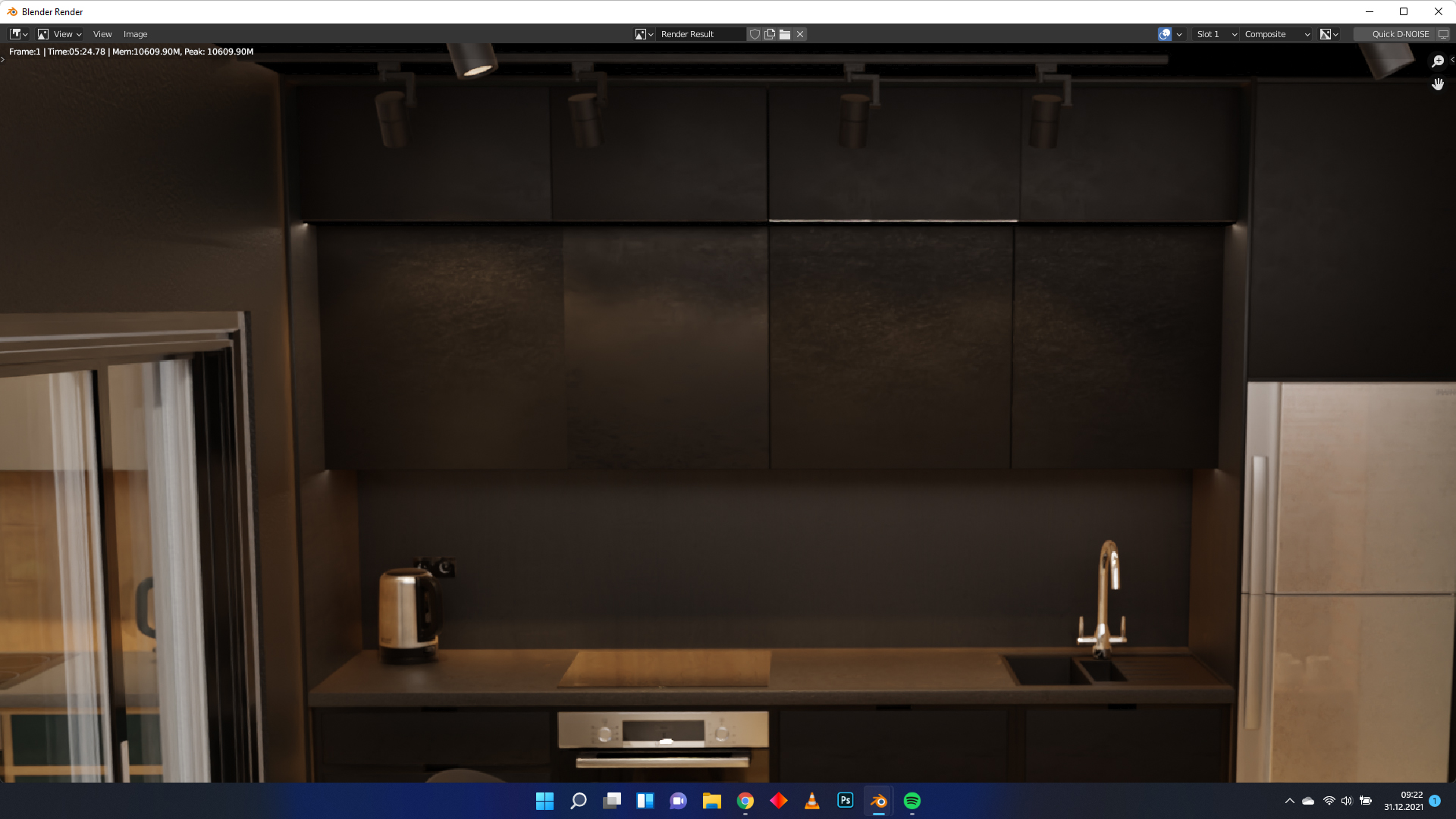
I'm struggling with a little problem with blender. When I hit the render button the result looks like this.
Any suggestions on which box should I uncheck?
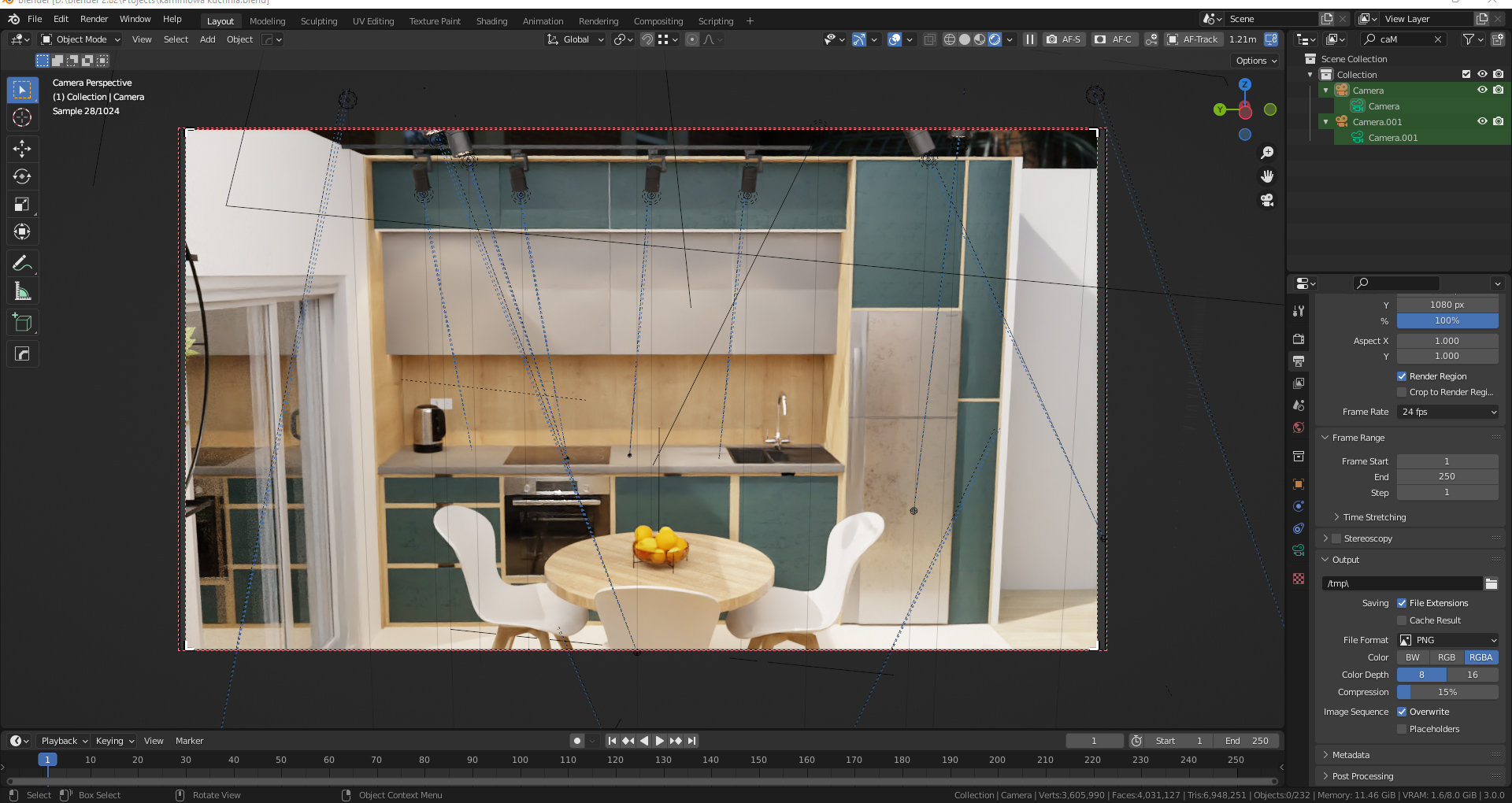
PS: in render preview image looks fine
Hi guys!
I'm struggling with a little problem with blender. When I hit the render button the result looks like this.
Any suggestions on which box should I uncheck?
PS: in render preview image looks fine
5 Comments
as per the reflective surfaces the textures are good, maybe check for flipped normals or some such on cabinet mesh?
Viewport rendering or material preview? Remember material preview is using a default hdri and is using eevee, so before you render you must check it with viewport rendering (shift Z)
what does it look like in your viewport? i dont see what the problem is here cuz i have nothing to compare it to.
I've uploaded photo or render preview upthere.
huh. that's strange. i have no clue. looks like completely different textures to me.