
Shadows problem with png file
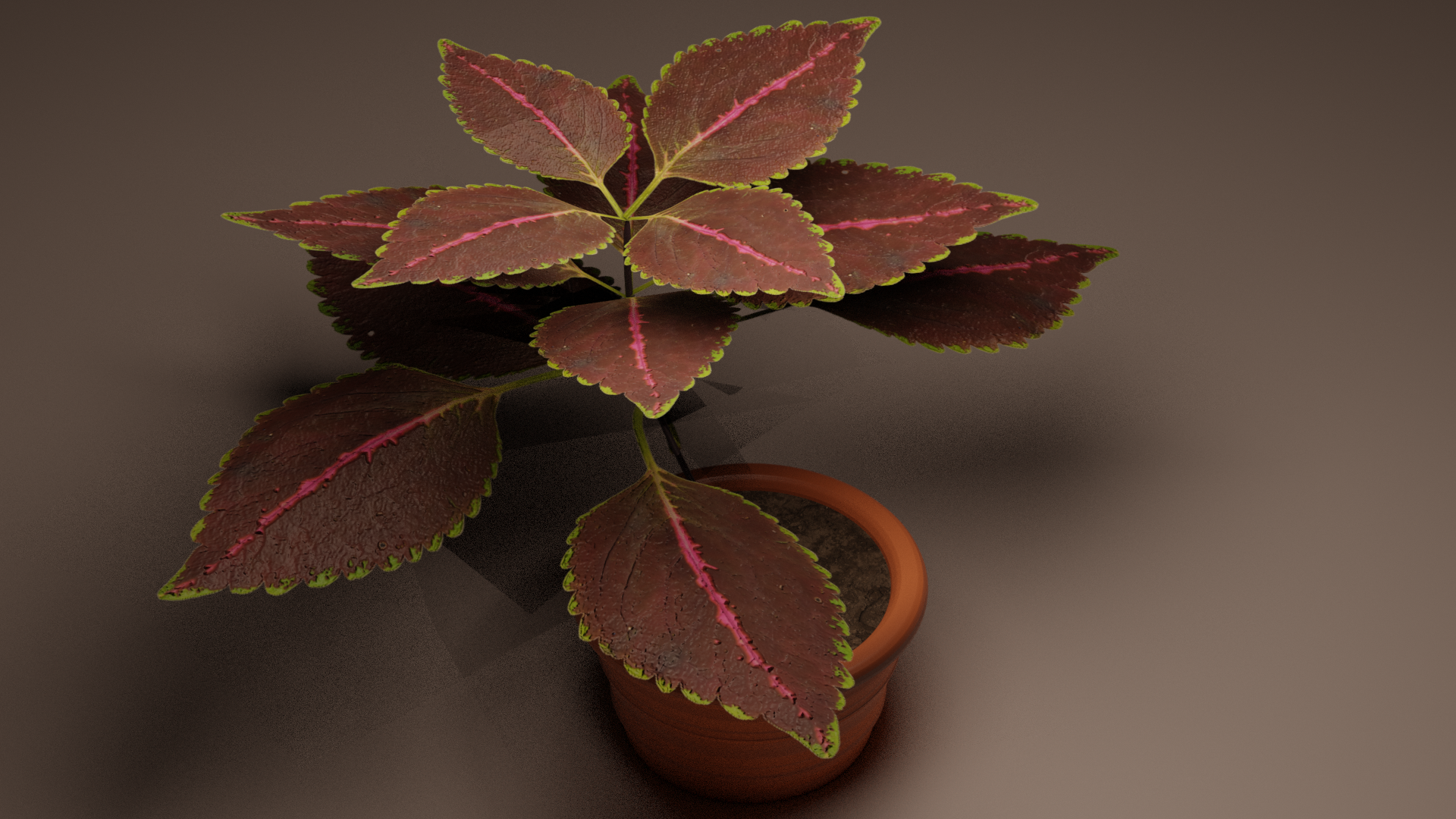
I'm new and trying to create a Coleus plant model from my grandma's garden kk. I took a photo and removed the backgrtound and added it on blender as a image plane. The problem is that cycles process it like a plane and not as leaf shape. How can I fix it? Besides that, I want feedback from my work so far and what sugestions you gyes have to improve it. Thanks!
2 Comments
Since your using Cycles, try these; increase Transparency light bounces (Light paths) to at least 20 in Render Properties. Under the View Layer tab ->Passes, lower the Alpha Threshold to about 0.01.
I like the way it looks and since you are new, it looks even better :)
for the shadows thing, look at the Material Properties, in particular the Settings tab. Search for "Shadow Mode" and select either Alpha Clip or Alpha Hashed. Now, if you are in Render View, before seeing the result of the change you might need to go into Material View first and then go back to Render View ^^