[UPDATE 15/08/2019] : Render Button & Camera manager v0.3.5
WHAT’S NEW:
IMPROVEMENTS IN CAMERA MANAGER:
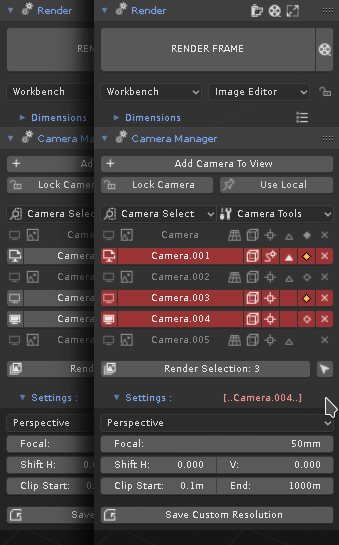
- Camera Selection In Camera Manager
-
You can now select cameras in "Camera Manager" directly or with a set of specific filters in the new menu for camera selection.
-
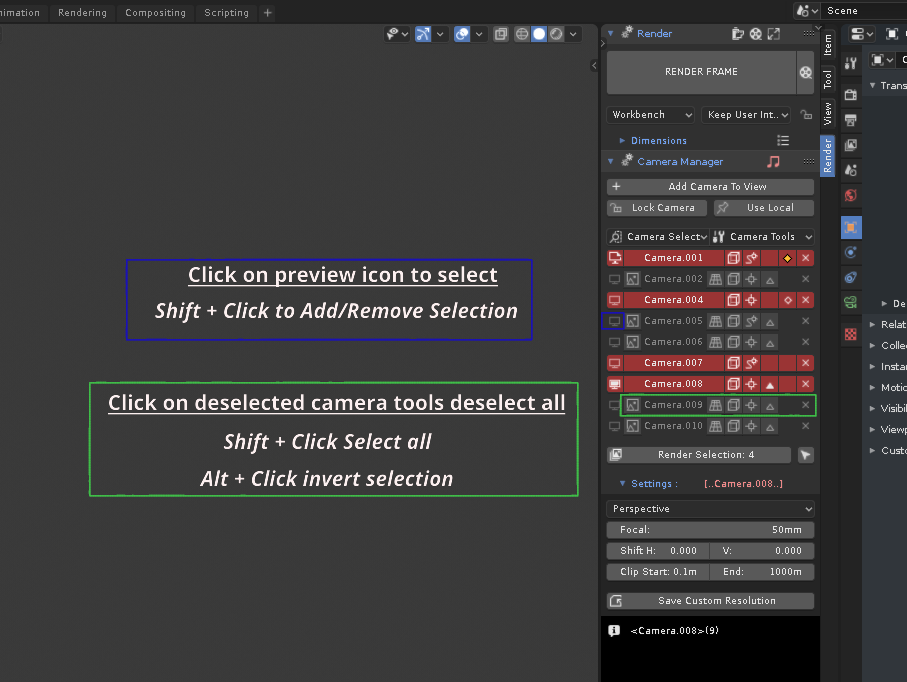
Directly: Click on Preview icon to select and shift + click to add camera in selection.
-
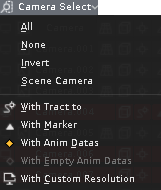
In menu: with standard filters (All,None...) or specific (with Track to, Marker, Animation datas or custom resolution)
-
- Camera Tools In Camera Manager
-
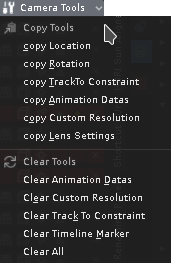
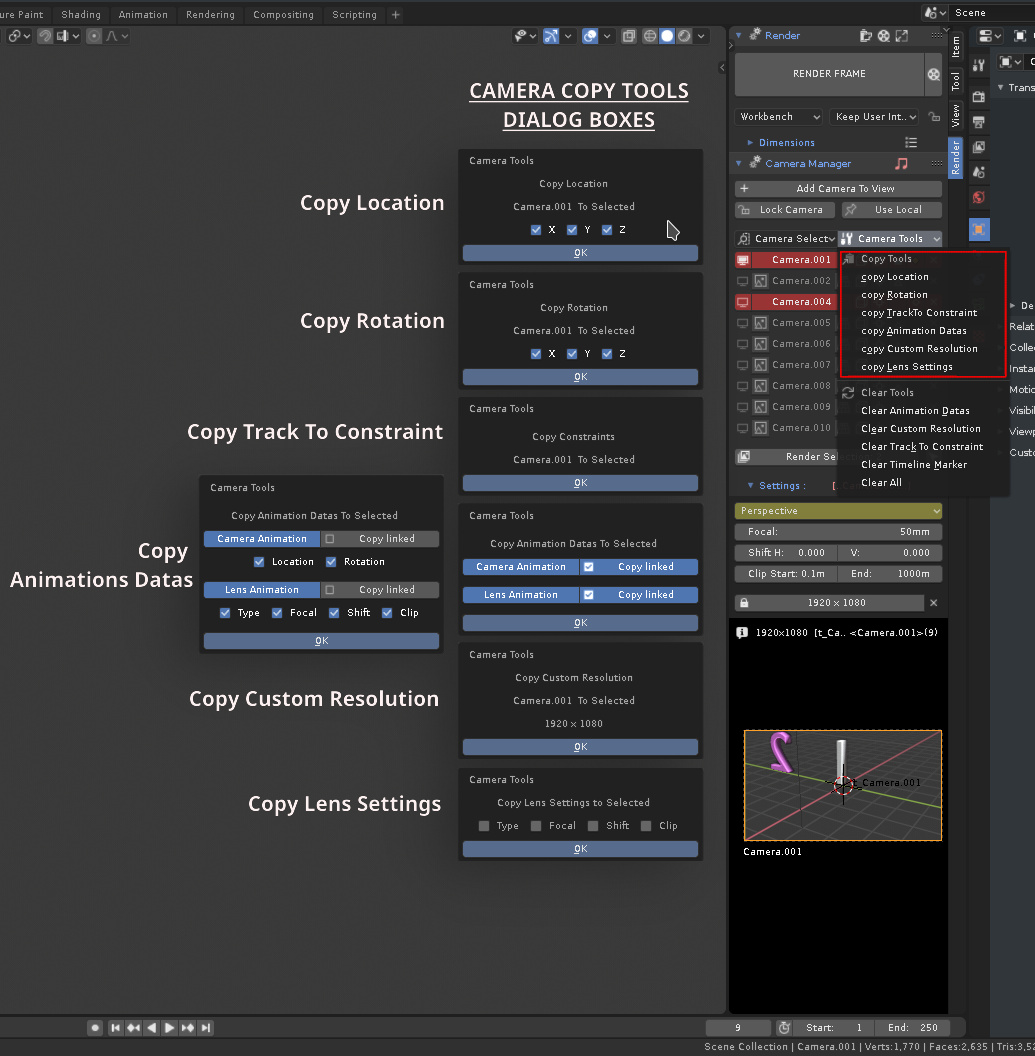
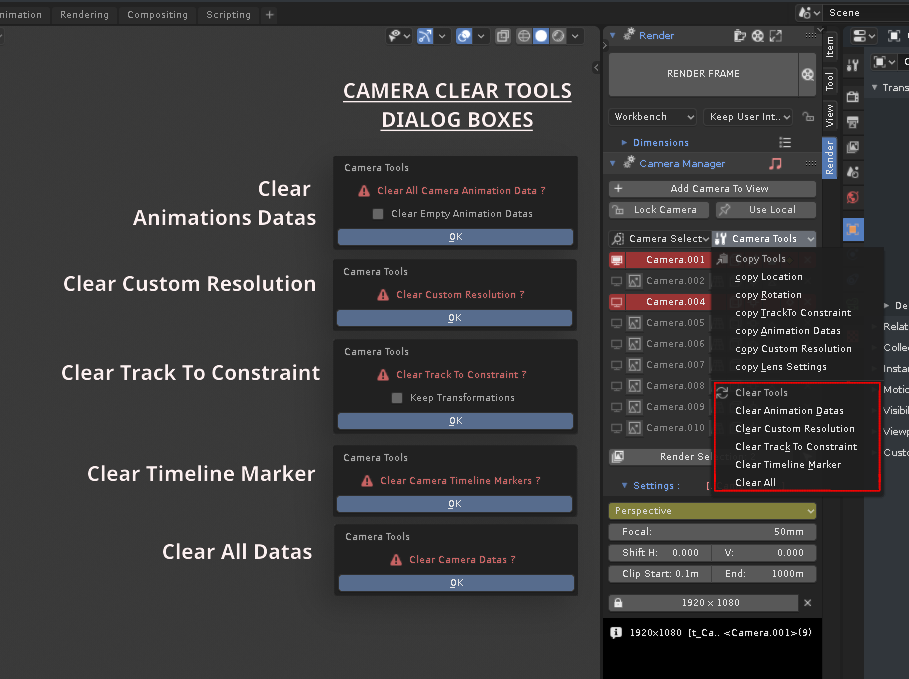
In connection with the new selection mode, you can perform a series of actions specific to camera management with the new menu grouping camera tools (Copy tools and Clear tools)
-
Copy Tools: to copy Location, Rotation, Constraint Track To, Animation datas, Custom Résolution, and Lens settings between active and selected cameras
-
Clear Tools: to clear or reset, Constraint Track To, Animation datas, Custom Résolution, and timeline marker for multiple cameras.
-
Download link and more: blenderartists.org/t/render-button-camera-manager-for-blender-2-80-update-15-08-2019-v0-3-5/1159414
Happy Blending !