
stupid question but a question nonetheless
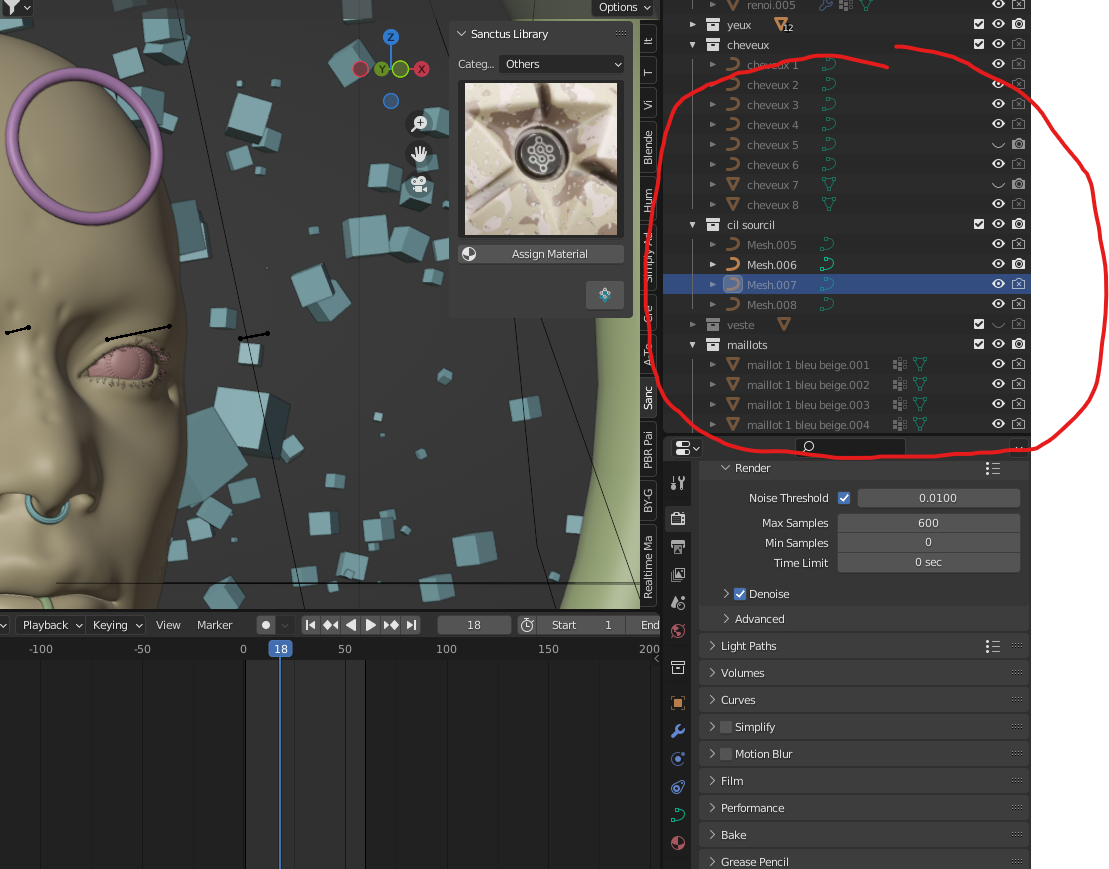
Hello I created my first NFT collection, I used an addon (CHAMEL3DN) to produce the random collection, very well done, I recommend but being new to blender i am made to a problem. the layers are therefore locked by frames and I would like to be able to deactivate it to make modifications. I think it's just a case that needs to be unlocked but I don't know where to find it. Thanks for anyone who can help me :)
1 Comment
Hello. I am not sure what you mean by "locked by frames". Maybe some objects have a “Disable Selection” restriction applied, so I can only suggest to check if using the Filter for Restriction Toggles might help. It is located in the upper-right corner of the Outliner.
When you click the Filter’s icon there will be a pop-up and right at the top of it are the Restriction Toggles icons. Click the “Arrow” (Selectable) to turn it blue. In the Outliner you should now have the option to toggle which elements in your scene can be selected or not. If you find an object where this “Arrow” is disabled (looks like a rotated “V” letter) you should click it to toggle it's action and the respective element can now be selected and modified.
I don't know how to add files to this comment to show you or even if this was the problem so please let me know if you still don't have a solution.