World Shader Texture Coordinates Confusion
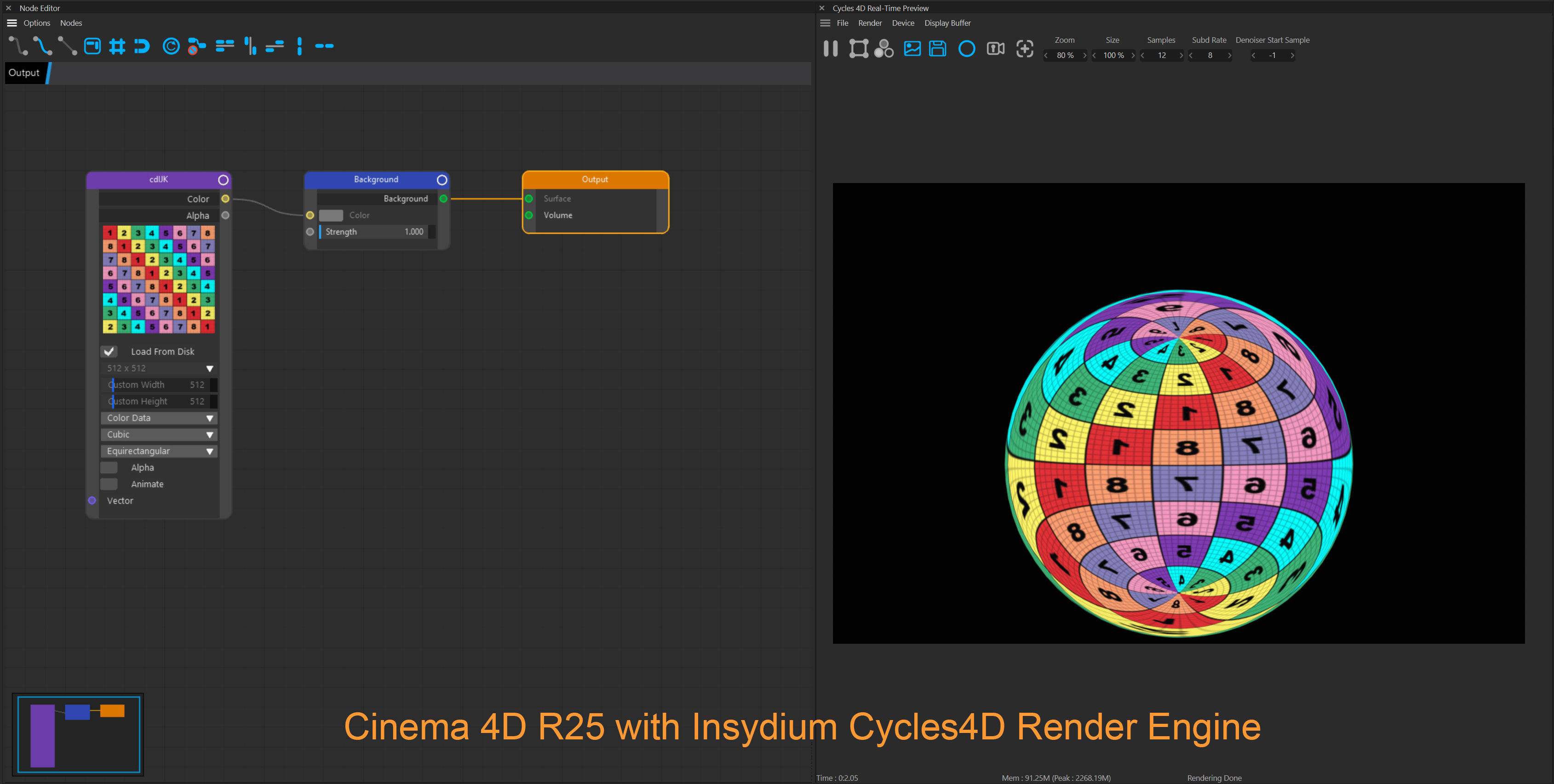
Hi there, I’m new to Blender (as of 2.93.4) and have extensive experience with Cycles in Cinema 4D via Insydium’s tools.
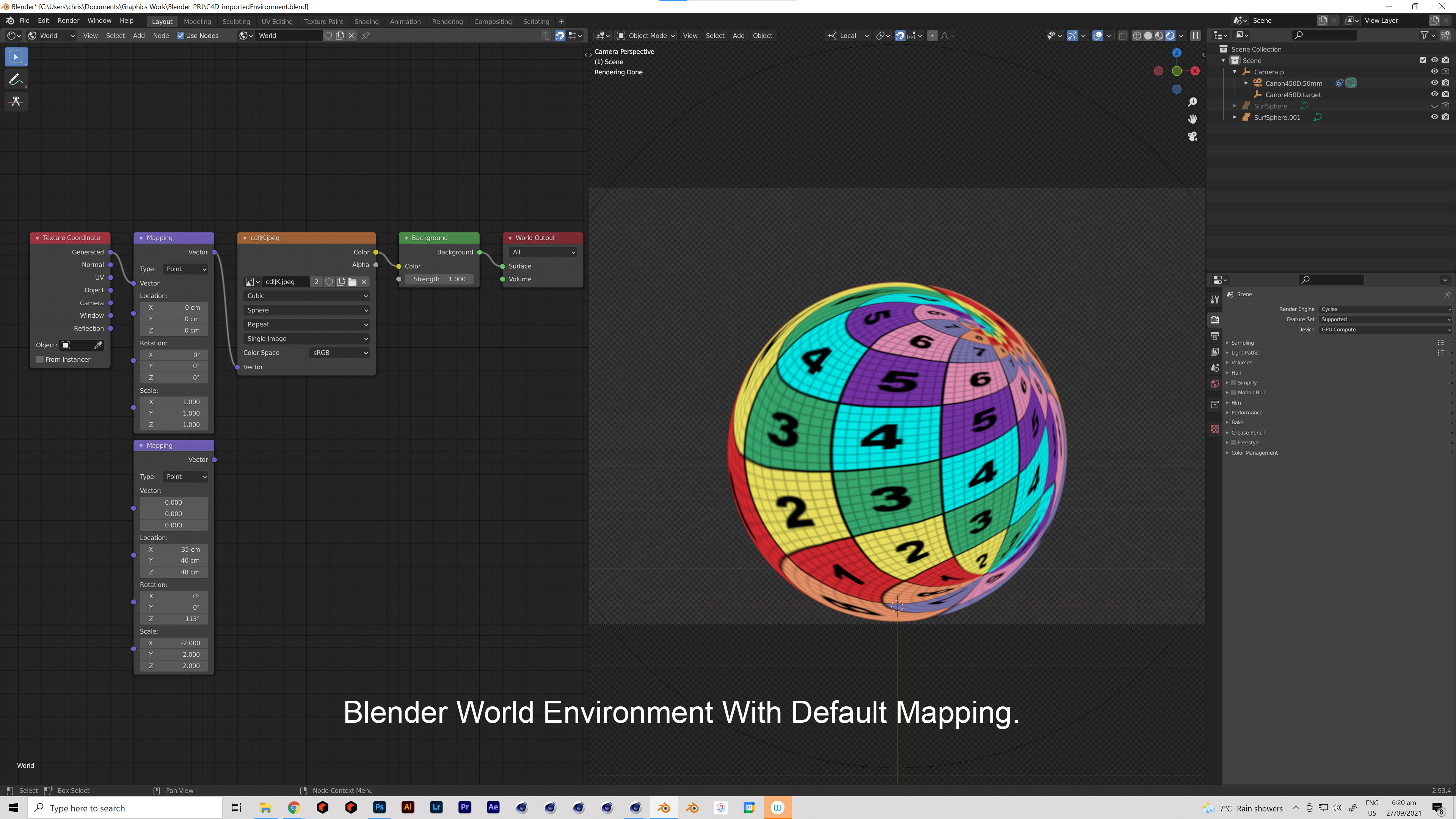
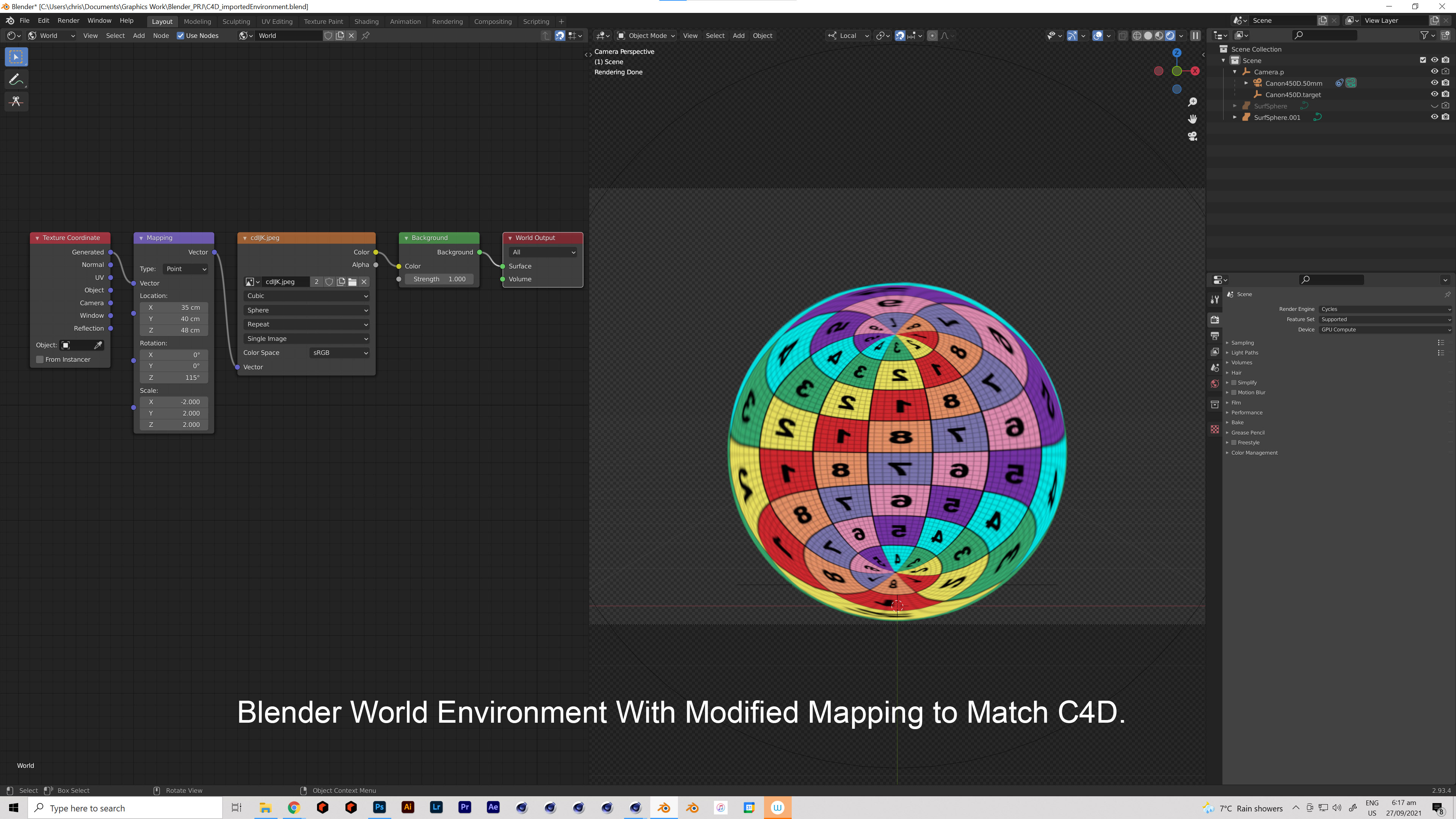
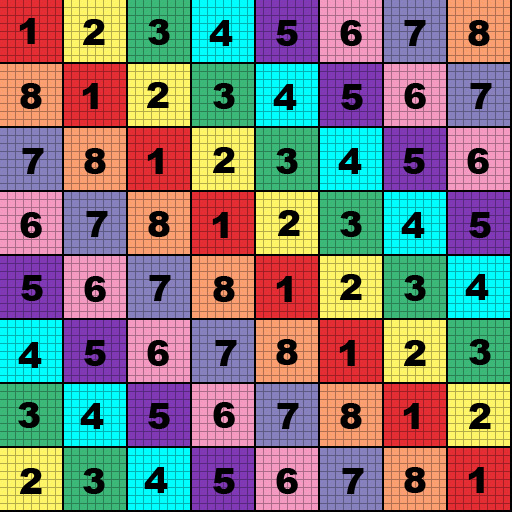
In Cinema, the Cycles environment performs in an expected manner, but when I go to replicate the appearance using the world shader I find that I need to apply a bunch of non-intuitive transformations to the texture coordinates to replicate the look.
Are there any resources that explain how the world shader is mapped for HDRIs?
[EDIT] I understand this better a day later.
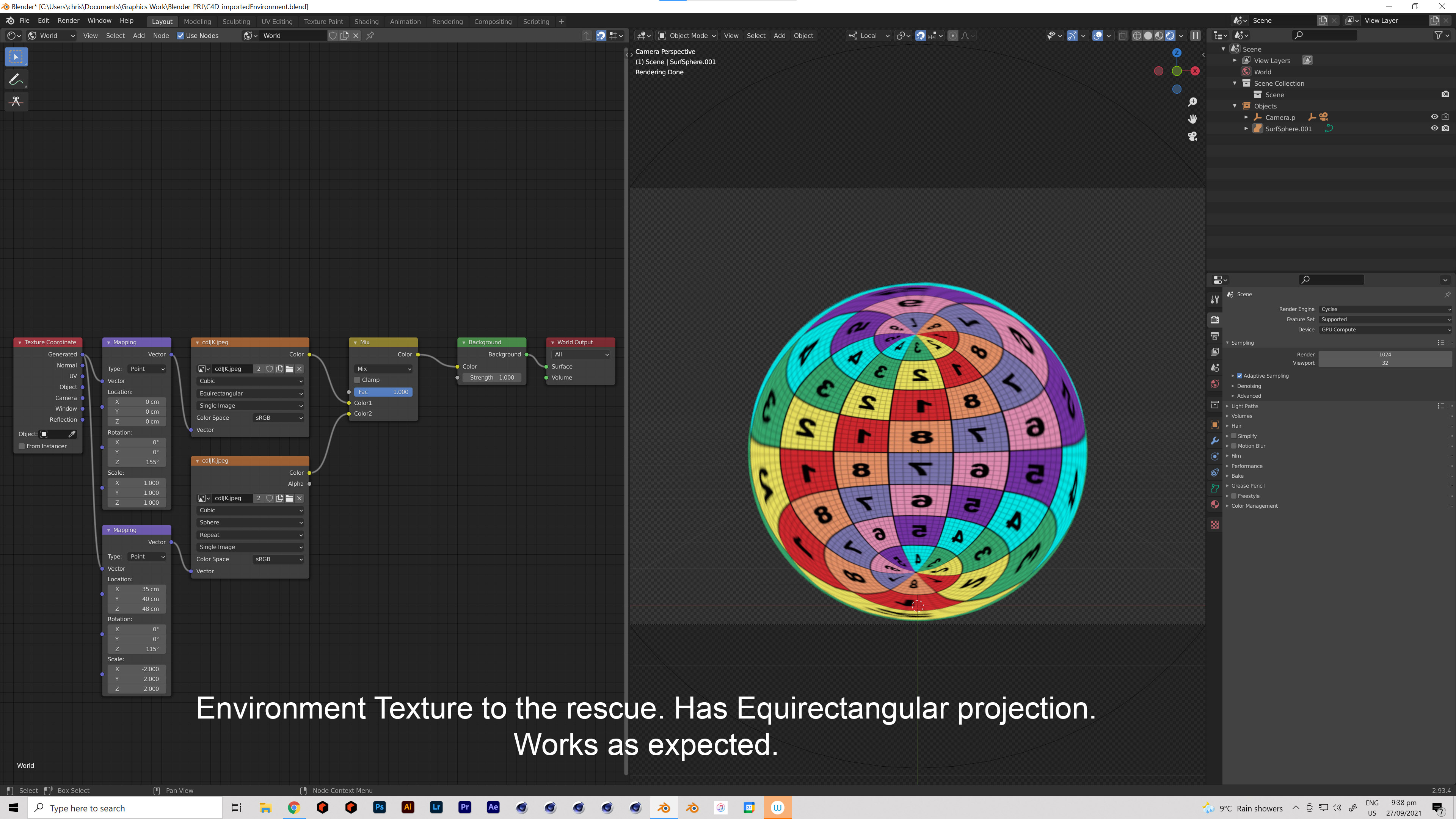 The difference is that I need to use an Environment Texture rather than an Image Texture. Environment Textures come with controls to set up Equirectangular projection and does not require any non-intuitive transforms. I had previously been unaware that these were two different types of shader nodes.
I think it could be useful to have a footnote in the Blender Docs to reference these differences.
Thank you for listening.