Unified Panels
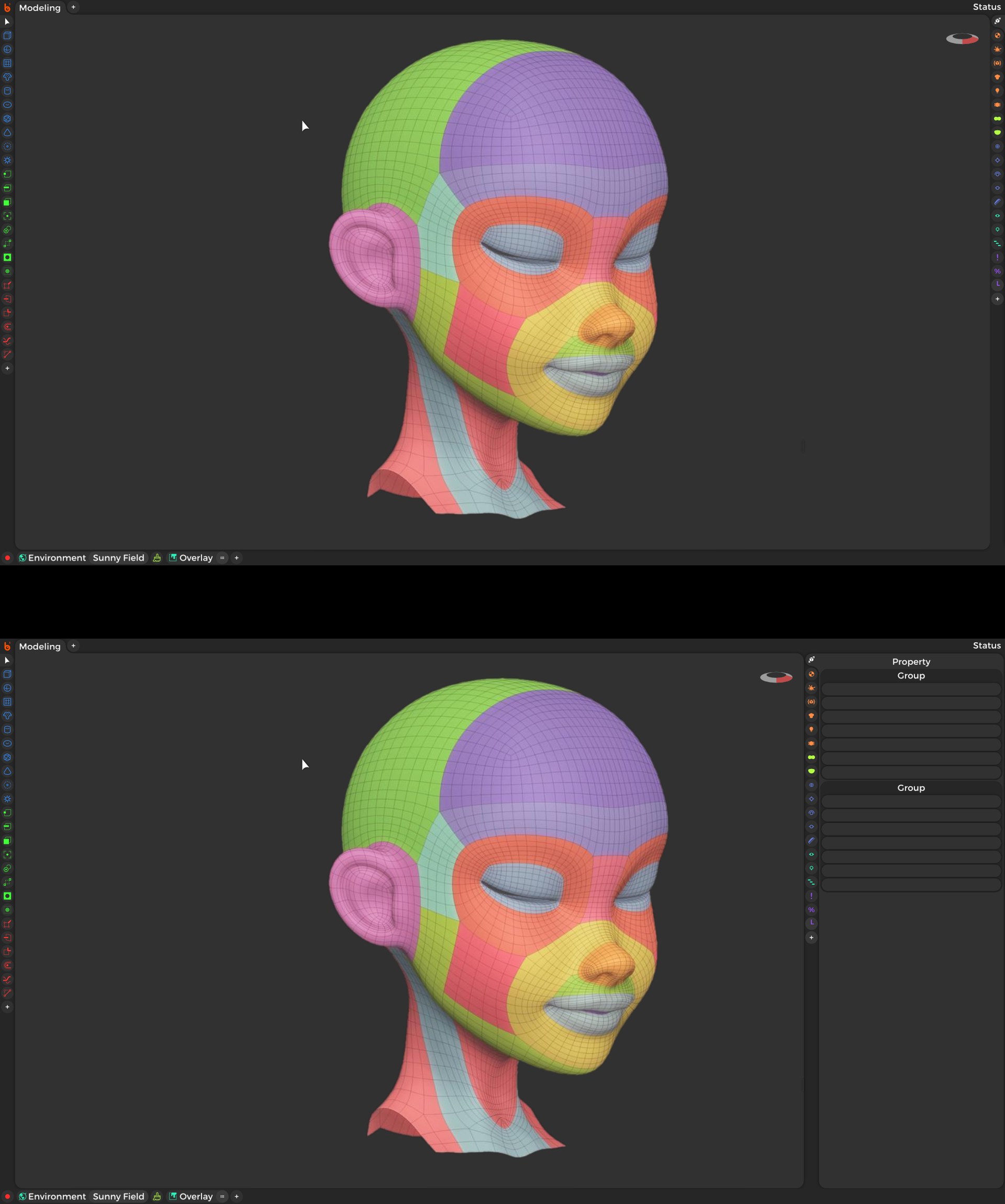
The first principles of panels need unified. Below I’ve drawn a UI concept, that would make Blender friendly, powerful, out of the way, and unified!
•Add shortcut buttons to any tools on the left,
•Add tabs of property panels on the right; overlays, outliner and all the other popups all in one place. Plus add your own custom property tab, or use a tool feed tab which pressed down panels chronologically based on the latest tool which summoned them.
•Add shortcuts to specific property values on the bottom.
•Scale and split windows like normal, but the T and N keymaps slideouts, instead of a tacked on ui, toggles a split screen for quick access and dismissal. Any area editor type could be assigned to quick split like this.