
Motion Blur in EEVEE, in just one python script
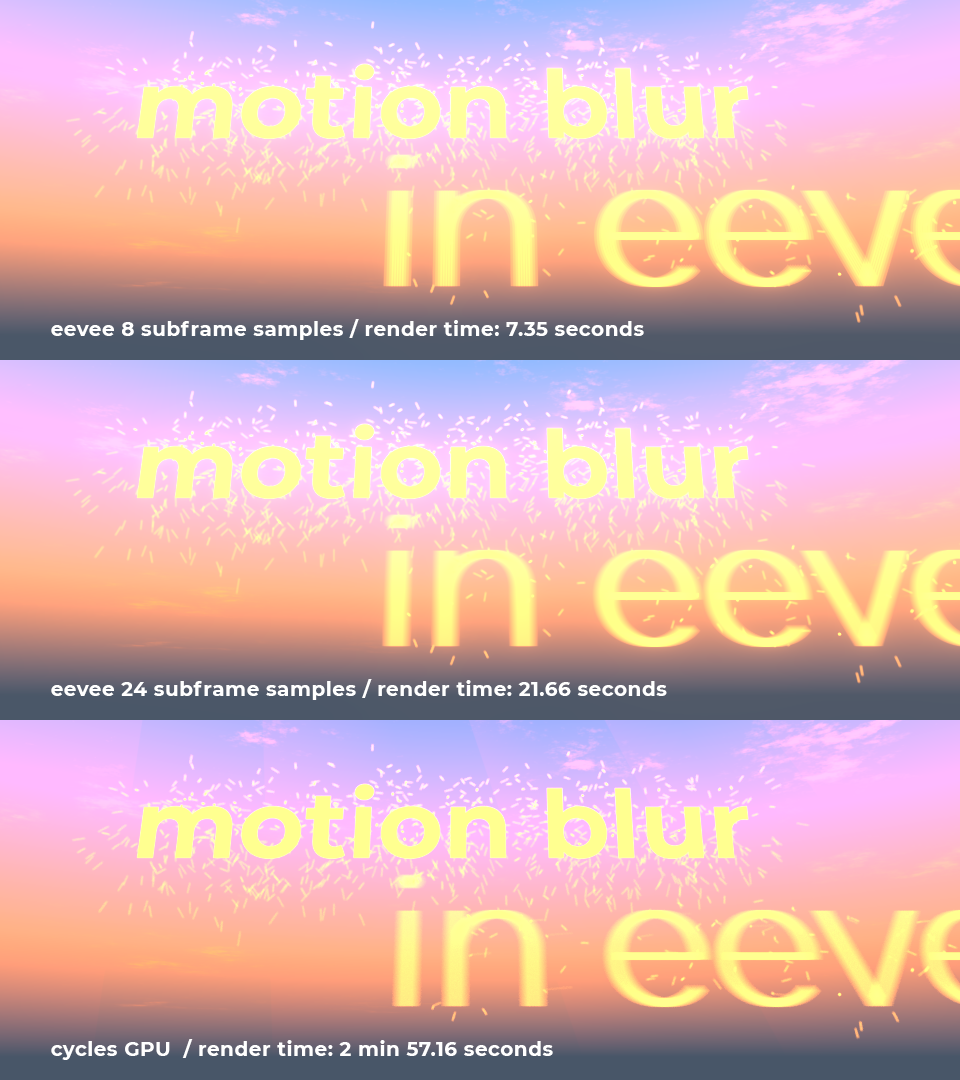
I've successfully converted the technique for Object Motion Blur in EEVEE from my former post into a self contained python script that handles the whole proccess inside blender, and more efficiently (no wasted frames rendered). Just Run the python script and wait :-)
I plan to make an addon with proper render buttons (and cancel!), but in the meanwhile, this works (and pretty fast for a workaround).
It takes all settings from the Motion Blur Settings in eevee's Render Panel (shutter and Samples).
Due to a limitation of the Blender API you have to add a viewer node (default) connected to the same output that the Render Output in the compositor. Read the workflow in the comments inside the script.
And I guess that for a person with decent coding skill it should be easy to convert this into a native Blender feature (It's just rendering some subframes and averaging them before saving the frame). Just a thought
2 Comments
great I really wait for that addon
* @JITUMOTO * github.com/g3ntile/eevee_motion_blur Still beta but usable, handle with care. blenderartists.org/t/updated-july-19-2019-eevee-real-object-based-motion-blur-v0-4-3/1167129