
.stl export for 3D printing
Hello,
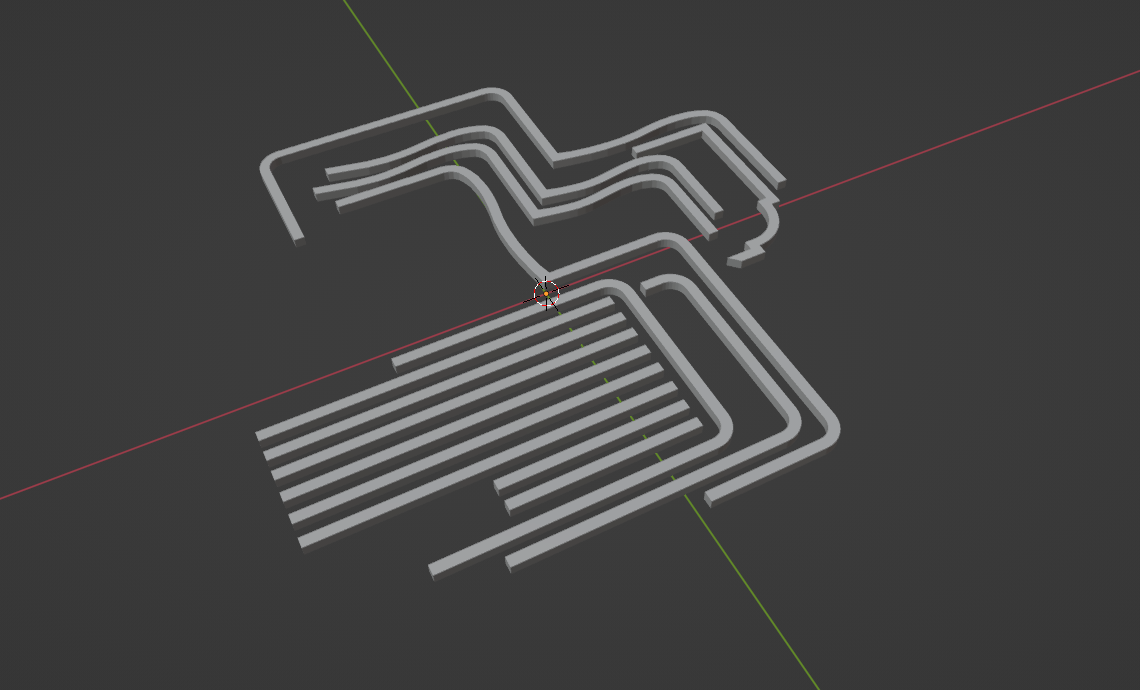
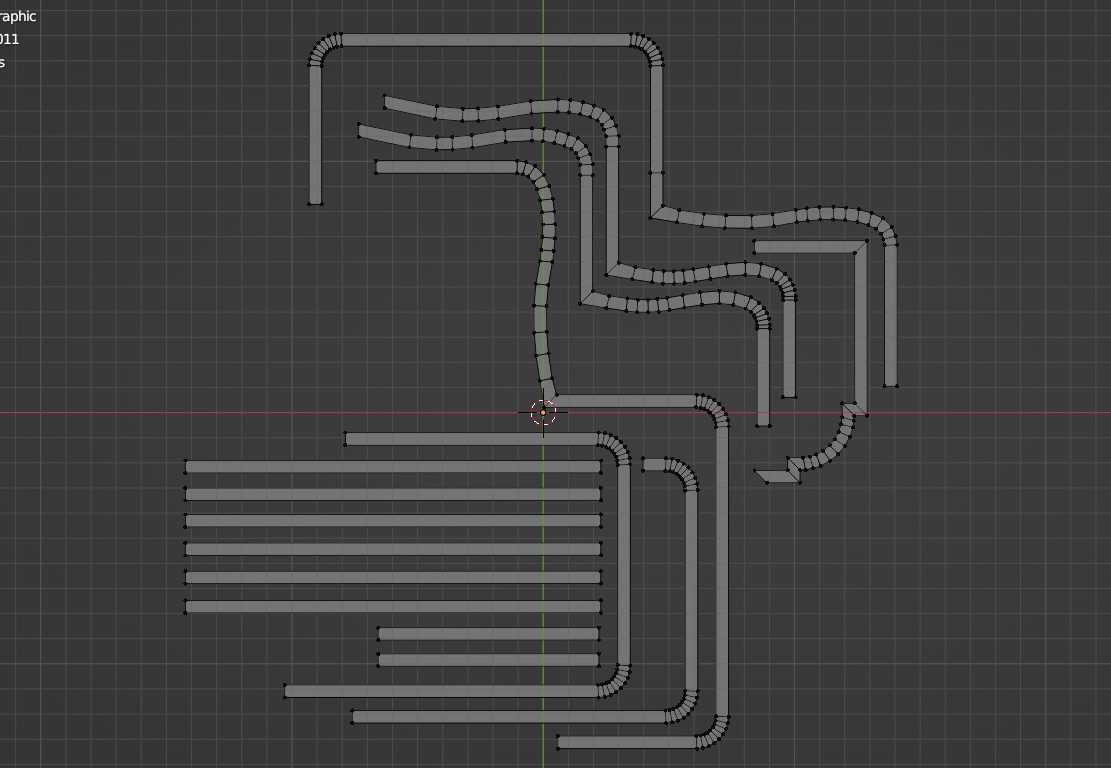
I have to print this for a model for a design project and I modeled it on blender. But when I did the export .stl and opened it on the software of the 3D printer, most parts had disappeared and the rest was totally deformed and way too small. I applied the scale and I checked that the mesh is ok, and it was. However, I made the mesh as simple as possible and I used no modifier.
Does anyone know what's the problem of my 3D export ?
(It is 5mm high and all pieces enter is a 30 by 30 cm square).
Thanks !
3 Comments
Activate the 3D print add-on and use the check all function. Other than that, check that there are no duplicate vertices and that the normals are all facing outwards.
OH. When working with models for 3D printing it is nice to set the Blender unit scale to .001
As Richard mentioned, you should definitely check face orientation. Go into Edit mode. In the Viewport Overlay, you tick "Show face orientation". All of the faces should be blue. If any are not blue, you have to flip the normal for those faces. Easiest way is to select all and use Shift N to recalculate all faces for outside normals.
If that fails...
If you are using Windows 10, you should start 3D Builder and import the model into this app.
Once in there, create new scene and open your model. As soon as you click import after you located the model, and if there are problems, you should be told, in the bottom right hand corner, that the model needs repairing. Do that and when finished save the model as a new STL (you will have to choose the stl-file type in the drop down). 3D Builder is pretty good at repairing stl-models.
If that fails
You have to find where the problem is, and fix it manually. As Richard mentioned, you can do this in the 3D print add-on.
Go into mesh edit mode. When you click on a certain type of problem, you will see the offending line, vertex or plane light up.