
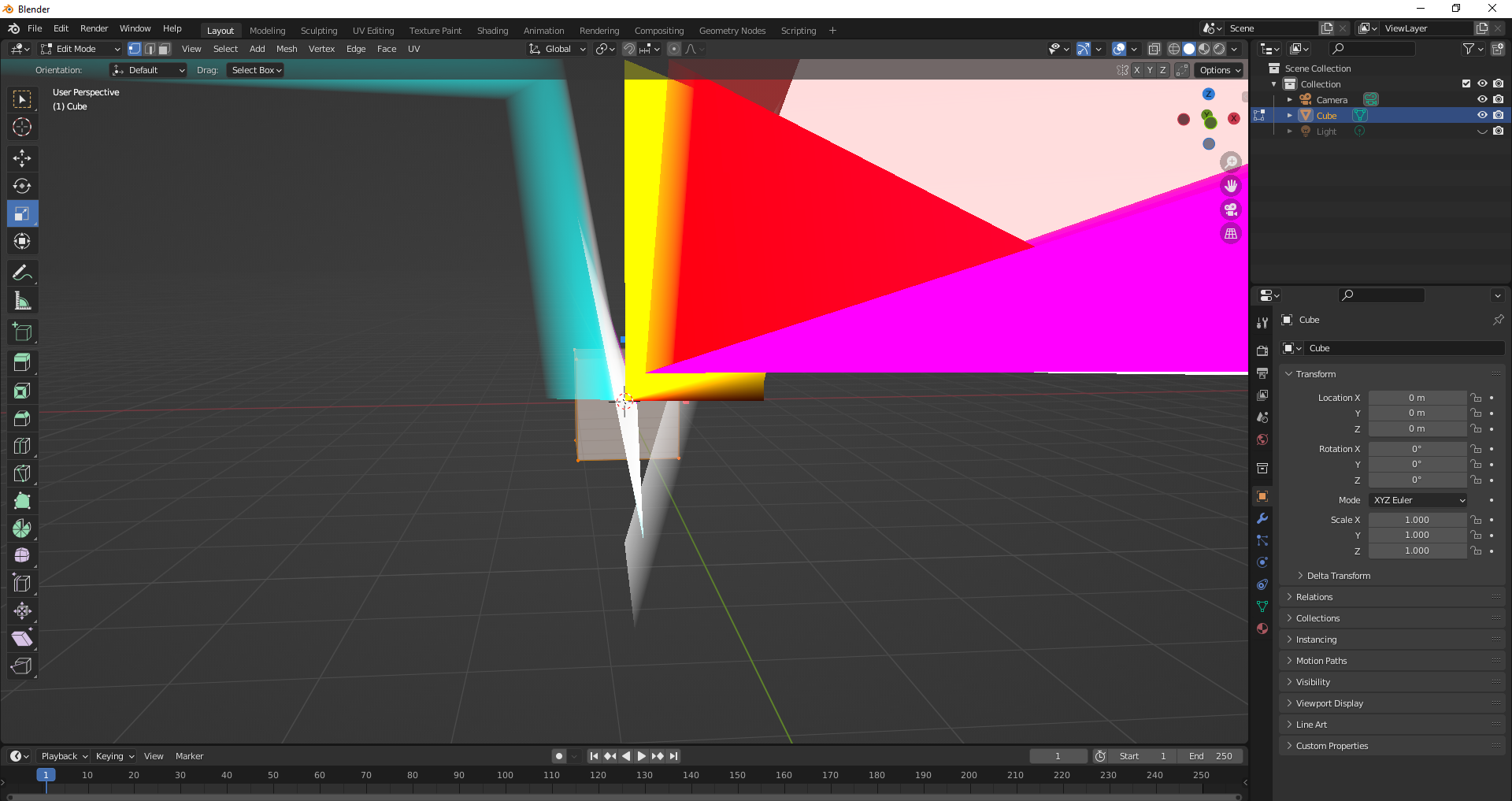
Blender 3.1 Error Graphics Card. HELP!
I installed Blender, however, when I open it it appears with these lights? My computer is 11th Gen Intel(R) Core(TM) i7-11700 @2.50 GHz and my graphics card is Radeon RX 560 Series. I already asked for help on other sites and they suggested that I delete the "Blender Foundation" folder in AppData but it didn't work. I'm a bit desperate, I don't understand why this is happening, as I bought the computer quite recently. And on my old laptop it works fine. Need help :(((((
2 Comments
Is it only happening on 3.1 or others too ? Are your drivers up to date ?
i tried to install older version's, and they can't even open. It says " A Graphics card and driver with support for OpenGL 3.3 or higher is required. Installing the latest driver for your graphics card may resolve the issue".