
apply modifier Distribute Points on Faces
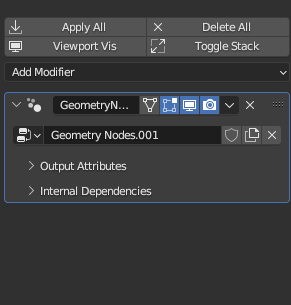
I made a 3d model using geometry nodes. But when I click apply the geometry node in the modifier properties, objects created by "Distribute Points on Faces" is disappeared .... is there anyone how I can fix this ?
2 Comments
It is because the points generated by this node are not the same with the vertices that meshes use. You can see that they go into different categories in the spreadsheet.
If you want to turn those points into workable vertices, Use a mesh line node with 1 count generating a singel vertex, then instance it on your points. Finally realize instances before send they to the output.
Now you should get your mesh vertices cloud after apply as expected ; )
Alternatively, as I couldn't get this working, go in object mode, select the distributed points, press a to apply and then make instances real (second from the bottom), I am a complete novice so this may not be optimised, but it worked for me