
How to increase these lines?
Does anyone know how to increase the thickness of these black lines that separate editing windows?
I'm talking about EDIT > PREFERENCES window.
Tks 😘
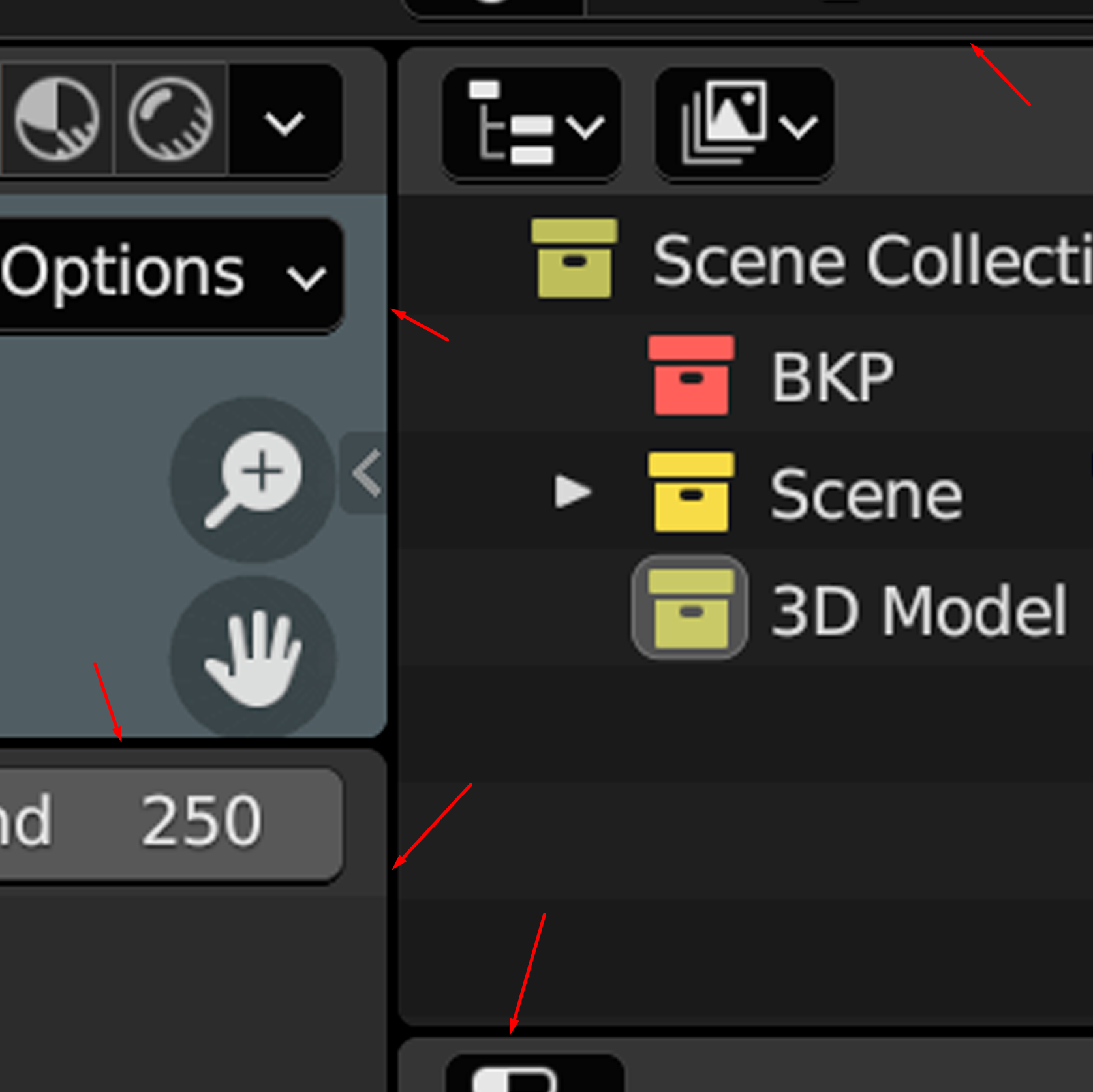
Does anyone know how to increase the thickness of these black lines that separate editing windows?
I'm talking about EDIT > PREFERENCES window.
Tks 😘
2 Comments
Preferences→Interface→Line Width You can choose between thin, default and thick, while there is no visible difference between thin and default... but even worse, the author of the "Line Width"-operator decided to use this slider also for the thicknes of gizmo-lines, so when you want to have more space between the windows, you'll have to live with disgustingly looking gizmos. :(
Tks man!