
Simple way of using decals materials ? (without shrinkwrap / texture paint)
Hi everyone,
New to Blender, I am looking for a simple way to use decals textures on the top of an other texture. For now I've only seen people using a schrinkwrap modifier on a plan or people using texture paint it which I found quite long to do or sometimes not having the best results.
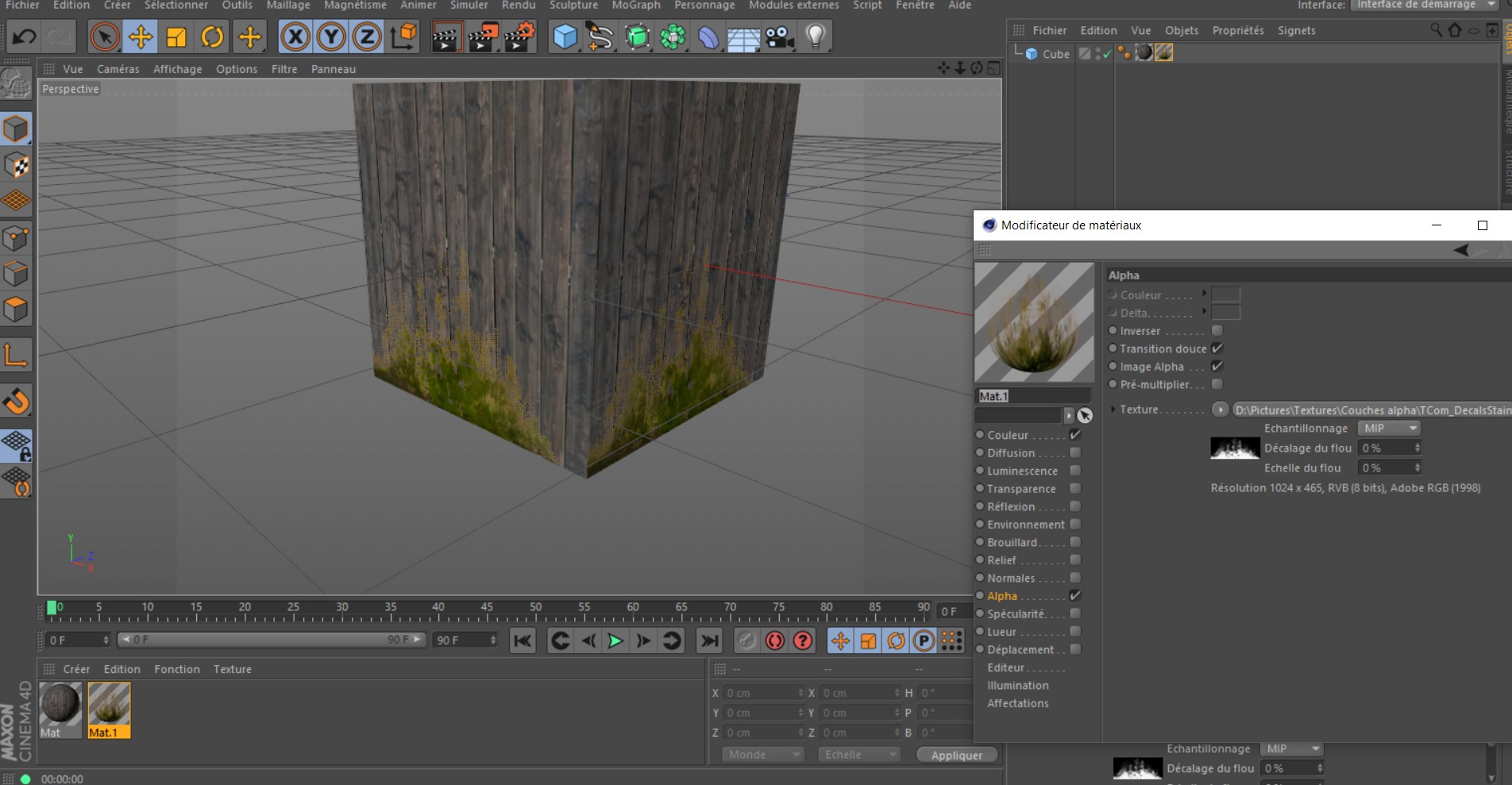
I was previously using Cinema4D and using decals was super simple just by checking the alpha channel on a material (see image). That way the normal, roughness, displacement and other channel were also applied following the alpha mask. Is there any way to do the same in Blender ?
Thanks !
4 Comments
i would mix two shaders via the alpha-chanel in one material.
Hi thanks for your answer,
The only way I found (and I beleive is the only one possible) is with this tutorial :
youtube.com/watch
But you still have to create a seperate UV map every time you add a decal, which again I find quite long. I wish you could just stack 2 material on top of an other.
you could assign the decal-material only on one (or more) polygon in edit mode and scale/position the decal in the mapping node
Oh for heaven's sake. How was that made so complicated to become a 15-minute tutorial?