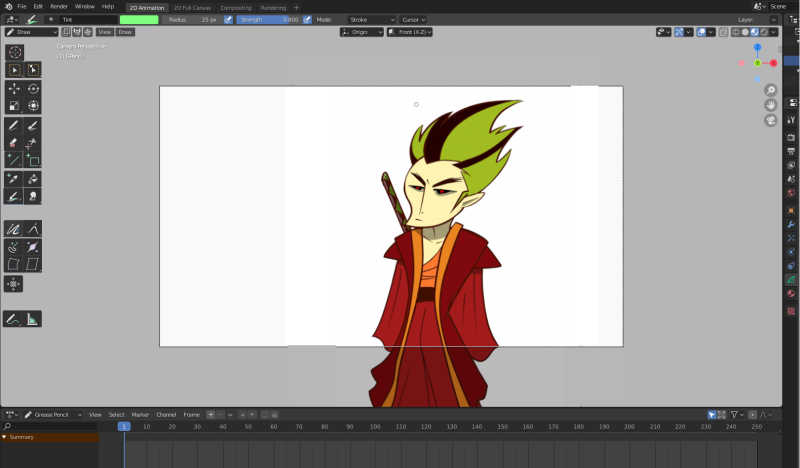
NEW GREASE PENCIL UI
Hello everybody I don't know if this is the right place to post this. I'm new to the community.
I have designed a new layout for the Grease Pencil User Interface but I'm not really a programmer. I'm an illustrator and animator. And with all due respect the current layout of Grease Pencil does not have the 2D illustrator/animator in mind. I have rearranged this buttons to make it more user friendly. And I would like to know how I can modify the Blender code. No new code needs to be implemented at all, all I need is to copy existing behaviors from existing tools/dropdowns and paste them into other tools.
All I need is:
- Have all tools visible in all modes (Object, Edit, Sculpt, Draw, Vertex Paint, Weight Paint)
- Add a behavior to each tool. (When clicked the tool should change the mode [ex. Draw tool changes you into Draw Mode] )
- Duplicate the selection tool and name this duplicate "Point Selection Tool"
- Group some tools together and make them a drop down.
The idea here is to have the tools always available and by clicking the tool it would automatically change the mode for you. That way the user can concentrate on what he knows best, creating artwork and let Blender do the extra things for you like changing between modes.
These are the examples:


Thank you so much in advance.