
EmberGen VDB don't shade
// EDIT 2 : PROBLEM SOLVED
Changing "density attribut" by "flames" (like the name of the VDB channel, we can see them on the screen) and playing with scale and clipping distance if necessary solve the problem.
Thanks to Info20 and carlogioventu for their help.
/////
Hello ! I'm trying to test some fire/smoke/explosion effect with free VDB which can be download here:
jangafx.com/software/embergen/download/free-vdb-animations/
I can import VDB animation correctly, i see the animation in "solid mode" but can't see anything in material or render mode even with simple or complex volume node. (Eevee and Cycle, in different blender version 2.80, 2.93, 3.0, 3.1)
Curiously i was able to put a volume material on this small mist VDB file downloadable here :
Every tutorial i found don't have this problem.
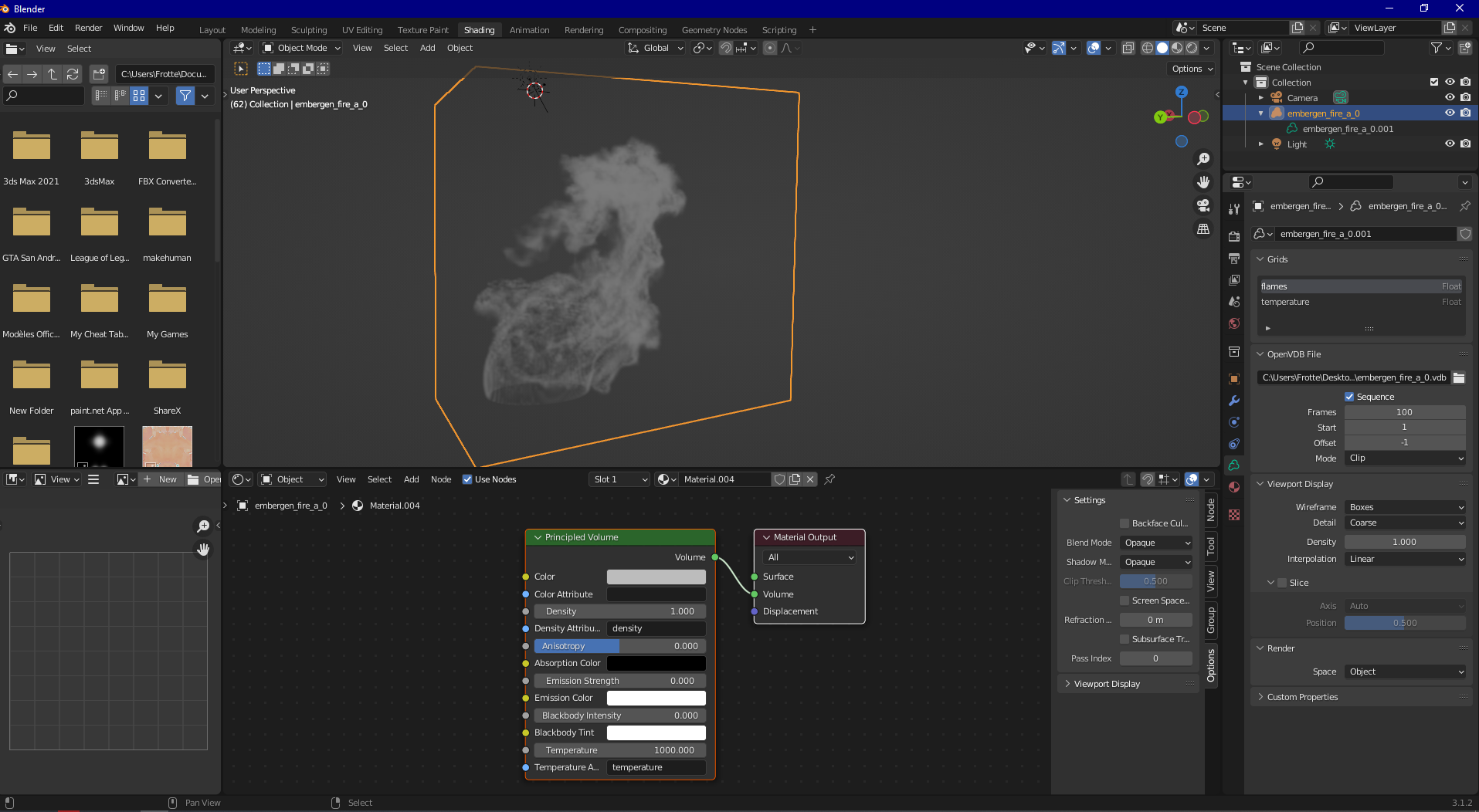 Any idea about what happen ?
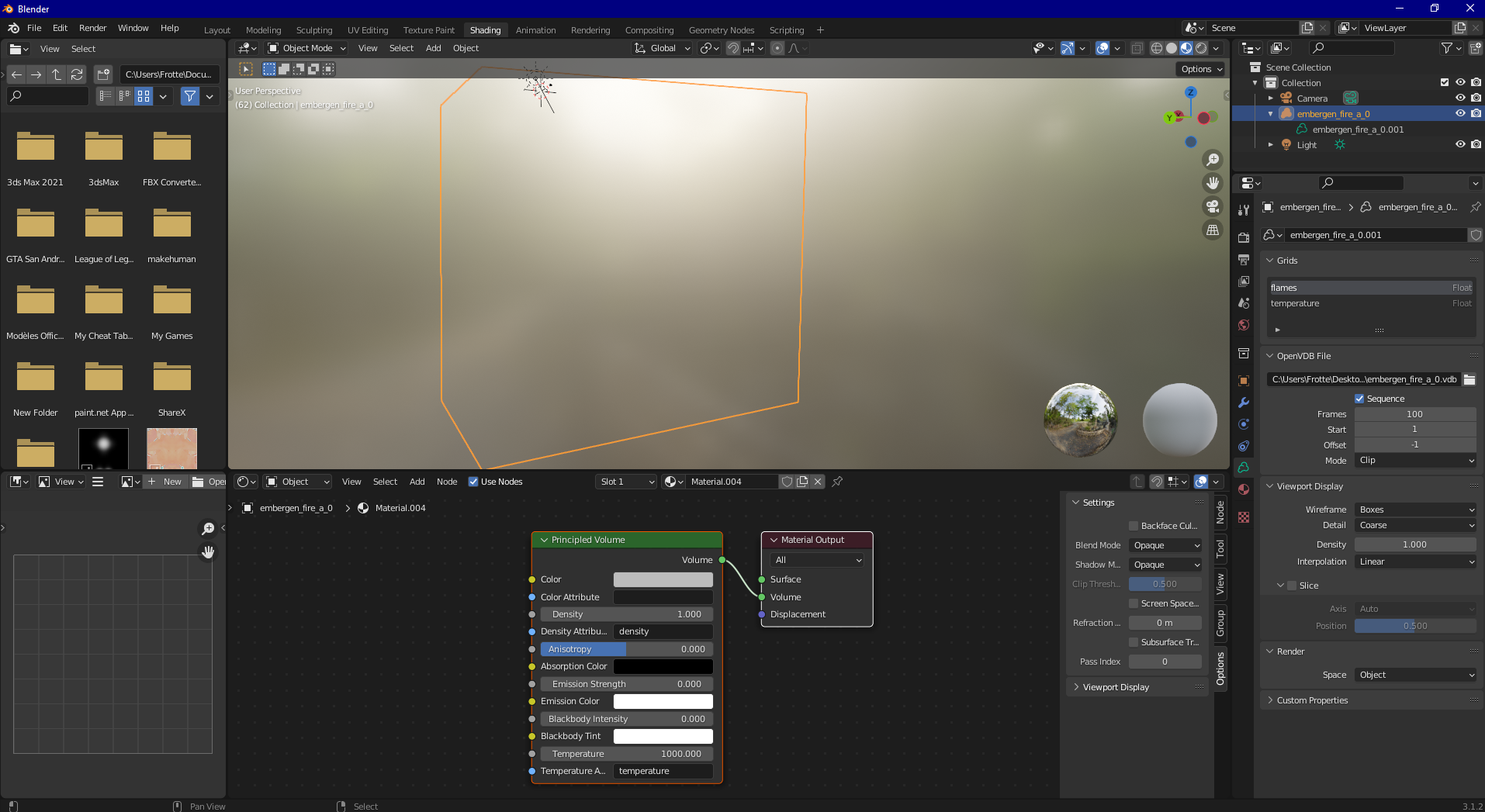
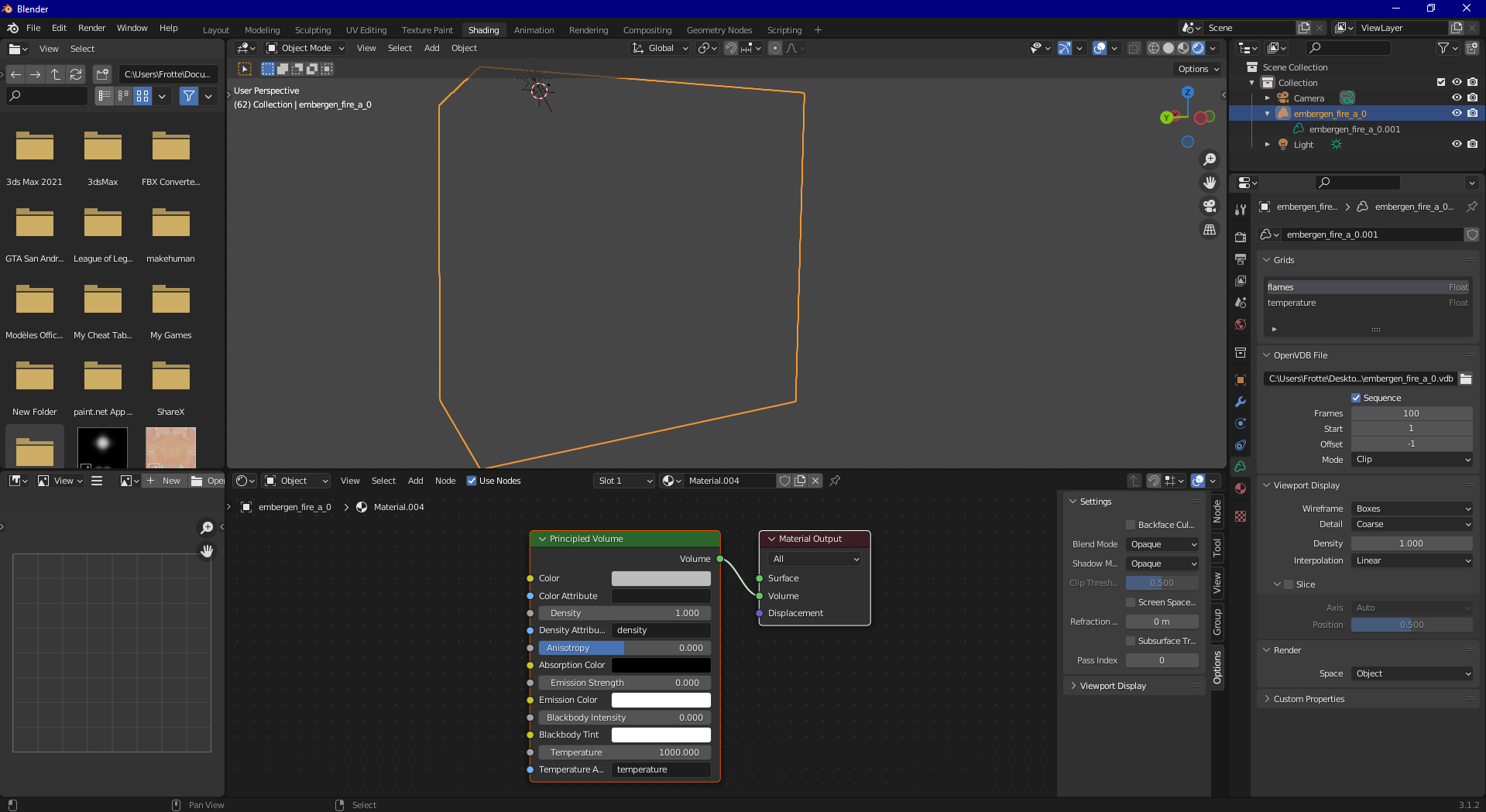
EDIT:
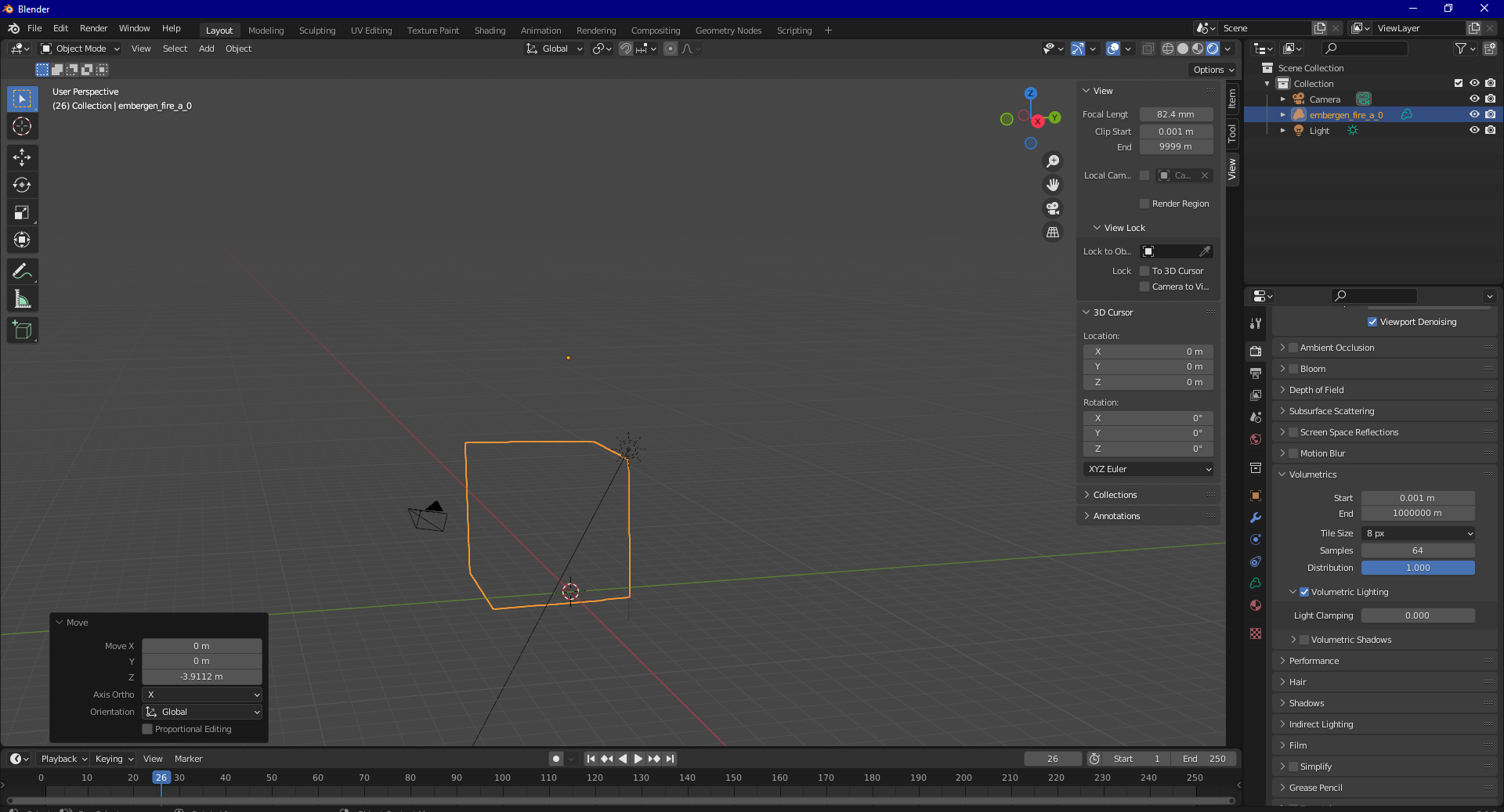
I played with Scale and clipping distance but it don't solved the problem
7 Comments
Hello, First you need to change " temperature attribut " with density attribut ( write density instead of temperature ). Second / you need to increase the " blackbody intensity.
daniel
Changing "density attribut" by "flames" (like the name of the VDB channel, we can see them on the screen) and playing with scale and clipping distance if necessary solve the problem.
Thanks to you and carlogioventu for your help.
i've solved checking smoke scale and clipping distance ;)
I played with these parameter but nothing happened.
send me your scene here, i'll check it ;)
I post it on the discord since we can't (or i don't know how) share it here.
Thanks for your time ^^
discord.com/channels/853320276393853009/853320277052227667/970297137382428712
no file there for me to take...use send-anywhere.com/ and use a link ;)