
How to creat material with circles and parallel lines together in Blender
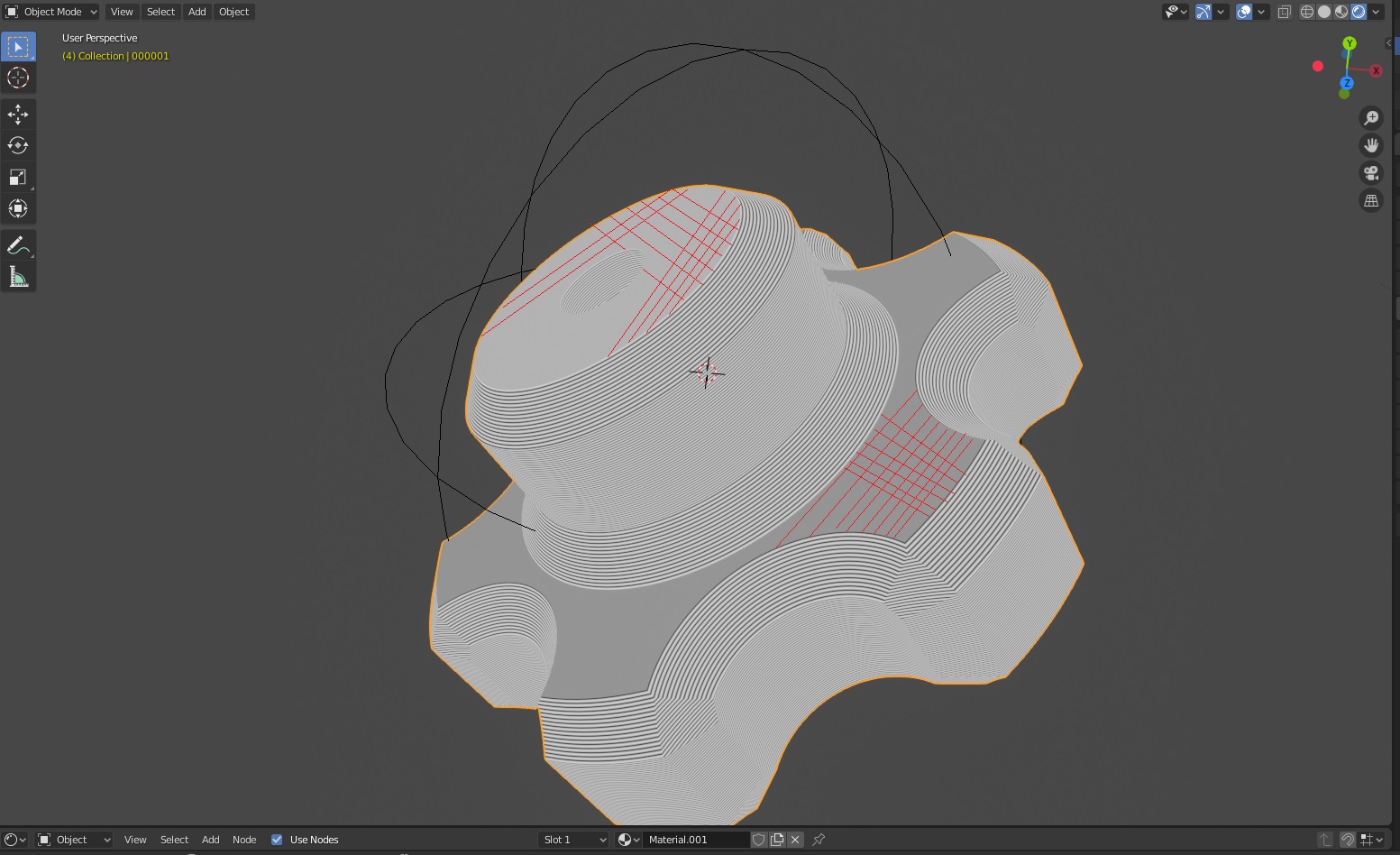
I am new to Blender. I want to create material consist of circles and parallel lines for my model like below to look like it is 3D printed. How can I achieve that? Could you show me in Blender? Thanks.
I just used red lines to highlight what I expect. What I really want is also make the material shows parallel lines on the pure smooth surface. The real picture shows here:
1 Comment
Here is the basic node setup: drive.google.com/folderview If you want it on separate surfaces than duplicate material and get rid of/change rotation in mapping. Make sure you use cycles and turn on displacement in material settings.