
QUESTION: How do you change the Dope Sheet Channel Context Menu's glowing cyan colour?
Hello.
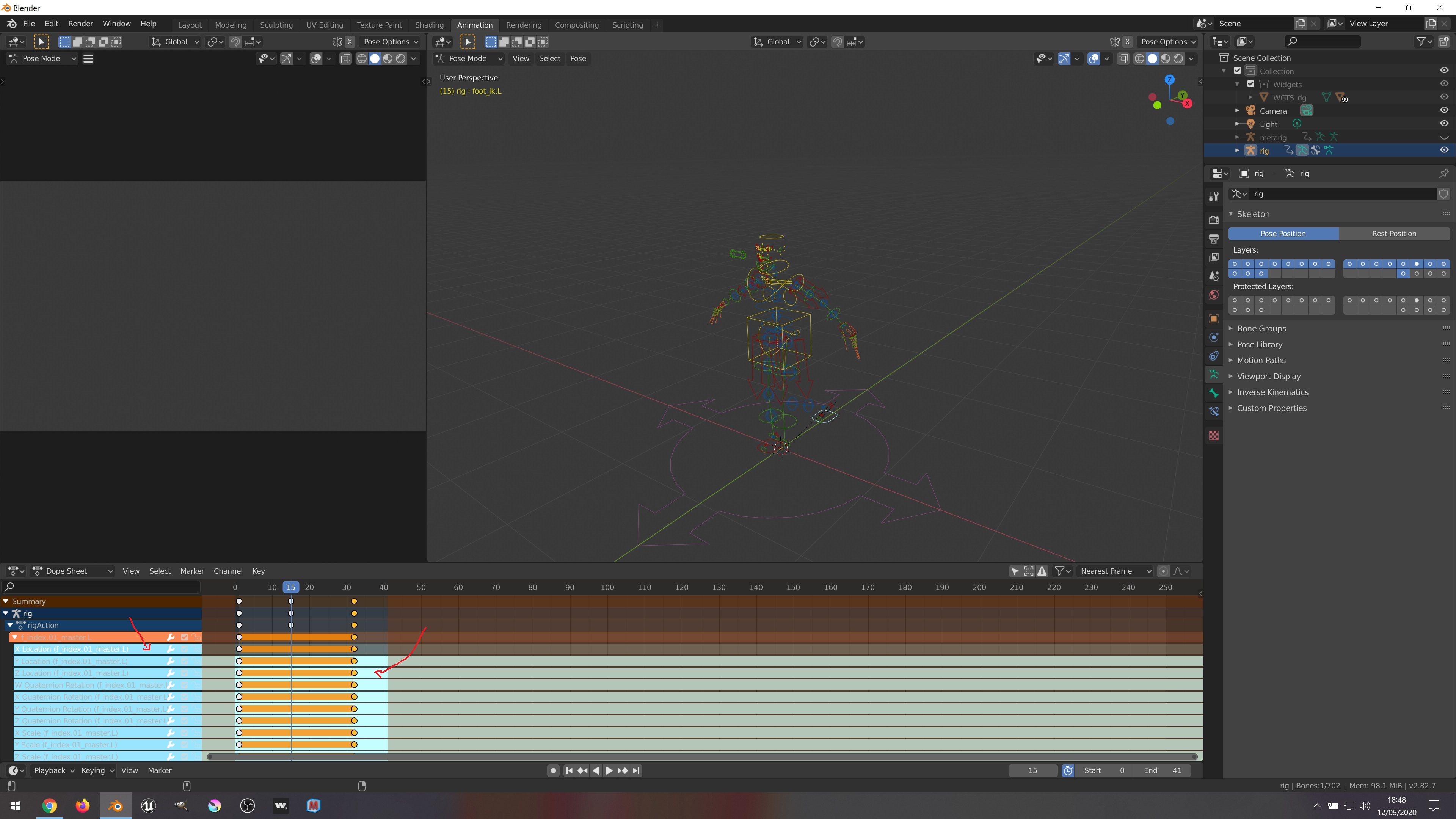
I am looking again and again in the section Preferences>Themes>Dopesheet, but I really can't find where to change the colours of this panel, when advanced bones are selected. The glowing cyan blue with white letters in that part is making me blind when I look there while I try to work in my animations.
If anyone knows which part is where you can change this colour, I would thank the reply.
I would also thank a picture with the reply.
5 Comments
There is two ways which one is better is for you to decide. This one is more convenient:
Or: {attachment Bone_Group_whichjpg}
{attachment Bone_Group_Colorsjpg}
{attachment Bone_Group_Colors_themejpg} {attachment Bone_Group_Colors_Donejpg}
This happened, because this file has been created by old 2.8 version of Blender, probably alpha or beta stage.
There is a way to do that per each Fcurves group:
{attachment Copy_namejpg}
{attachment Ungroup_channelsjpg}
{attachment Ungroup_channels_Correctjpg} {attachment Ungroup_channels_Correct_resultjpg}
* @roundmetry *
{attachment Ungroup_channels_Selectjpg} {attachment Ungroup_channels_Select_Groupjpg}
{attachment Paste_namejpg} Here you go! {attachment Final_resultjpg}
* @roundmetry * WOOOooooohohohohohohoho!!!!