
Create a bad camera effect in Cycles?
How do I create a bad camera effect as seen in these videos:
You can just search nostalgic images for more of these.
I already have the scene but hwo do I create that low ISO effect or the flash. Or that weird subtle noise. I am not able to create them with lowering the sample count. I can't use spotlights or area lights for the flash, and there are prob more things, I can't see.
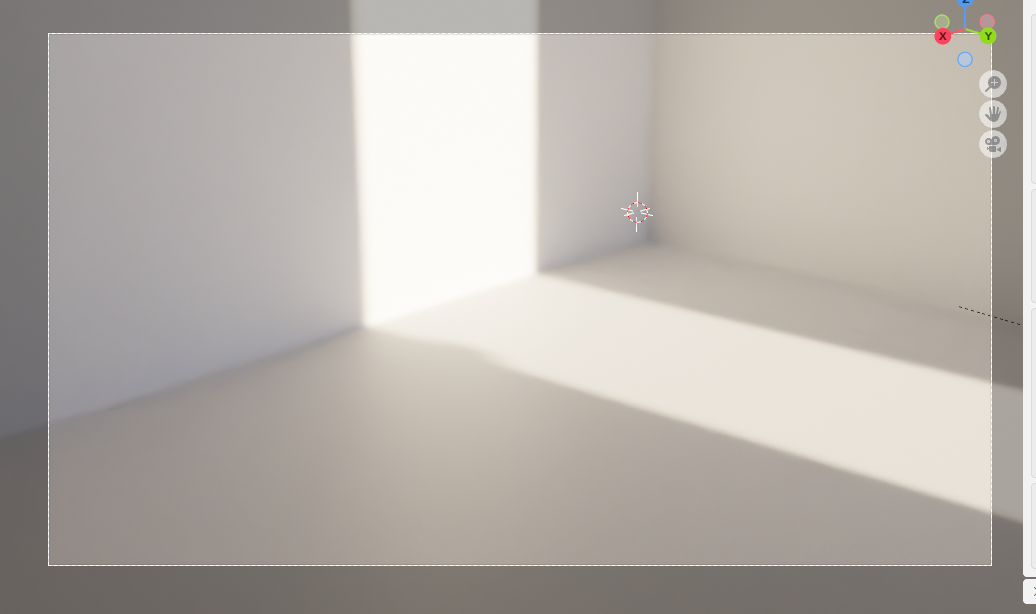
Here is the non nostalgic viewport render at 64 samples and denoised on default settings.
9 Comments
youtube.com/watch I would suggest watching all of the videos for v4 onwards of Photographer Add-on.
app.gumroad.com/d/9821f795404cc64837c44aa0872110c2
Yes it costs $22, but it is a seriously amazing Add-on to Blender.
It also includes film grain in v5.x.
My first thoughts are fourfold:
How do I increase bloom on cycles, it can only happen in Eevee? It looks less nostalgic and more cinematic.
Perhaps use the Glare node between the Render layer node and the Viewer node. In the Glare node try out the type called Fog Glow.
How do I have that in the preview viewport, and even in the rendered version it doesn't help much, imgur.com/a/dzPe1tL Can you focus a bit more on the high ISO thing, On your phone go into something called pro mode or something similar, You can make the ISO higher and see it in a dark room. That is what I mean by the ISO Effect.
So basically you are asking ME to FOCUS on your problems with camera settings and then you want ME to do your searches on the internet.
Use this search option in your favourite search engine: iso settings in blender
All you have to do then is to look through the results to find what you are looking for. I'm sure if you FOCUS, you will find something useful.
P.S. I don't have a smartphone. My mobile phone will serve me find - as long as I keep whitin the length of the lead.
I can't find anything online that's why I came here.
?
chafouin.gumroad.com/l/HPrCY