
UV Editor in 3.6 - dots all over
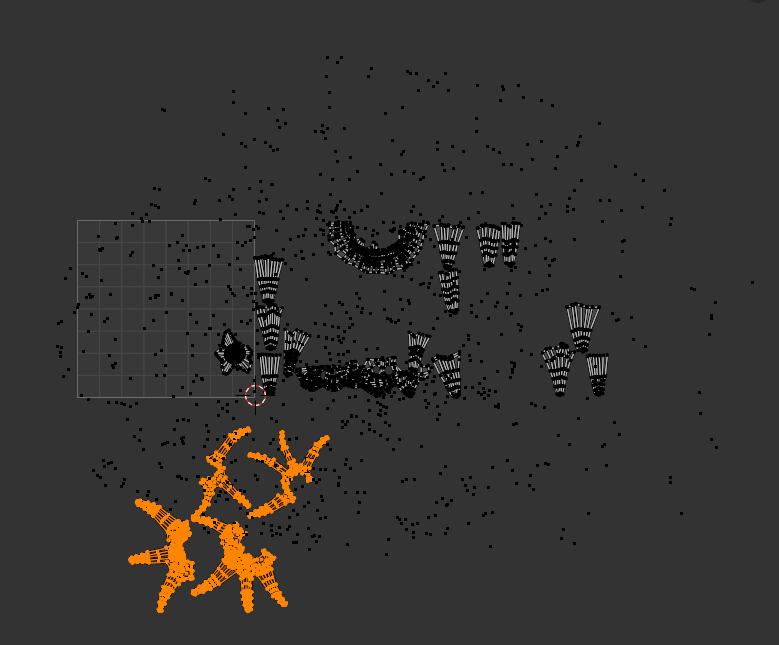
Hey, I'm not sure where to ask about this, but since updating to 3.6, every time I select UVs in face mode, the little dot that marks the centre of the face appears off to the side, so selecting a lot of faces results in this cloud of dots off to the side of the selection. It's really distracting and I'm not sure how to fix it. Is this just me? Or is this a bug with 3.6? Does anyone know how to fix it, or do I need to just wait for an update? Thanks!
2 Comments
They fixed it already: projects.blender.org/blender/blender/issues/104652 🤔
If it's happening again, better create another bug report.
Oh amazing, thanks so much. I'll update now! I only downloaded and started 3.6 a week or two ago so I wasn't expecting it was solved yet.