
I AM COLLAPSING...
Are 24 hours that I'm not sleeping, trying to figure out if I'm doing something wrong or I'm just stupid and poor.
I have this laptop: Asus Rog Strix Scar 15 G532LWS
Intel I7 10875H 2.30 16M Cache, up to 5.1 GHz, 8 cores Nvidia 2070 SUPER 8GB 16GB DDR4 SO-DIMM 3200MHz 3.0 Nvme M.2 SSD
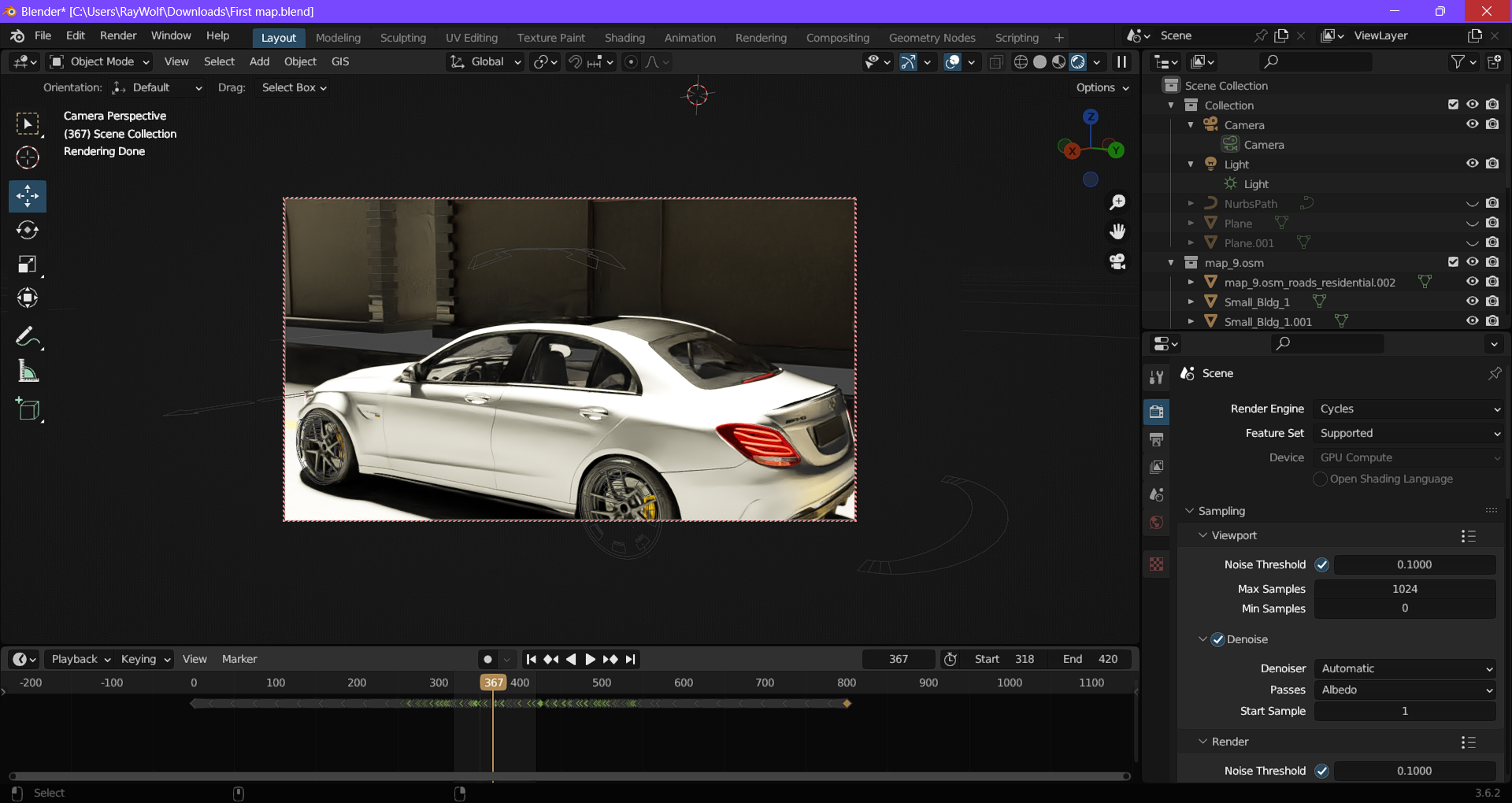
I attach a screenshot to see what I'm trying to render.
I placed the resolution at 1280x720 50 samples Noise threshold 0.1/0.01/0.001 (no difference)
And I'm rendering a frame per 15mins
My total animation is 102 frames, so this means 25 hours for a fu***ing video of 4 seconds in 720P. The animation is just the car driving straight and 3 buildings.
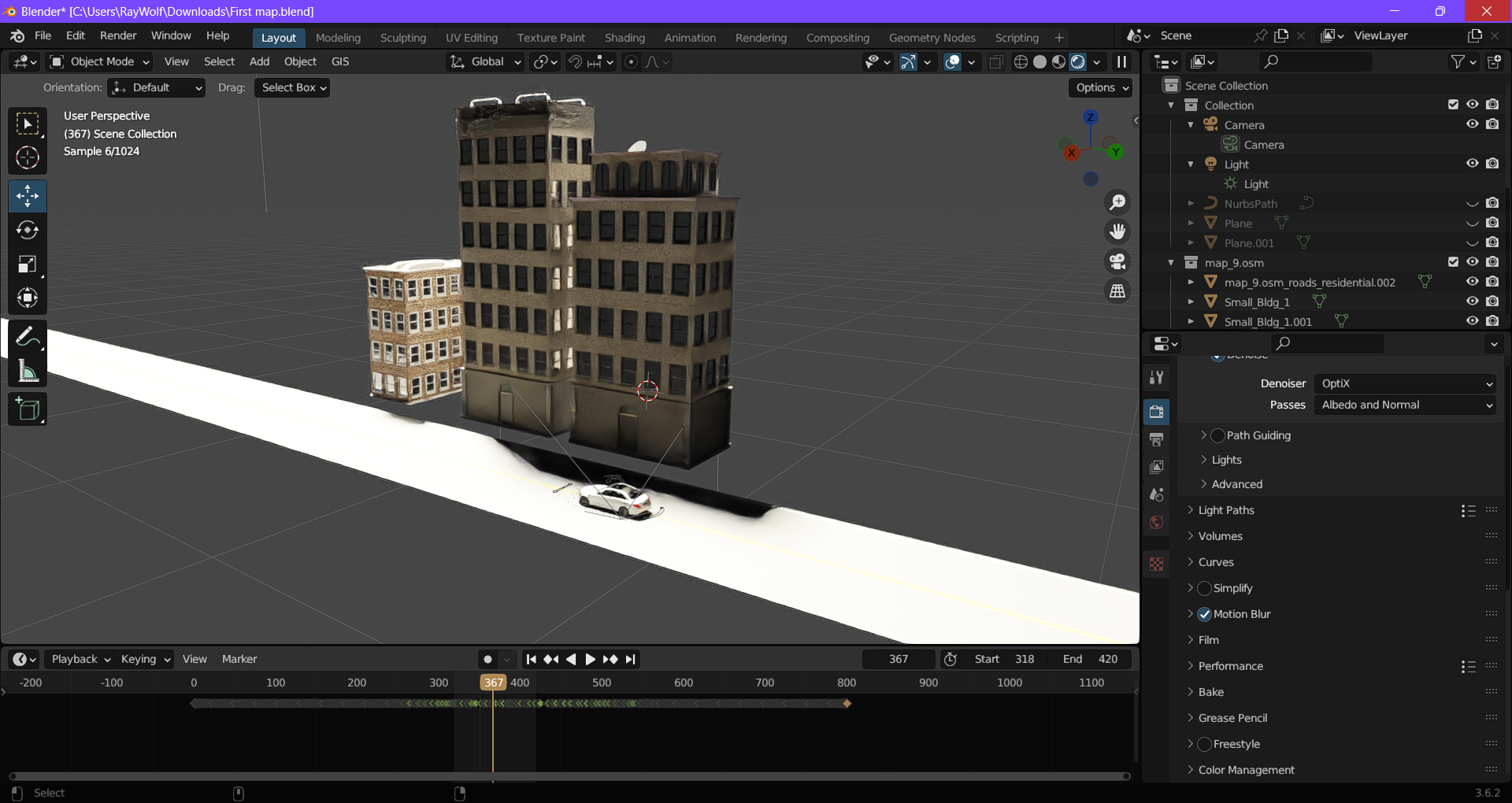
It is possible that my laptop is not powerful enough to render?
I use Nvidia Studio Drivers.
What else I noticed is that the rendering in the viewport is faster
I really hope someone can give me some advice, otherwise, I think I have to renounce my passion because I can't afford a better computer.
3 Comments
I think you forgot to activate RTX/CUDA in preferences > System > Cycles render devices. You can tell by looking at the GPU option which is grayed-out under the dropdown for selecting the render engine.
(And yes it should make a huge difference)
Yes I found it testerday by mistake. I completely ignored the option because I've setted from ndvidia panel control, to override the application options.. So I did not take in consideration to check this option...
Anyway, thanks a lot!