
New Computer New Blender
SPACE OPERA - youtu.be/xXOdNWwTX54
Here is a little something I have been making to test out my new PC and Blender 2.93 and 3.0. The Starship is around 14M faces and the Star-dock around 3M, the file about 3gb loaded into Blender. It uses around 7GB of Video Ram and that can increase to 10GB in some cases using Shared GPU memory. My new system is a 64GB AMD Ryzen 9 with an NVIDIA GeForce RTX 3070.
I went back to a PC after ditching APPLE - best thing I ever did for my pocket. The PC was $3500 (AUD) an equivalent Apple would have been over $7000 - and no NVIDA card. Also, I have to admit NVIDA and the AMD Ryzen just do it for me.
I wanted to make something big and really stress test everything. Optix is fantastic, Persistent Data is a godSend!, 3.0 is Amazingly stable, Cant wait for cycles X, Asset browser is really useful.
And above all - I wait minutes and even seconds for a frame to render! I can have a decent movie done in a day rather than a few days. The movie above was around two days worth of rendering - on my old system it would have been six.
Just one pet hate - Blender does not give back Standby Ram when I close it down. OK... yes... Its rendering a BIG file and yes over the course of a session it can put up to 30GB into standby ... but it cuts rendering time by a lot, a hell of a lot. Just wish I didn't have to run "RamMap" to free up standby ram.
I am still getting my head around how Ram is divided up, shared and used with this project file. I don't know if the Shared GPU memory and "Standby" are part of the same bucket. Also Blender and Cycles seem to be two separate "customers" for Ram. If someone can help with this I would love to hear!
Oh yes.... Here is a little something for part two of the Opera...
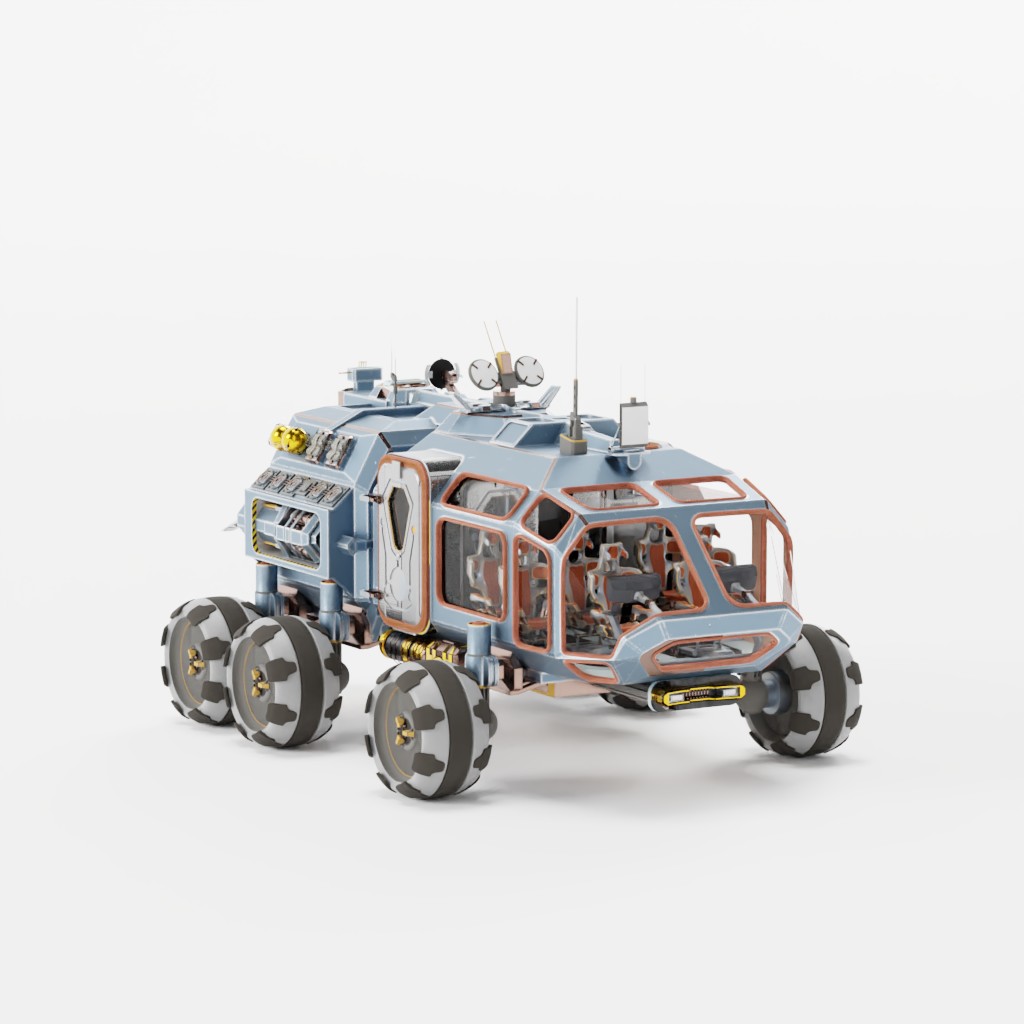
All in all, I am really happy. Thank you to everyone who makes Blender what it is!