
Knife: Parallel cut
Basically, when in knife mode, press a key (<kbd>P</kbd>), select an edge and the following cut will be parallel to that edge. Such functionality can be found in the CAD snap utilities: Line addon.
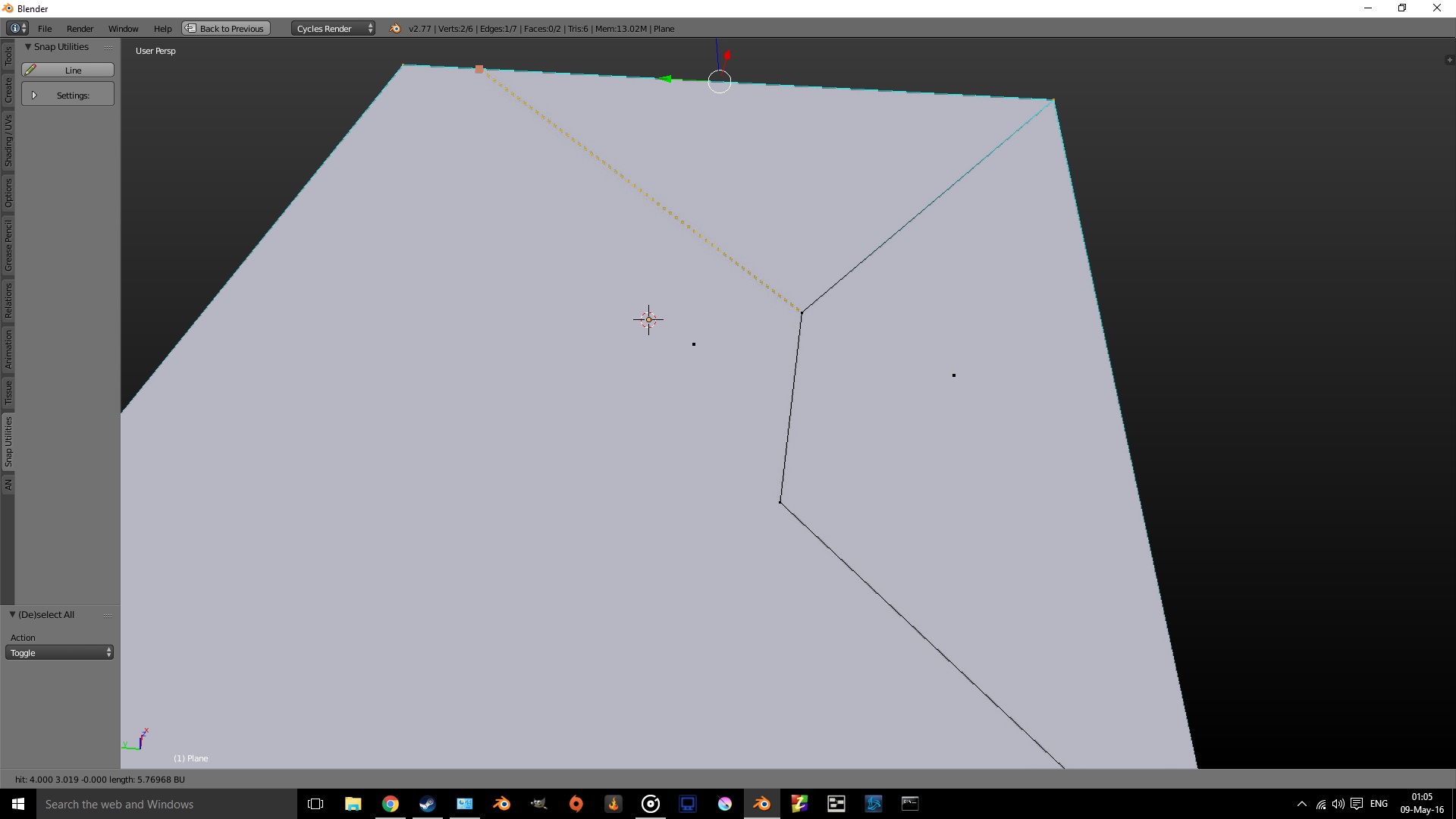
Basically, when in knife mode, press a key (<kbd>P</kbd>), select an edge and the following cut will be parallel to that edge. Such functionality can be found in the CAD snap utilities: Line addon.
2 Comments
While I can see the value in having a parallel cut, I'm not sure I'm a huge fan of the workflow. The Knife operator is so overloaded with options now, it's very nearly becoming a full mode unto itself. It makes me wonder if there's a better way.
You can use for now "Snap Utilities Line" Addon integrated with Blender :)
I added a proposal too for Knife, blender.community/c/rightclickselect/dGdbbc/