
Proposal: Vector Tools in Texture Paint
Proposal Vector Tools in Texture Paint:
- Move Tool (or Path Node Edit Tool)
- Pen Tool (Path Tool equivalent in Substance Painter)
- Fill Tool
- Shape Tool
- Text Tool
_
Mockup:
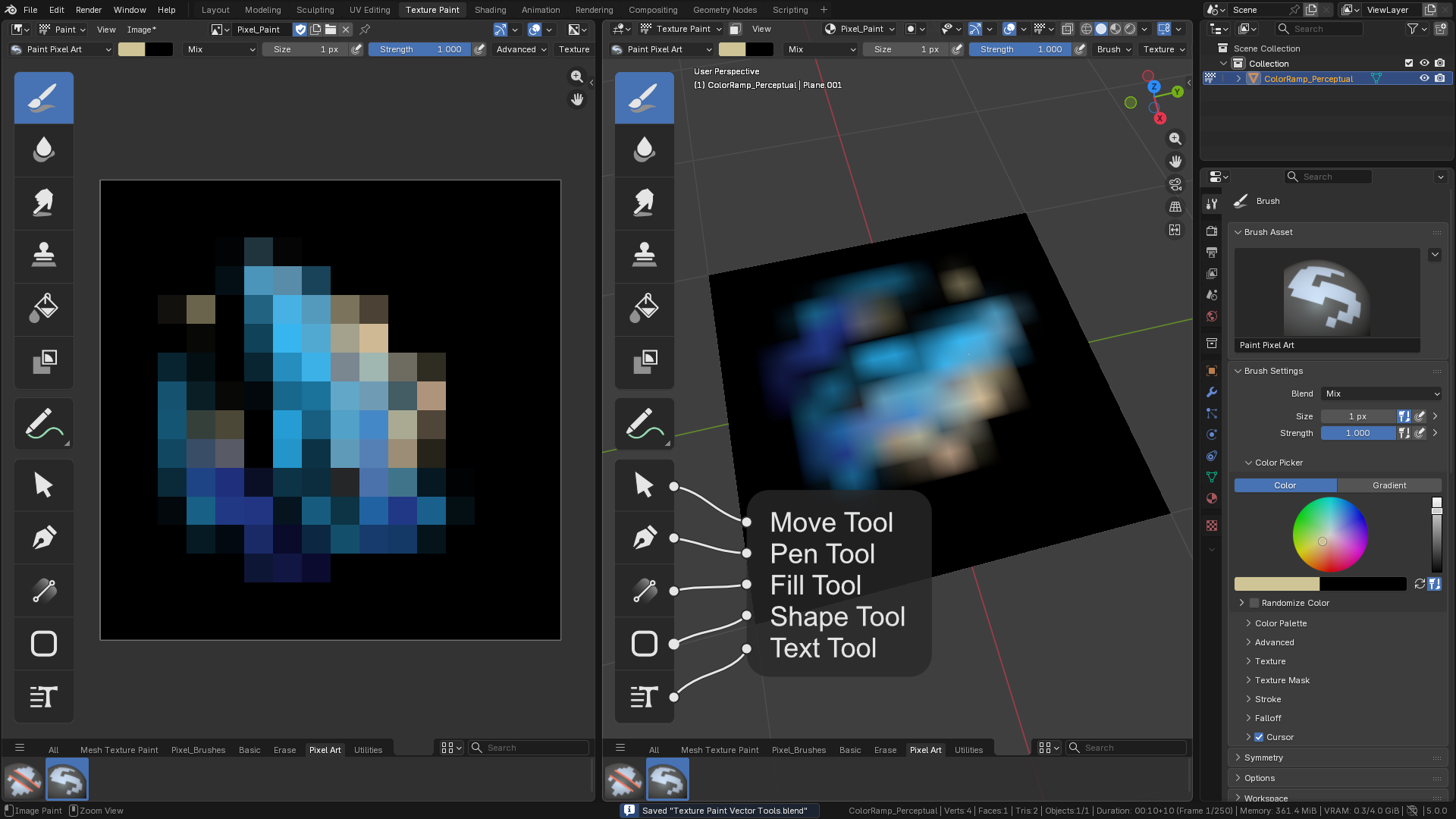
_
Similiar Idea:
_
- Move Tool (or Path Node Edit Tool)
- Pen Tool (Path Tool equivalent in Substance Painter)
- Fill Tool
- Shape Tool
- Text Tool
_
_
_
4 Comments
Nice images but I need a lot more explanation here. You mention 'vector' in 'paint', but Vector software is not 'Pixel' software - as Inkscape is not Gimp, etc. If you mean you want Vector tools alongside your Texture Painting, you can already do this by using Grease Pencil through a camera view with your image texture plane, and render the Gpencil into your iteration of your painting once you are satisfied with your drawing.
As much as everyone wants to shoehorn the tools into the 2d image editor, they seem to ignore the fact they already have Text objects in 3d view with all the material and texture settings therein. Move tool? Simple, you can move your Gpencil objects about freely in Object mode or even Edit mode, even Sculpting the GPencil. Pen, Fill, Shape - all native to GPencil already.
If you want more Illustrator-like vectors, you can mix and match normal Curve objects with GPencil as well.
i need mask tools like sculpt mode
GPencil has masking as well as Texture Paint has masking - you have a very powerful Mask Tool in Texture Paint and for GPencil, there has been a lot of update in 5.0.
_
_