
Front and Back Face selection without x-ray
In my workflow I regularly drag-select large portions of the mesh by silhouette, and the current behavior of only selecting front faces, is causing a lot of issues for me. I want to select front AND back faces. (Through select?)
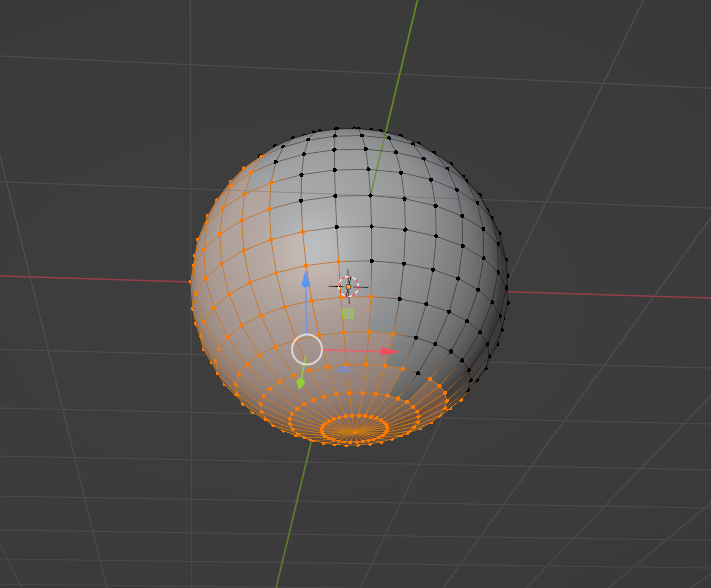
Toggling x-ray to allow this isn't a solution for me because that would make this a 3 button operation (toggle x-ray on, select, toggle x-ray off) when I need it to be a one 1 button op.
Recognizing that this may be a seen as a feature for many users, could we add a preference toggle for Backface Selection Always?
I want to reiterate, I do this CONSTANTLY and it would make my experience much better and faster. :D
2 Comments
Instead of backface selection, I would prefer a "select through" instead. In other words, be able to select anything through anything. Object, mesh, bone, whatever's under my selection shape.
Edit: though it's been requested a few times already:
Edit 2: in the meantime, there's an addon to automatically toggle xray while selecting:
X-Ray Selection Tools - Coding / Released Scripts and Themes - Blender Artists Community
I like that, edited to represent your addition. Thank you for the links as well. :)