
Button to copy rendered image to clipboard.
It would be super useful to have a neat little button in the top-left corner of the "render window" to copy the image directly to the clipboard. This would be a really sweat feature to quickly and easily share your super cool work without having to "save as..." and then open it in e.g. Discord etc.. just to be able to send it to other people.
to save RAM for your PC, the clipboarded image will be reduced to 720p resolution. (because it's only a quick share... not a serious finished presentation of your work)
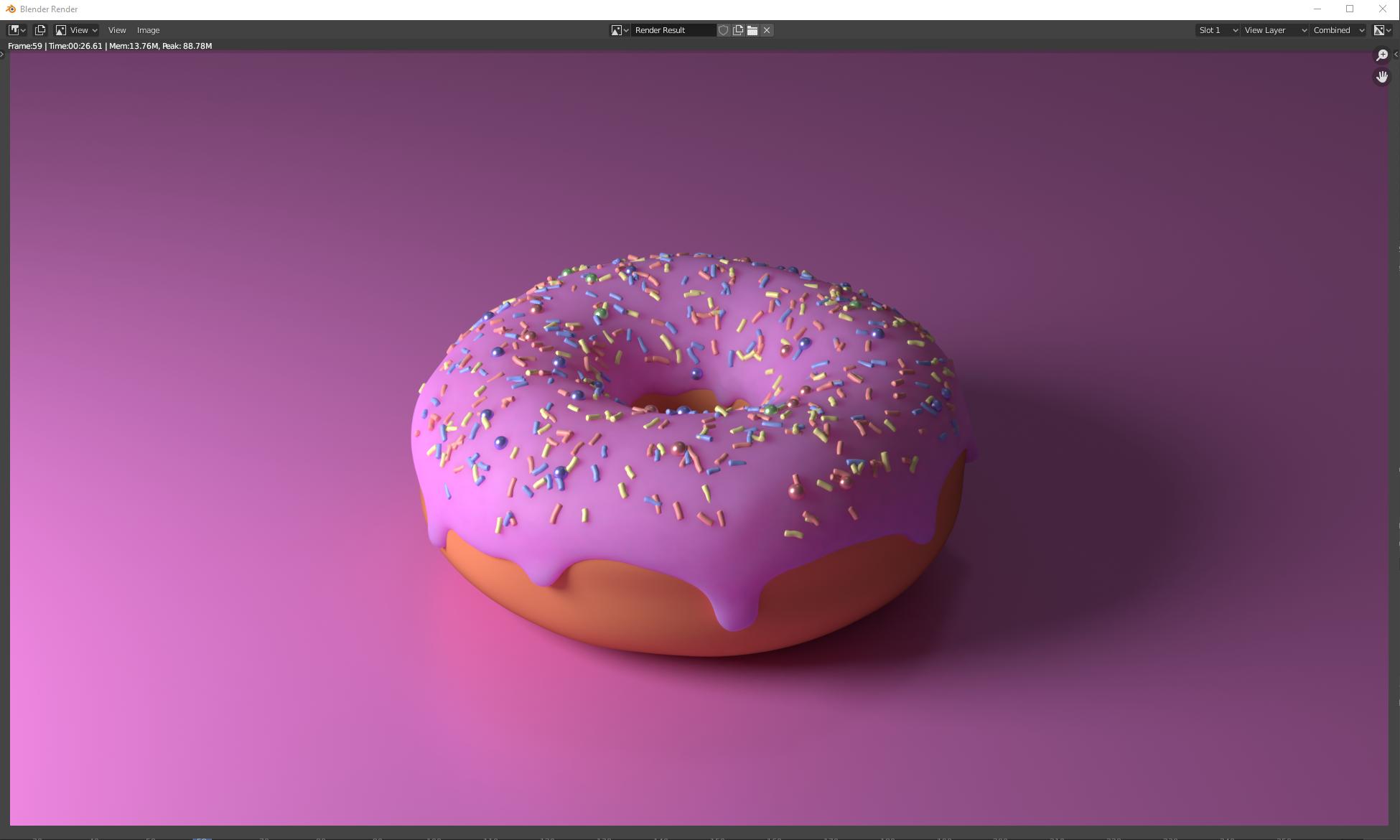
Here's an image i made with a "copy to clipboard" button in the top left corner.
P.S.. How do you guys like my donut? ;-)
13 Comments
this please ^
I know you can use snipping tool, but it would be nice to ctrl+C full image into memory w/o having to save the file
this is extremely useful while in middle of production when you need to do a lot of quick tests and paste the results into an image editing software as you're working
why the button? A menu item and a hotkey "ctr+v" are enough. Is not?
(you mean ctrl + c) yes, that is how I‘d use it too, but some people aren‘t great with hotkeys
In the mean time in windows what I do is "Windows Key + Shift + S" and select which area of the screen I want to be screenshotted.
* @Alexis Benoit * nice workaround, but still less efficient than having a dedicated button in blender. Thank you very much for the tip though. :-)
* @Alexis Benoit * For some Linux distributions, Shift+PrintScreen is triggering the same interactive screenshot tool.
Would be nice!
On the Windows platform we can now copy and paste to/from clipboard in the Image Editor. projects.blender.org/blender/blender/pulls/105833
Can't believe it still isn't there yet 🤤
Related/Duplicates:
I'd like more the other way of interacting with the clipboard: paste image into image viewer or as a image node into a nodetree. This new image would need to be saved or packed of course
I think what your proposing is a quick share button of some kind. This could be an addon, in the "N" panel are options for the quick export settings ie 720p res, what file type, compression even direct linking to hosting websites like Imgur, drop box, and more.
Well do I have the software for you!! Check out ShareX getsharex.com/ You can screenshot regions, windows, full screen etc and have it copy the image to your clipboard. Or it can upload the image to a image hosting site and add the link to your clipboard so you can easily share the link to others on discord facebook etc You can even run actions record gifs, and draw on to your screen before screenshotting it to share. Best part is its independent of blender so you can use it in any software. Ie Photoshop, Unreal, in games etc
* @TheWizardLord * no support for transparency which is a BIG deal in this "copy to clipboard" function from the RENDER OUTPUT. :(