
Adding shift to the axis lock while duplicating to allow zoom and rotateD
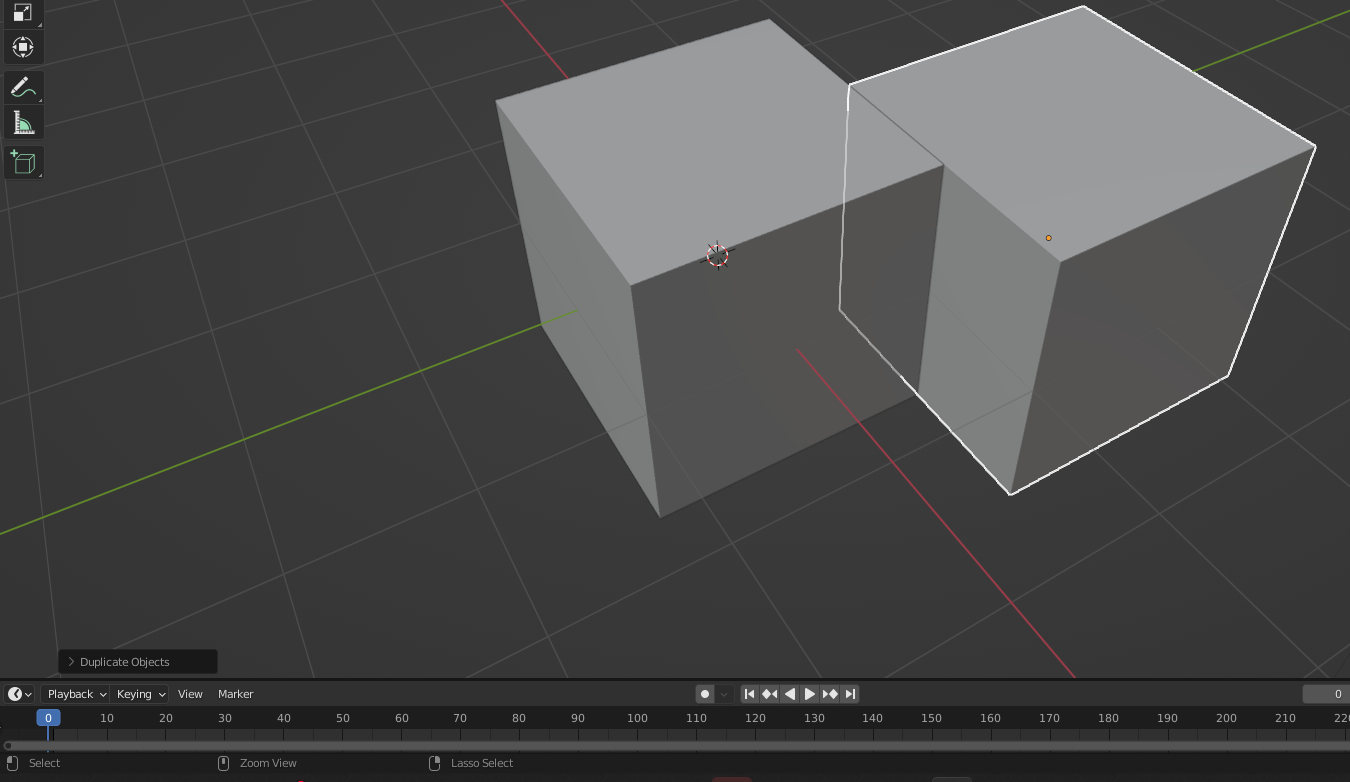
Hi Pablo. Is there any way to rotate while duplicating lots of objects? I can't zoom out after selecting an object to copy it now making it almost impossible to work with lots of small items at times.
Here is my idea. If the axis lock (middle mouse button down) is changed to (Shift + Middle Mouse Button down) then we could use pan, rotate, zoom and do axis locking while duplicating objects. It would allow us to change the duplicate mouse settings. What do you think about this usability idea?
Duplicate: Shift + D
---During the Duplicate---------------------
Shift to snap to points
Zoom: Scroll wheel or Ctrl + Middle Mouse Button down
Pan: Ctrl + Alt + Middle Mouse Button down
Rotate: Middle Mouse Button down
Lock axis: Shift + Middle Mouse Button down
The bottom menu says we can rotate by holding down the middle button but we can't (maybe a bug) it says we can rotate with the middle mouse button.
It would also be cool if we could have the background move like here: blender.community/c/rightclickselect/XQp8/
10 Comments
Or like in Unreal Engine, an option to follow the selected object that move (like my proposal : blender.community/c/rightclickselect/XQp8/ )
Wow. That would be great to add as well. I upvoted your post. Hope these ideas get approved soon. ^^
I want both these.
Can we work together to bring these to Blender? Are there any Facebook groups around for developers?
youtu.be/PZ0Ujy9OW5Q Pablo said maybe this could work but it needs testing. Yay. This would be amazing. He said it would be done as part of view transform. I'm not sure exactly what that means code wise in Blender but it would make modeling heaps easier. Now we have the line mesh tool with rotate thanks to some updates and rotate/zoom when duplicating with this.
Oh. Yes pleaseeeeees.
Are there any settings in the preferences to turn on the zoom?
No, nothing there unfortunately.
Is the Shift D copy and move? This would be a great viewport change. I’ll look at it and see if I can update Blender with that. It might be tricky though. I’m not a strong programmer.
I never though about the keys being a combo of tools but I'm sure this would still work well.