
Add Object - Snap to Center of Face
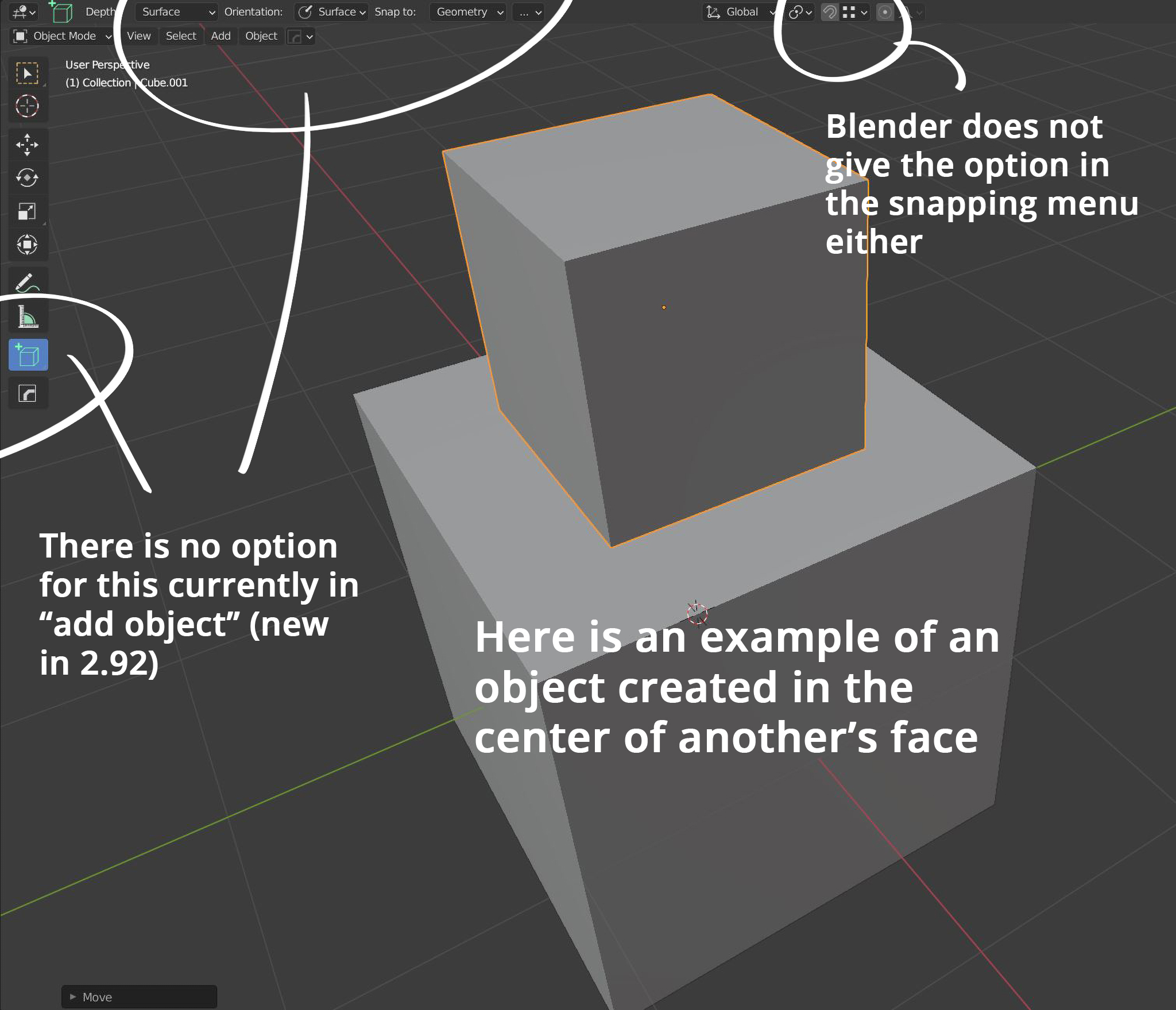
Currently in the new Add Object (as of 2.92) we have the ability to snap to verts and edges by holding CTRL. It would be extra useful to add the ability to snap to the center of faces as well. This is a time-consuming thing to do in Blender, especially since conventional snapping does not have an option for it, but there are many cases in which one wants to create something perfectly in the center of a face (a ball on top of a flagpole cylinder, for instance)
Ideally it would be added as an always-on feature (while holding CTRL) like edge and vert snapping.
3 Comments
Also an option to "Ctrl+Scroll" whiole hover over the Add object icon to cycle through Different Meshes like (Cube, Cyliner, Sphere etc)
Here
* @IIIFGIII * That's a slightly different proposal. Mine has nothing to do with the snapping menu, although it mentions it in addition as the feature is also missing there. My proposal concerns only the Add Object tool (which has an always-on snapping feature) while mentioning that other feature in passing.