
Touchscreen Compatibility
Hello, my name is Vyacheslav. I'm a CAD jewelry designer.
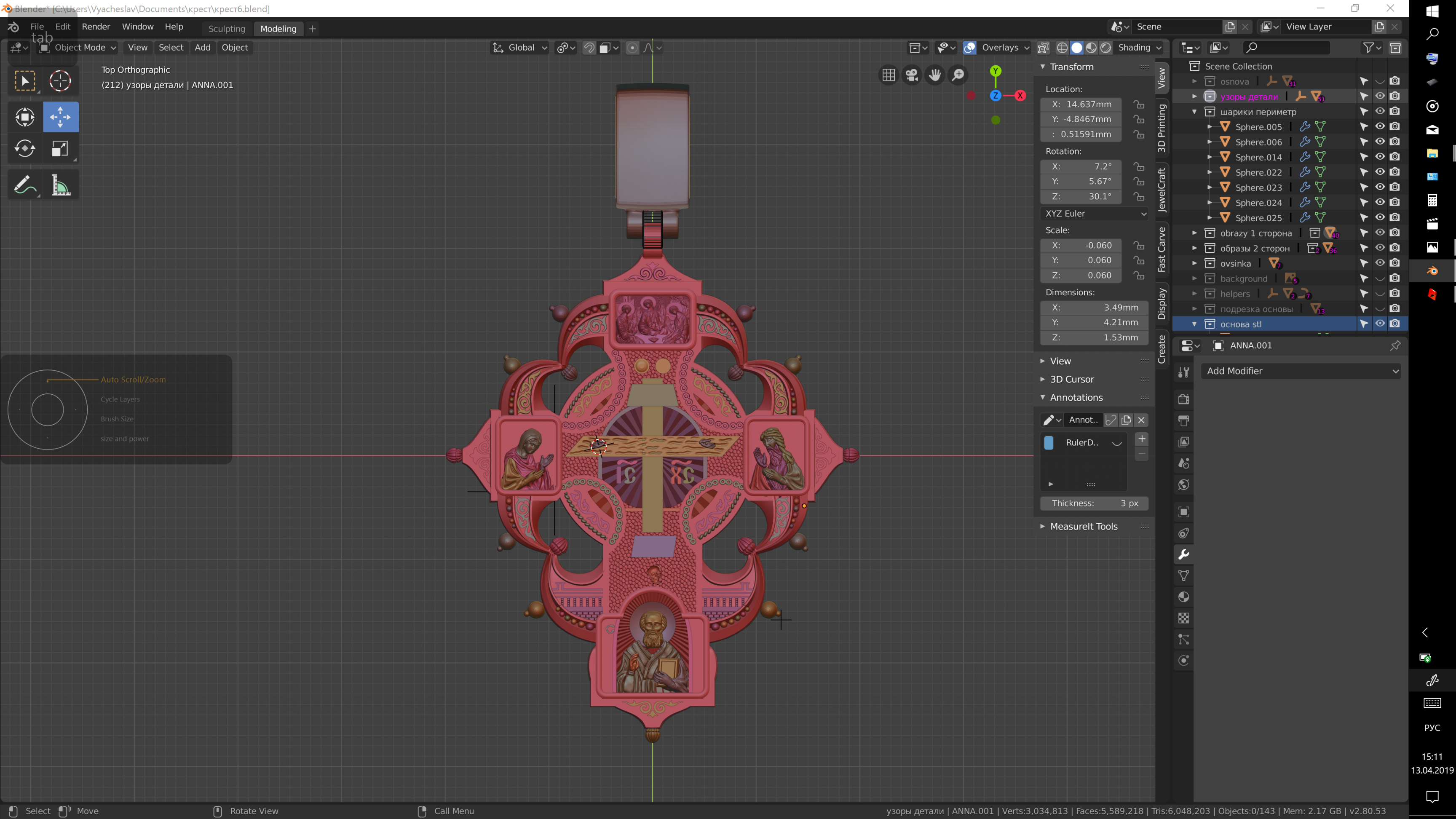
During last year I have been working in Blender. I've bought the Wacom mobile studio pro that to have the opportunity to work in travel in any place. And I ran into a number of difficulties in the work on touchscreen.
-
It is difficult to work without physical keyboard in a car or plane. I need type numerical values into numeric fields, type names into outliner, type file names for saving projects. Touchscreen keyboard work incorrectly. When I touch numeric/text fields screen keyboard does not show. I have to manually start keyboard, type what I need and close keyboard. It takes many actions and makes production process slow. I would happy if keyboard automatically shows when I touch input text/numeric fields. And after pressing enter keyboard automatically hide.
-
For navigation in viewport I can use only wacom pen and buttons (ctrl shift alt). It would be handy and makes process faster if I can rotate, zoom and pan view using finger touchscreen navigation like in Shaper 3d, Rhinoceros, Illustrator, Sketchbook pro, Photoshop etc.
For example: One finger touch - rotate view around object. Two finger tweak - zoom in and zoom out. Three finger drag - pan view.
P.S. this is rewrite topic after some discussions below. Thanks to everybody who has already payed attention to this topic. In nearly future I will prepare mock up for better understanding what I mean.
Sorry for my English.
Best regards
15 Comments
When I work in 2d programs such an Illustrator , Sketchbook, Photoshop I like to use two hands on screen for doing my job. Left hand for drawing and right hand for navigation, rotation and pan view. It is very usefull and makes me faster.
I would like to have the opportunity make my 3d stuff in this way. Left hand for pen and right hand on screen for navigation and at outliner or properties fileds. I have tried to find program which can work in this case. But I have found that only Rhinoceros 5 can work in this way. It is good program, but I like Blender and I want to work with it.
I think the solution of this problem could be done like addon or option for Blender that could be switch on or switch off.
Have you enabled the "3Dview : 3D Navigation" addon ? It should display two dropdown menus ("3D nav" and "Pan Orbit Zoom Roll") in the View tab, on the N panel.
* @ xan2622 * Thank you for reply)) Yes, of course I tryed this addon. But it is not exactly what I need. May I try to explain:
-two finger tip - zoom in out
-One finger touch and drag it is for rotate view
-Two (or three fingers ) for pan view.
It is realised in another programs like Rhinoceros 5 , Adobe Illustrator and Photoshop. But I like Blender and I would like to work in it.
That addon doesn't have enough usability and it's slowing me when I'm working on wacom touchscreen. Of course when I work on PC with mouse and keyboard I don't have troubles with navigation and typing.
* @shilling.v * Please add these specific suggestions to your proposal. Just saying that a touch interface is needed isn't enough. Be specific in your suggestions and recommendations.
* @Jason van Gumster * Thank you for advise. I've got it. Let me prepare a little To do list with description.
This is duplicated, unfortunately there is still no support, even now that the sculpting and greasepencil mode was improved. blender.community/c/rightclickselect/Vbcbbc/ Please join us here... devtalk.blender.org/t/2-8-touch-gestures/1591/7
Firstly, lovely design.
Secondly, I give your suggestions an up-vote.
I think, and it is obviously just my opinion, but this should be considered an accessibility issue that should be resolved as Blender continues to mature. Computing is different now than when Blender began, than when many software applications began, people interact in many ways, sometimes simultaneously, with the software they are working with.
I myself use Blender on a Microsoft Surface Book and switch between keyboard, mouse, pen, and touch often while working on a project. Knowing Blender, and other 3D applications, my expectations are low when it comes to pen and touch but still I use those methods to interact with my projects. Thus my desire, and agreement, that it would be nice if the developers consider improving touch accessibility in future iterations of Blender.
P.S. While it is not open source, or free ($300 USA), a CAD NURBs modeler, and far from perfect I am a huge fan of the 3D application called Moments of Inspiration (MoI3D). The developer of MoI3D designed the application's user-interface to be really clean and accessible, even via touch. I use it often to do 3D sketches of concepts I want to flesh out later as a polygon mesh in Blender. Just mentioning it as both an example of decent 3D touch interface, and a potential tool for those who might find it useful too.
Do you contribute to the development fund? Or your big jewelry company? Should not be to hard to pay someone for your "wishes", should it?
* @___me2 * Contributing to the development fund will not make his ideas implemented faster. Developers have their own Todo list and their own priorities.
* @___me2 * Ok. I pay to someone unknown and wait that something happens? I would like to know in this case that Who will be responsible for making this job? How much time it will take? Which warranty can I get? And what is the price? If you know somebody who can do this, let me know about him please. I'm ready to negotiate.
Kind regards
* @Vyacheslav Shilling * I am sure, that it is possible to hire someone directly. It is open-source and software can be modified. So you can ask developers is it possible technicaly, then search for freelancer, who can add such support of devices.
As we know, core developers have they own general plan, and can`t switch to your task immediately. So you are right, donations is mainly is for «making Blender better».
* @Vyacheslav Shilling * If your big company can afford it they can hire a programmer to modify the open source blender code to give you the feature you want. Maybe it can be done with the addon system and cost less to make and then your company can sell it. Or maybe it has to be done as a direct part of blender and your company can make the code available to the Blender organization and possibly a few years later it will be built into blender.
I can see where it would be great to have that capability in Blender for those with similar tablets, but I don't see much time put into programming it unless enough users have the same hardware.
* @ingapambi * For this point, I would say that I work in a big jewelry company and 60 percent CAD designers has the same point of view about this question. It would be more handy to be more close for creativity process with finger navigation. I know that it possibility realized in another tools :
Shaper 3d - has a good UI for touchscreen users, but it hasn't modifiers like blender and more other features.
Zbrush gives possibility to rotate view by touch and drag by finger. But for pan view and zoom have to use buttons and wacom pen.
Rhinoceros has options for navigation by touchscreen but this program doesn't have enough flexibility. I mean if I need to make corrections to model I have to do much more actions for taking result.
In conclusion I would say that possibility to be in close with creative process without little troubles like touchscreen keyboard manual opening and closing, touchscreen fingers navigation and so on, makes job much more efficient, handy and faster. Also in video from youtube I've heard that Blender development group have done blender 2.8 UI for this aim - make Blender more handy and intuitive for users. I think the touchscreen navigation stay in line with this purpose, in my opinion.
* @Vyacheslav Shilling * Also you can call all, who need such functions, and ask to upvote. It`ll show developments your interest.