
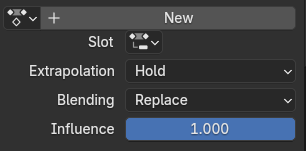
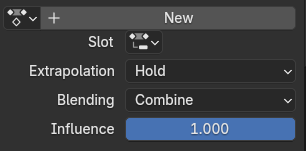
Change the default NLA Blending Mode from "Replace" to "Combine"
I very often find myself in the situation where I want to add an extra layer to an existing base animation. So I push the existing action onto the NLA stack, switch to the action editor so I can create a new action and start keyframing right away. Only to then notice after setting all of my keyframes that the original base animation is "lost" in the viewport, and that setting the blending mode of the new animation to "Combine" after the fact breaks the whole animation, so I have to delete all of my keyframes from the top layer and start over, which can be a very frustrating experience.
To alleviate this, there are two approaches I can think of:
- Change the default globally from "Replace" to "Combine". I can't think of any big downsides to doing this off the top of my head right now. For me at least, the Combine blending mode does what I would intuitively expect If I were to add a new layer of animation on top of another without touching anything else. (Hence why I have run into this issue so often lol)
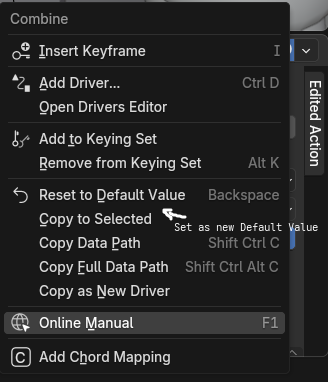
- Implement a way for the user to change the default value to their own preference, as has been already suggested in a more general sense in this post: blender.community/c/rightclickselect/Pphbbc/
1 Comment
While we will change anything about the NLA, we are working on layered actions which should make it a lot more intuitive to work the way you want