
Sculpt: Set Pivot to Surface (Option to Align to the Surface Normal)
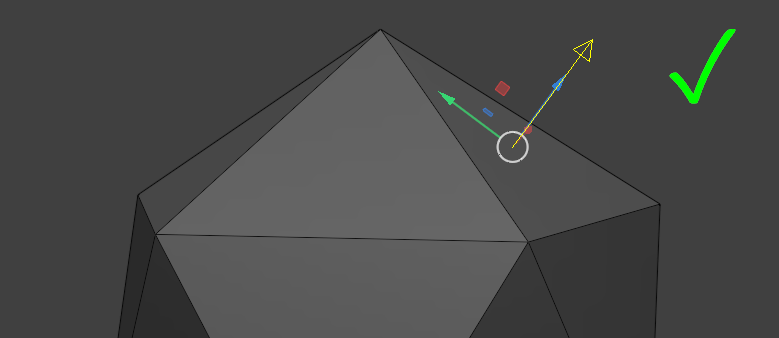
Currently the "Pivot to Surface Under Cursor" command (Shift+RMB) places the pivot on the surface under the cursor, but unfortunately it doesn't align the pivot to the surface normal, which is important for more precise and predictable transformations...
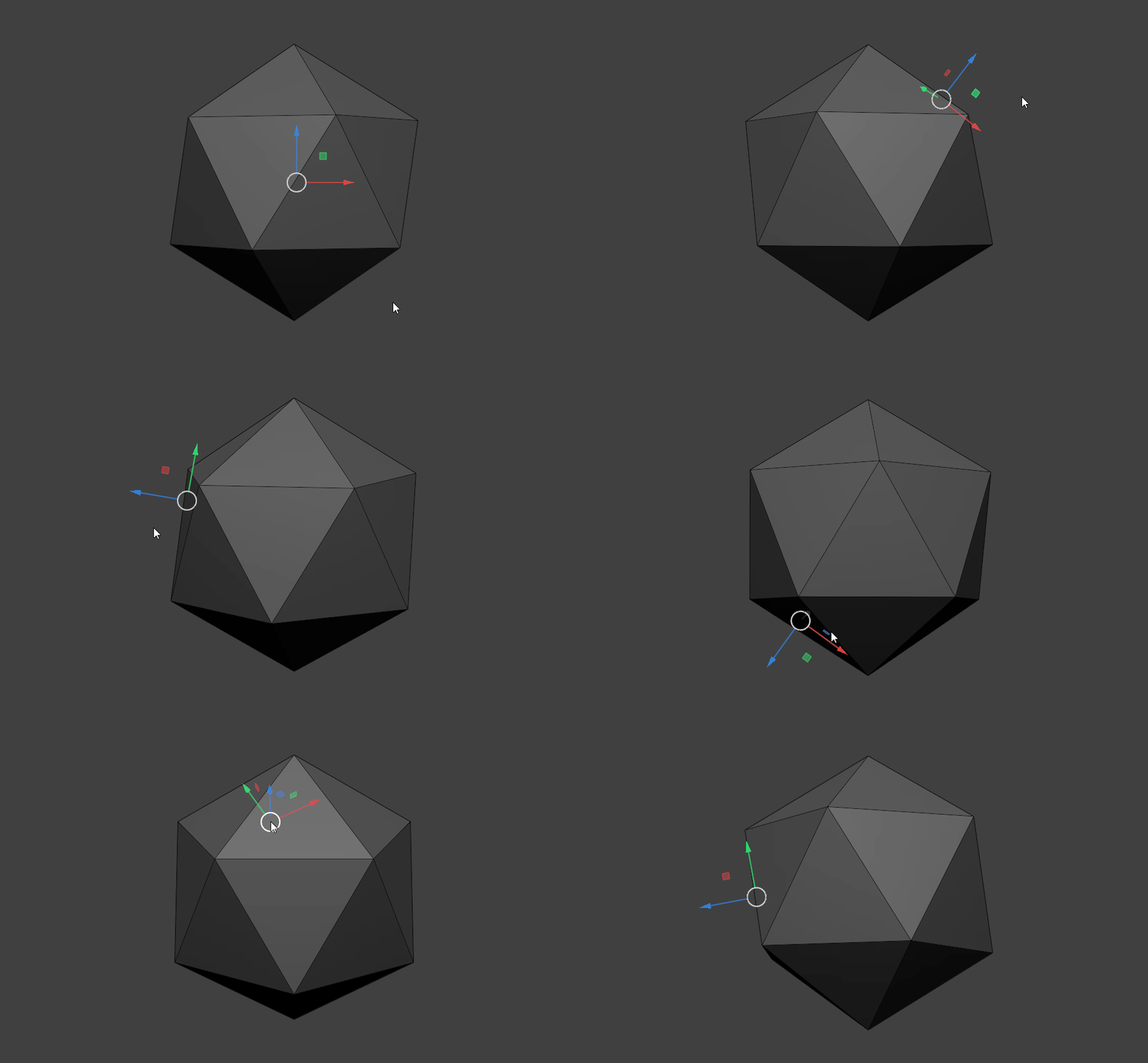
So the proposal is to add an option to the "Pivot to Surface Under Cursor" command to align the pivot according to the surface normal...
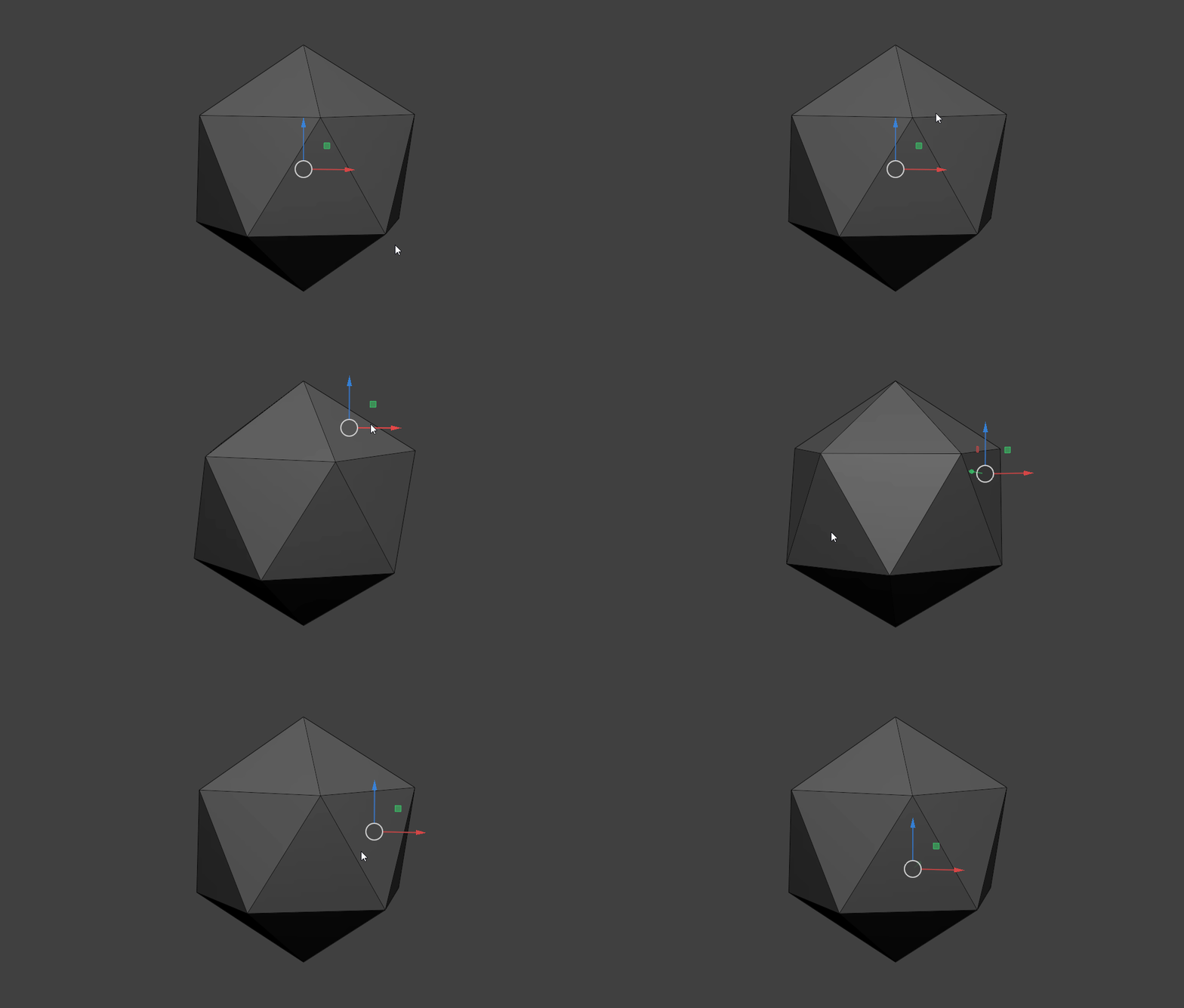
Current behavior (See the gizmo: No alignment) :
Proposed behavior example (Aligning to surface normal) :
6 Comments
This seems reasonable. What would you expect to happen for placing the pivot on or near a vertex? In low poly scenarios I could see a naive implementation causing it to pick one of the faces inconsistently.
Yeah, I forgot to mention... In this situation the pivot should "snap" to that vertex position, and the orientation should be based on the vertex normal.
This is the default behavior in zbrush/nomad. It's clearly way more useful this way. It should be the default in blender too. +1
I wish for the feature to enable freely moving pivot with a key and click, like Alt move pivot in Zbrush. In object mode it can be done with option>affect pivot onky or ctrl + coma key.
We all want that... See: Sculpt: Ability to Position the Pivot Using the Transform Gizmo
Yeah mate, that's crucial ✌️