
specifying the size of the selected in Edit Mode.
it would be convenient for the size of the selected model, length, width, height, volume, and size to appear here in Edit Mode. I don't want to install addons showing the size on the model, it's not often necessary, and it would be convenient to see the size of the model, the length of the edge or the sides of the faces in the menu.
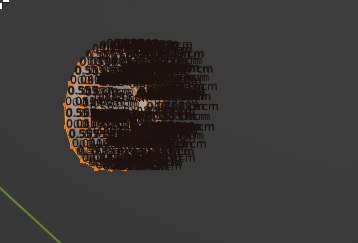
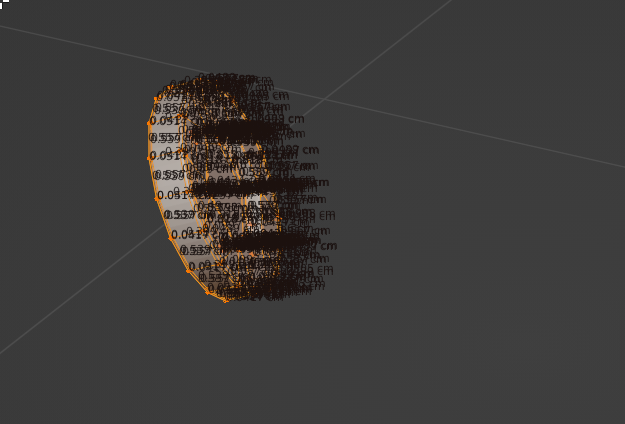
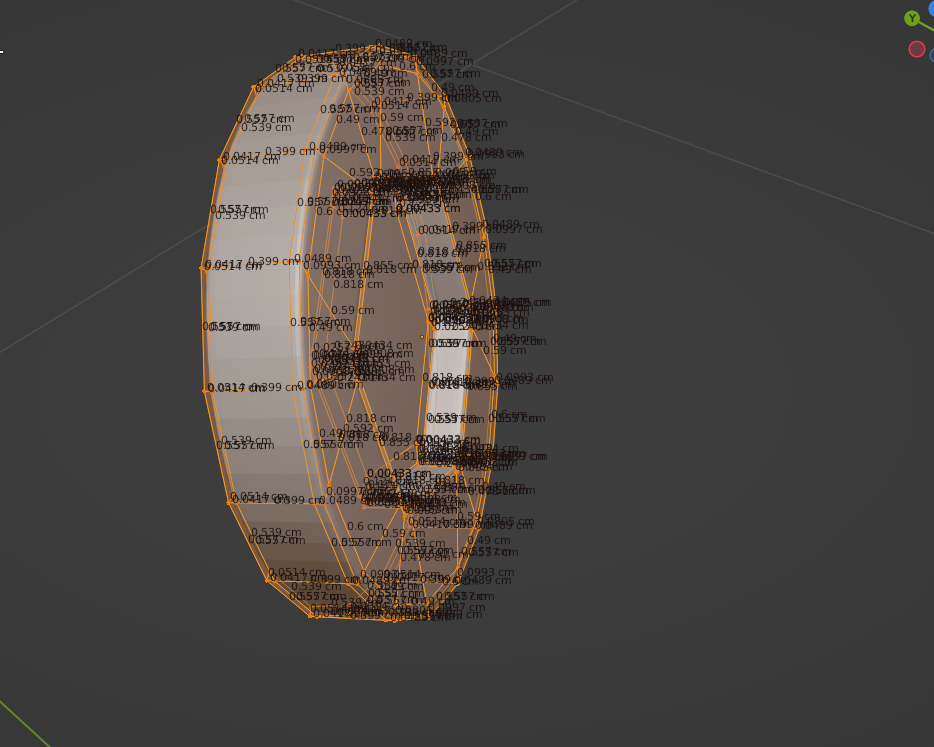
I found a measurement. It's inconvenient when a lot of footnotes are shown on the object itself, everything is mixed up there, the output of footnotes under the arrow would be more beautiful, but it's still inconvenient to constantly see a lot of numbers when highlighting a large number of objects edges or faces
![2023-01-06 22_27_10-Blender_ [C__Users_maksi_Desktop_Shara_Стул1_Стул6.blend].png](/media/2f/2f6ec4373dadfc6dc3c15332f2a05798/2f6ec4373dadfc6dc3c15332f2a05798.png)
![2023-01-05 20_24_15-Blender_ [C__Users_maksi_Desktop_Shara_Стул1_Стул5.blend].png](/media/7d/7d237b779a1bbf8370461fafab732dca/7d237b779a1bbf8370461fafab732dca.png)
![2023-01-05 20_18_48-Blender_ [C__Users_maksi_Desktop_Shara_Стул1_Стул5.blend].png](/media/41/4175bde59cda0c14211a31e5d7089436/4175bde59cda0c14211a31e5d7089436.png)
5 Comments
Totally with you on this, posted a request like this not a long time ago blender.community/c/rightclickselect/PQ1y/
there are measurement options in viewport overlays that shows edge length, angle and face area
I found a measurement. It's inconvenient when a lot of footnotes are shown on the object itself, everything is mixed up there, the output of footnotes under the arrow would be more beautiful, but it's still inconvenient to constantly see a lot of numbers when highlighting a large number of objects edges or faces
Ah Ok, you want see total size of what is selected, makes sense.
so that it was shown in the transform and could be edited.