
Loop cut like 'Swift Loop' when snaps are turned off
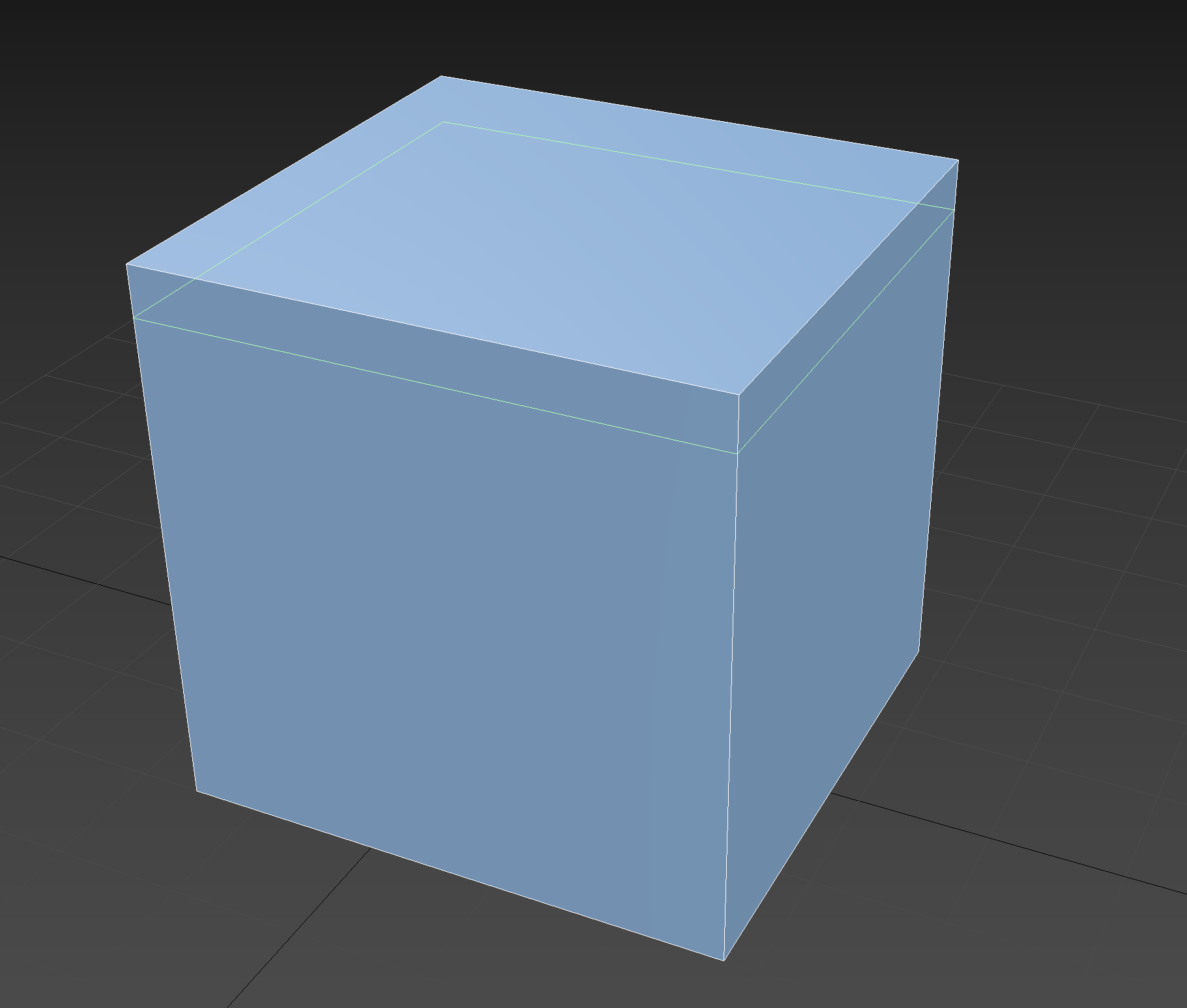
Loop cut should be unconstrained when snaps are turned off. Currently it snaps to the middle of an edge and you have to manually slide it into position. It is much more efficient to move a loop by hovering over with the mouse instead, whereas snaps should be used to position the loop with precision. Just like 3ds Max' Swift Loop.
7 Comments
This is planned but seems to be low priority atm developer.blender.org/T69401
blender.community/c/rightclickselect/1vdbbc/
Yeah, this is quite annoying how it's always in the center, for sure. Under the mouse, or hotkey/option for that would be awesome.
Agree. But this behaviour should be a toggle when activating the loop insertion mode (Ctrl+R). This is important because what if we want to insert more than 1 loop? The current behaviour of equal distribution throughout the edge is more viable for that.
Oh yes max have feature rich options for polygon editing. Really good tool and idea. But blender have a default free add on called snap utilities line please have a look at it.I love that tool while the angle of created edges depends not from the screenspace. Its not activ by default I dont know why but the paid version is even better and every penny worth for a fast workflow.
I was looking at the source code now and managed to get it offset from the center, as a test. It doesn't follow the mouse position (yet)... maybe I can figure it out... but I'm an extreme noob to C / Blender Source Code, so probably not haha. But I'll see if I can manage anything...
imgur.com/a/DeLmVuk
I see: youtu.be/jASd0SF4f2c (Please link to a better example the feature if you know of one.)