
Make overlaying multiple materials on one object easier
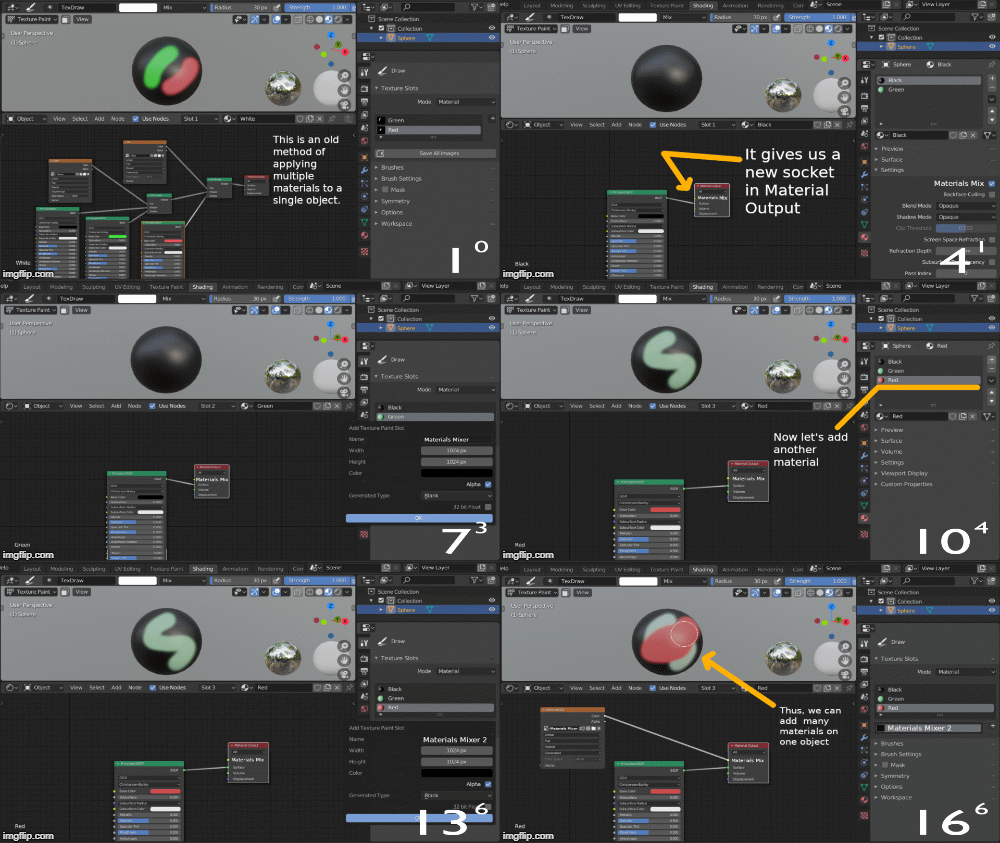
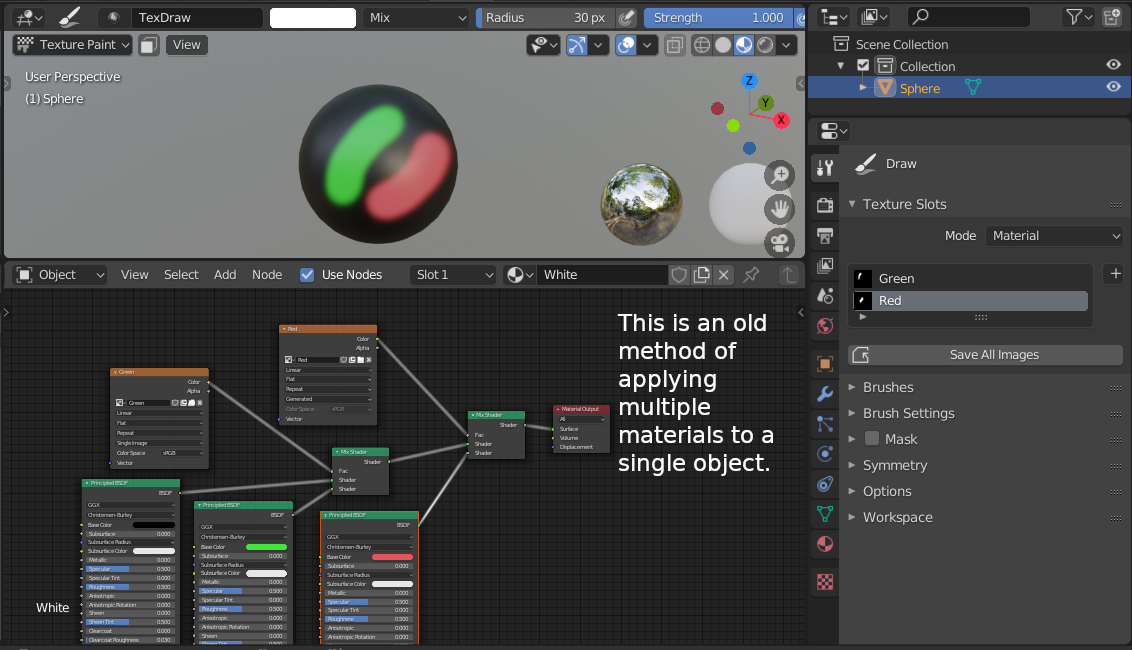
In order to apply one material to another, sometimes you have to use black-and-white textures in combination with the Mix Shader node. But if you apply a lot of materials, then it becomes difficult to navigate in the Shader Editor. It would be nice if the process of applying materials in Blender was simplified. In this post, I present one of the solutions to this problem, which will also make texture mapping easier.
4 Comments
You have a fundamental error with your proposal- you are calling Materials "Shaders", and then using a "Shader Mix" node to blend them. This is paradoxical, because Materials already have shaders (that's what a BSDF is) and can already mix them inside Materials. Another assumption you're making is that- like Substance Painter, every material someone might want to create is PBR (as evident from your 'roughness/metallic/etc' dropdowns. I'm sure there are a great deal of NPR rendering people who would take issue with this.
I'm not saying your idea is bad per se, I just think you need to cast a wider net and think it through a bit more if you want to gain support for it.
* @testure * Thanks, I will change something in my video
Duplicate?
* @IIIFGIII * I did not know about this post. I agree that the same idea is at the core, and that they are very similar.