
Drawing to surface with annotator but instead its vertices
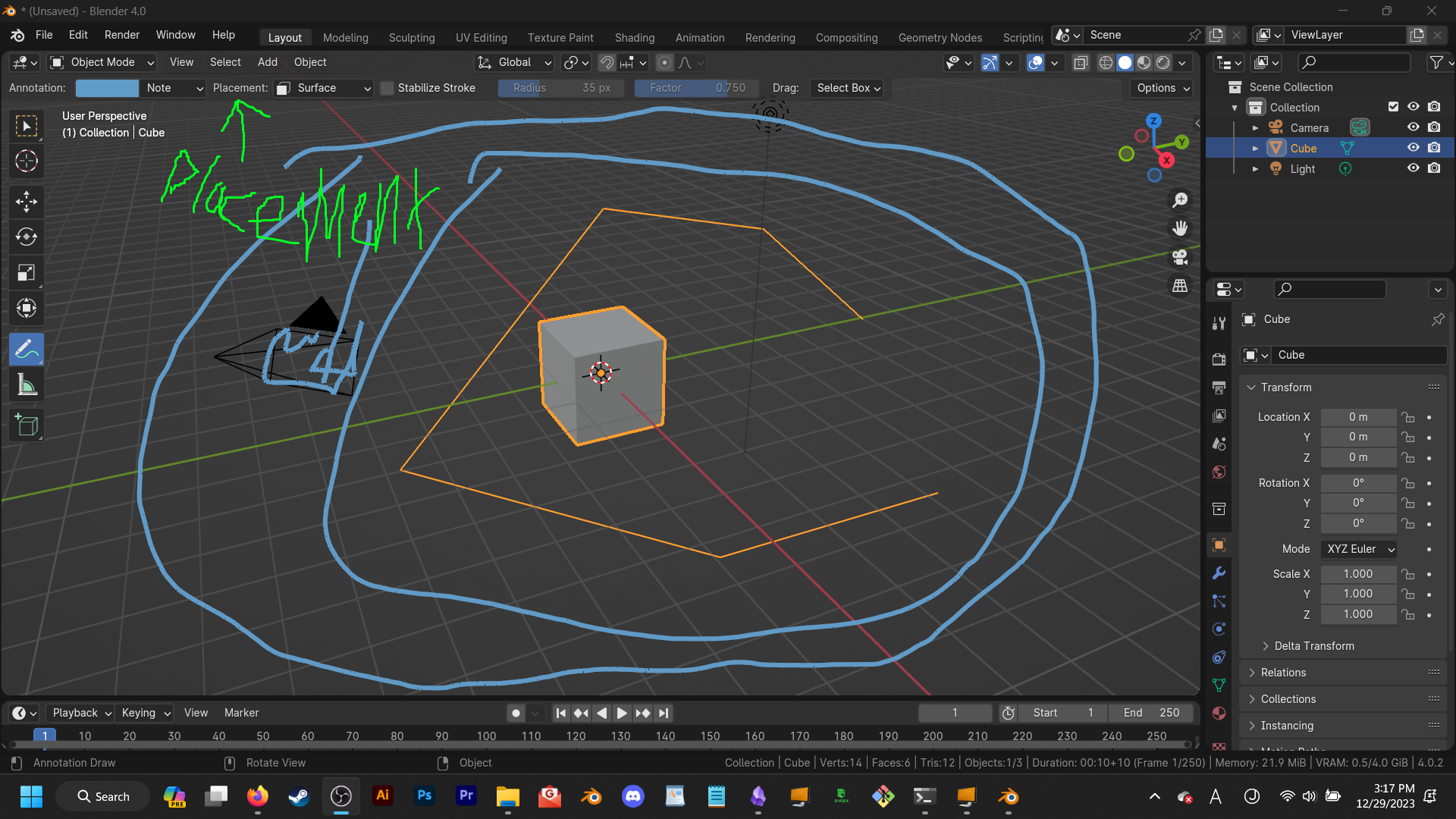
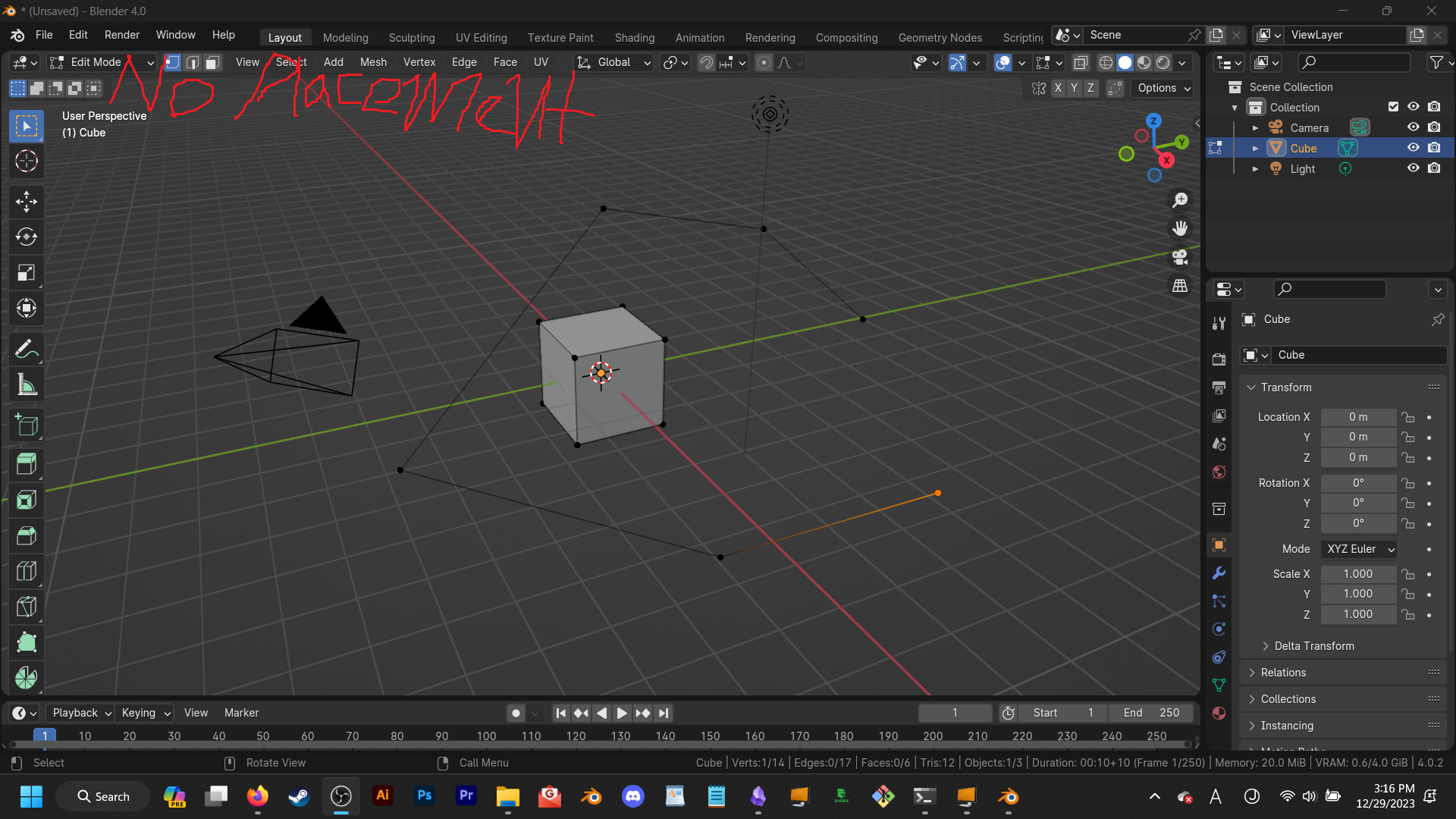
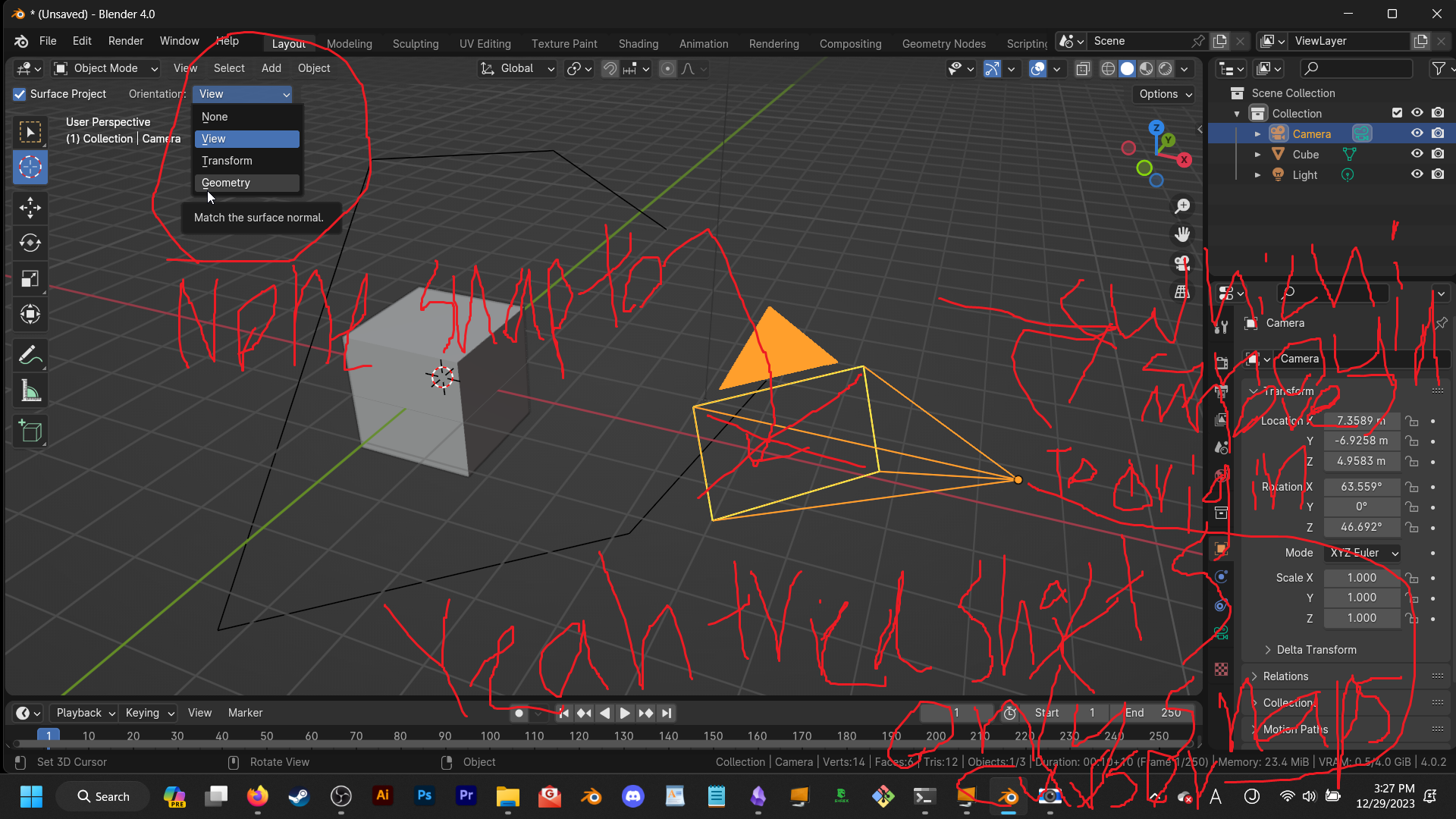
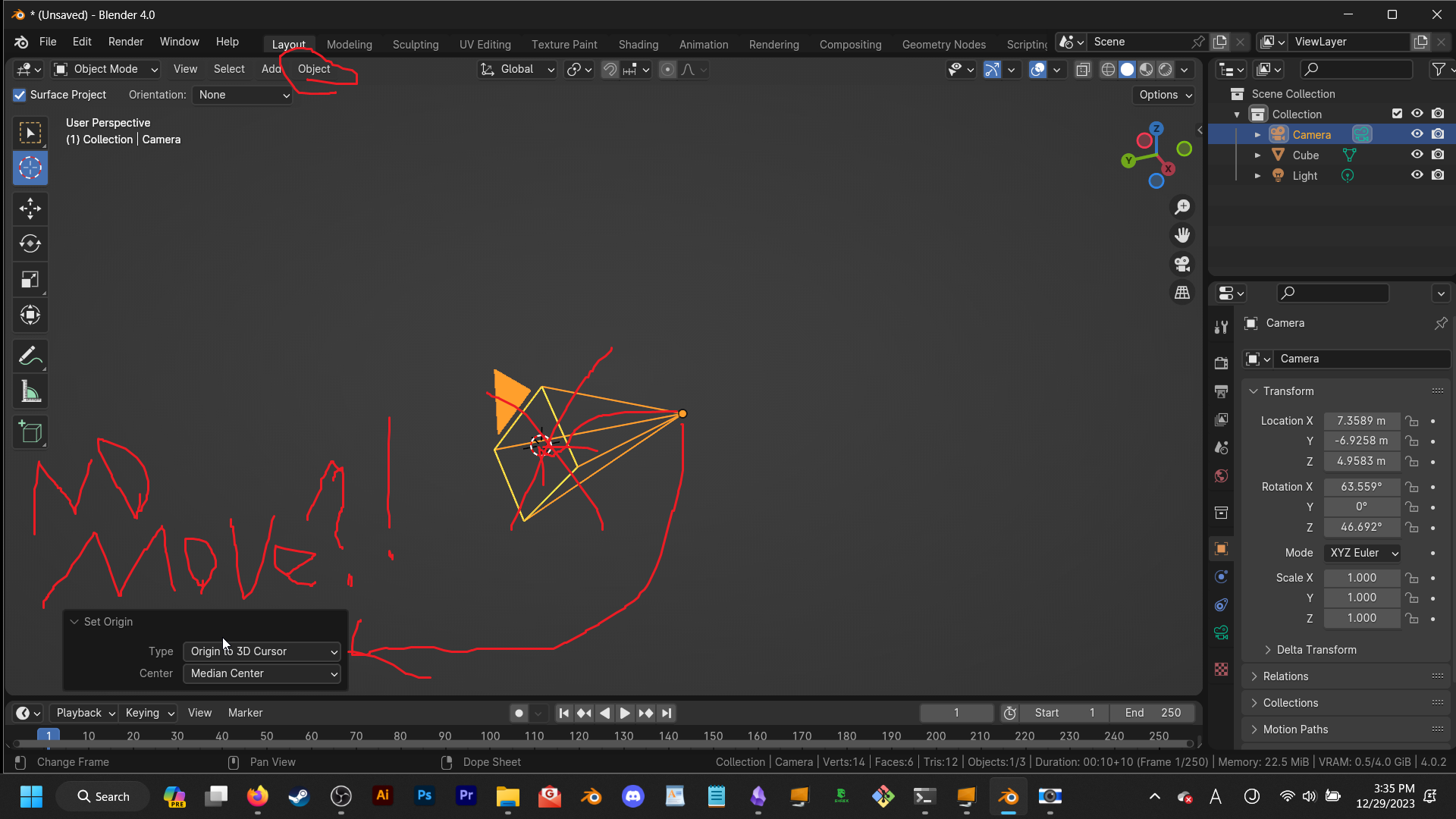
Drawing to surface with annotator but instead its vertices... just kidding, I'll do a bit more explaining. So you know how the annotator, just under the part of blenders UI has a "Placement" dropdown with 3 options; 3D Cursor, View, & Surface? Well, I suggest we should add this to something with which you can sorta draw geomtry, ctrl + righclick for instance. If this is added, I would be very happy, and even more if drawing to the surface of, perhaps a new kind of camera, translated the lines to be flat along the relative Z axis.
3 Comments
Yeah, this is unintelligible.
*me trying to be intelligible "100% unintelligible blender community post speedrun (???% effective)"
Btw, this post is kindof an elaboration of a prior one I made. Also, I was informed to post on blenderartists, but due to my having forgotten that nugget of advice + not knowing how to do so just yet, I thought I'd post it here. Anywho, here's the prior post; blender.community/c/rightclickselect/znAy/
Edit; Totally forgot about draw mode, so I tested it... it didn't turn out the way I wanted... and the UI features detailed in the picture, are not there. It isn't an ideal easy-to-use vertex-drawing-mode, to put it simply.