
Edit default grease pencil object settings in preferences
Problem
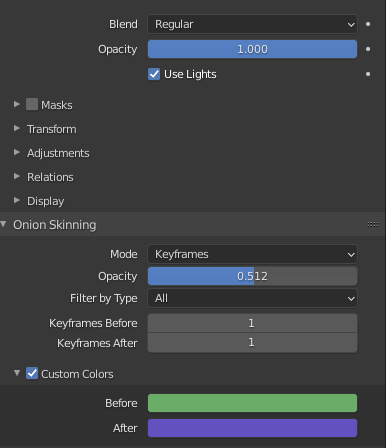
Each time i create a new layer in a grease pencil object i need to remember to turn off 'use lights' in my current project. This is a nuisance.
Proposal
Add a global 'use lights' override for each grease pencil object. When this is disabled, no layers in the object respond to lights, regardless of their individual settings.
And add a 'default grease pencil object settings' section to blender preferences. Here users can specify whether the 'use lights' override should be on or off by default, as well as all values for all other settings groups (Strokes, Onion skin etc).
5 Comments
Even Better: vote for Ability to set Default value for any value / property
There is a global setting to control "Use Light" setting at Object level in the Visibility panel
It would be a great time saver to be able to control this option - I'm working on a 2D project and remembering to disable lights every time I create a layer is not an ideal work flow.
There is a subpanel dedicated to New Objects creation in User Preferences. That would be logical to set-up Grease Pencil objects creation, there. But I am not sure that would be a good thing to have a global switch for every GPO primitives.
IMO, that does not make sense to have Lights ON for Blank and Stroke primitives. But that makes sense for Monkey and Lineart primitives. I think that changing defaults to make them pertinent as mentioned would satisfy most of users. At list, option should be available in F9 panel, because it has huge implication for that type of objects.
* @Ronan Ducluzeau * if your project emulates a traditional cel drawing look (likely to be a large proportion of actual use cases imo) you'll want none of the GP objects to respond to lighting.