
Two-Point Perspective camera view
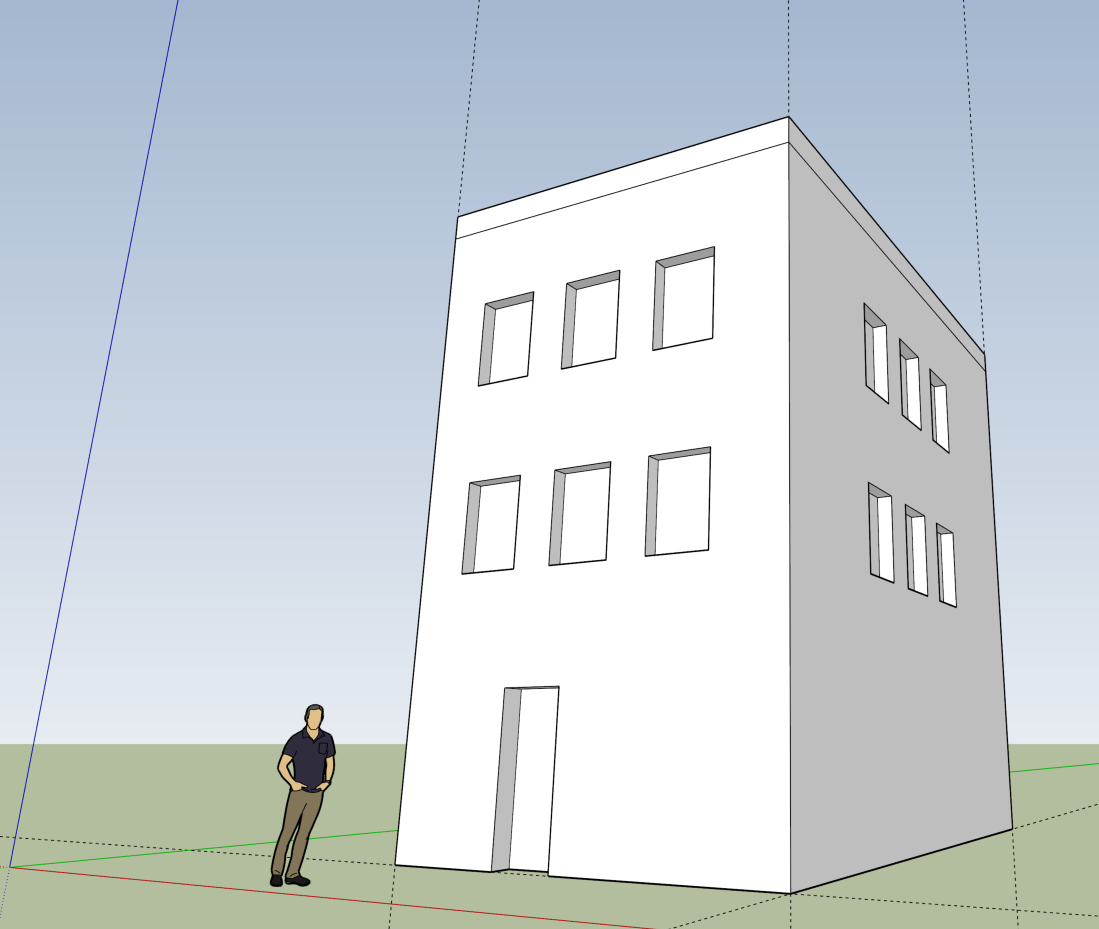
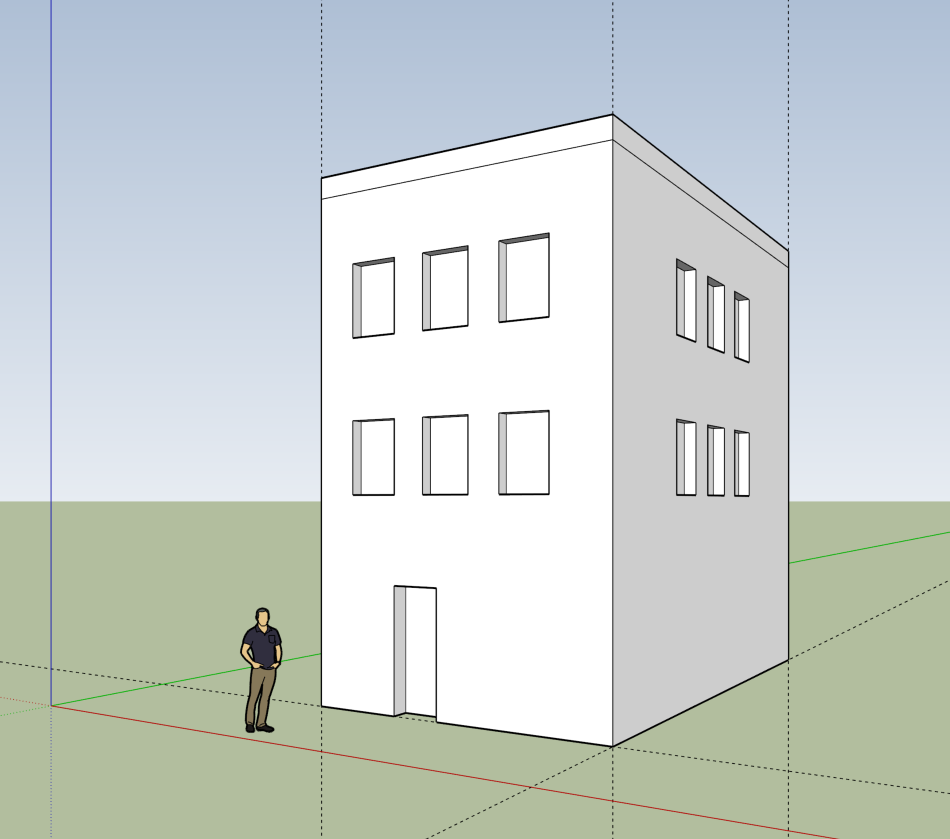
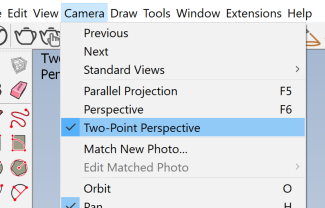
I recently noticed that Blender has no 2-point perspective camera view. Geometrical scenes with vertical lines become weird, pointing inward in the standard Three-point perspective. SketchUp always had had this two-point persp feature and it's a life saver for more beautiful compositions, especially in architecture.
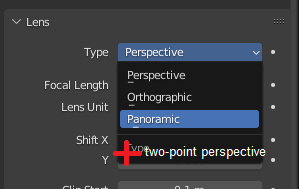
What stops blender from implementing this? I've read online to tweak the Shift Y camera value to compensate that perspective, but it's very manual and i never got it right.
Thanks!
5 Comments
2 point perspective can be created with real-world cameras, and it can also be done with Blender cameras. The default camera is set to a 50 mm focal length with a 36 mm image sensor and no crop factor. Set it to a 18 mm focal length, AKA 1/2 the image sensor, and you get an equivalent FOV of exactly 90 degrees, AKA 45 on each side, AKA the conditions for 2 point perspective where exactly diagonal lines will appear to vanish to the left or right. If you set this up, and also if you have your camera at a rotation of exactly 90/0/45, you'll get diagonal VPs directly on the left and right edge of the camera, like a newb doing 2 point perspective drawing on a piece of paper.
Great answer! You can also use the Shift-Y parameter if the camera needs to be shifted vertically. Considering this solution, I don't think a dedicated camera type is needed and probably too specific. The camera could be set to these parameters and then marked as an Asset if re-use is required.
Thanks for the answer, I knew that it could be faked with your work-around, but that's the thing, it took you a whole paragraph to explain, and i have to read it twice or 3 times to fully understand and execute it correctly. My point is, wouldn't it be way more practical if the feature was already built-into blender rather than have to go through all those steps to achieve 2p-persp? plus, if you want to change the camera position, you have to redo all those steps. And btw, in sketchup, you can have 2p-perspective and the FOV of your choice, it's just so much simpler. I'm still not convinced by the downvotes... maybe programming this feature it's very complicated, idk.
You don't need to redo those steps to change the camera position, and those instructions are incredibly simple (input a rotation and FOV). As long as you only rotate the camera on the Z-axis, the perspective will remain. If you need to move it up or down, you can use "shift Y".
Features are generally rejected here when there's little to no demand for them and they already exist in a very usable form. 2-point perspective cameras can be created easily already and as I mentioned, you can even save a camera as an asset to use in any file. We don't need another drop-menu item for something that simple to create.
Hey, so it's been 8 months, I still have to come to this post every time I want to achieve a 2-point-perspective on my images. I have to recalculate everything again according to my camera settings. Takes me a lot of time to get it correct and not always successful... Don't you think a one-click button would just be easier? Are you really convinced that a one-button click is really unnecessary? There are many architects starting to use Blender and it's one of the main tools we use to achieve a correct perspective (look at any good architectural photo and you'll understand).