
Bether workflow for time line and key frames
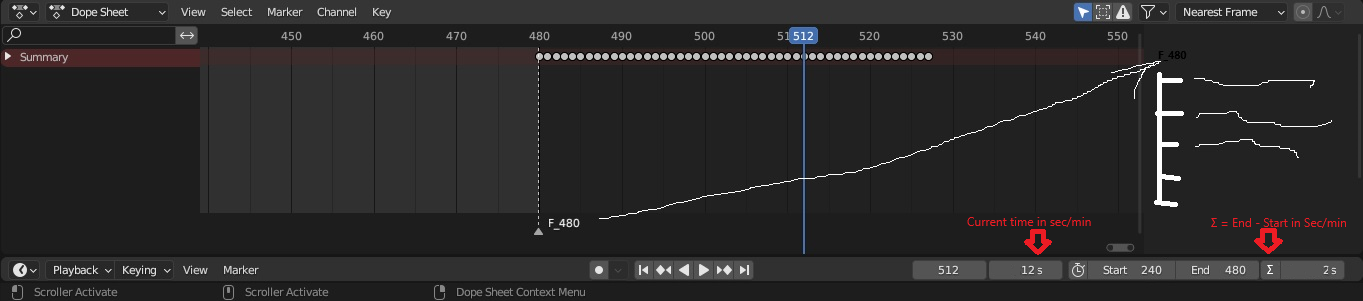
- Add for start, end, current keyframe time without change for seconds and range time between end-start as sum (user often don't know the prepared animation time if planed to cut of part and render as range of, especially if operating here around scale).
- Player control for markers for easy switch to the marker ( like nearest marker not keyframe ), special shorcut for this (eg. ctr+shift arrow left/right for markers, ctrl+ left/right nearest keyframe, ctr+left/right last or first keyframe)
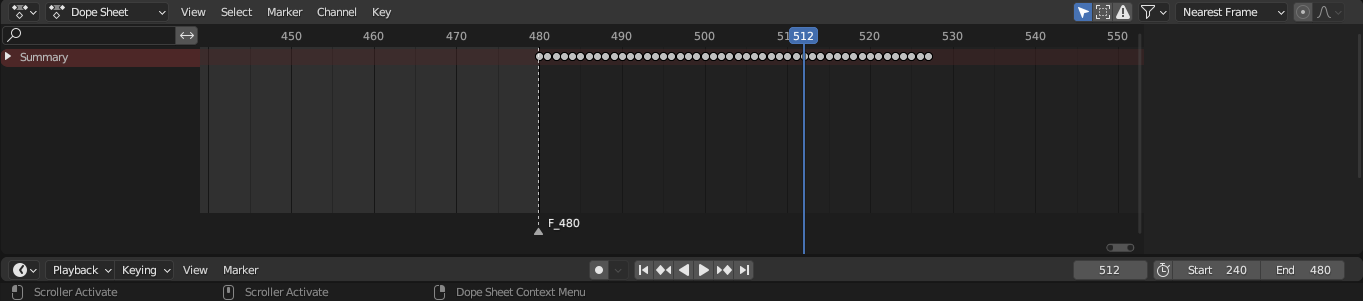
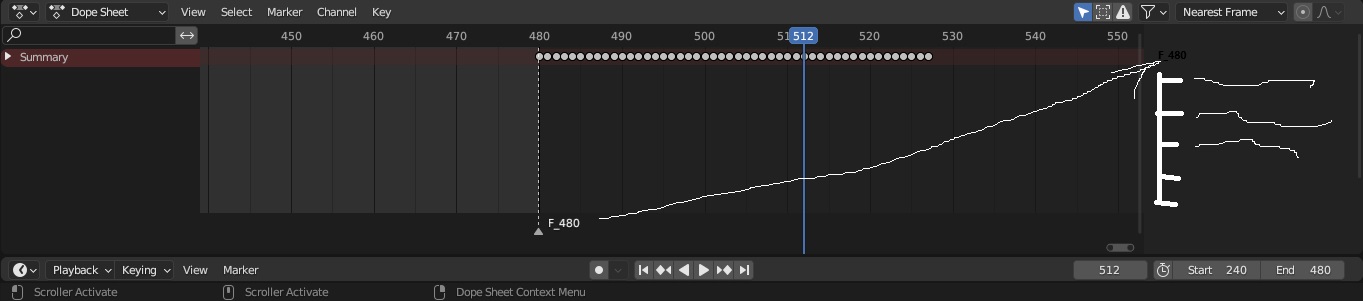
- List for elements on time line
-
Additional elements on tree as:
"TimeMarkers"(can bo on right side, right now is empty tool) - group keyframes to object to easy copy/paste or move
- copy keyframes as atributes projects.blender.org/blender/blender/issues/128245
13 Comments
blender.community/c/rightclickselect/OE3g/ Where is TimeLine current state? blender.community/c/rightclickselect/RP8K/ It's time to synchronize time lines zoom as parallel in several windows
blender.community/c/rightclickselect/NE3L/ Select Markers like diamonds by select box
blender.community/c/rightclickselect/GY4y/ Delete all Markers from time line - in menu
Other conclusion about key frames on time line: blender.community/c/rightclickselect/EZ4N/ Keyframe indicator in belt when moving diamonds
Other related:
Eg. in future by script we can "select" frames betwen two markers to copy/repeat for next frames by "virtual instances" like array.
blender.community/c/rightclickselect/B84x/ Video editor virtual instances for elements and for time line
For me is problem often to calculate start time and end in seconds to apply some part movie in other project if have divided final project to import sequences form many other teams, if they change requirements.
oh you just want to see the time ranges in seconds instead of frames. I see. You can at least see the duration in seconds when enabling the "Scene Duration". developer.blender.org/docs/release_notes/3.6/animation_rigging/
So you want "Jump to selected Marker" ?
Well your proposed KSP types don't exist yet. As for markers you can already see them on the timeline. What is the advantage of seeing them in another menu as well.]
got it
well that just isn't supported yet, but we want it. It's just that nobody had the time to do it yet
blender.community/c/rightclickselect/m2Qr/ KSP - Keyframe Script Python (new type key on time line - with python) - if script can loop a time line, then time must be summarized by whole loop